Dead Computer

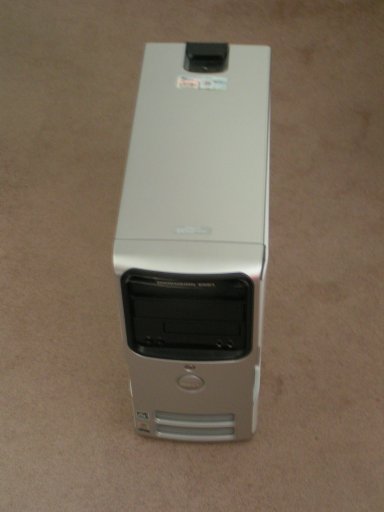
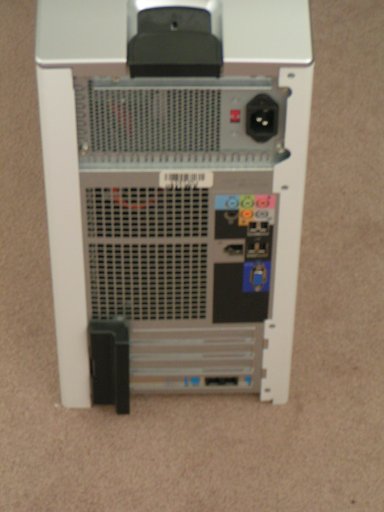
Raising the Dead Computer
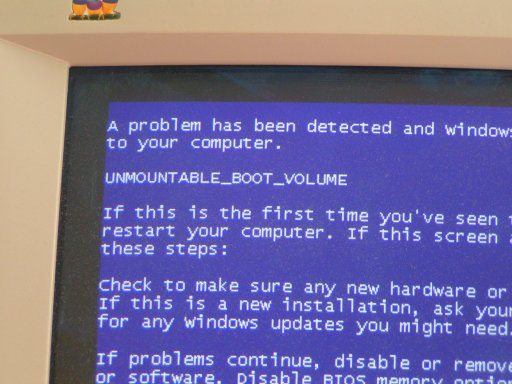
This sad little Dell lost power at a very bad time. The hard drive was corrupted just enough to prevent booting into Windows XP.
Sometimes power goes off without too much apparent damage. A file may be corrupted or unsaved data may be lost. In this particular case the machine suffered a corrupted boot sector on the hard drive. It wouldn't boot at all. It may be repairable or it may obligate a reinstall of Windows XP. Everything may be lost (unlikely, but it's always nice to build a little suspense).
Is it truly a dead computer? A Dead Dell? Read on to find out.
It tried to boot
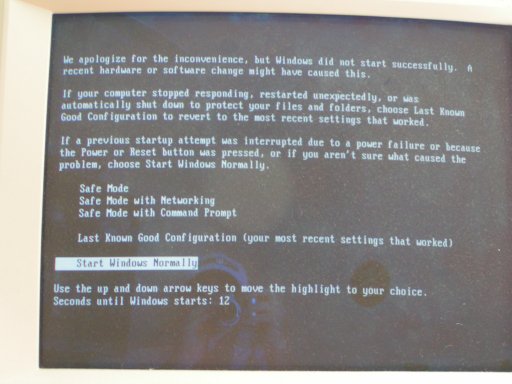
Windows knew it was in trouble. Instead of booting normally it dropped to the Windows Boot Menu. None of the boot options worked, but it kept asking.
At power-up the system dropped to the Windows Boot Menu
The BSOD
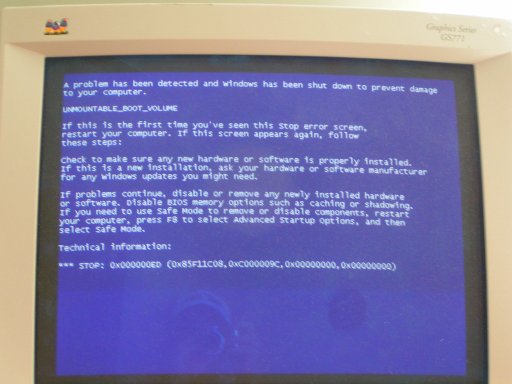
Unmountable Boot Volume
Our Strategy
To heal this dead computer we need to boot from another drive. We insert the Windows XP Installation CD into the CD-ROM (or DVD) drive, change the boot order, and start the system from the CD.
Keep in mind that many manufacturers don't ship an installation CD anymore. They create a second partition on the primary hard drive and store Windows installation files there. That saves them a few pennies, but it puts the customer in a hole. How do you boot without a boot disk? Read your documentation carefully to learn how your vendor has solved this problem. Don't wait until you're un-bootable!
We need to boot from the Windows XP Installation CD
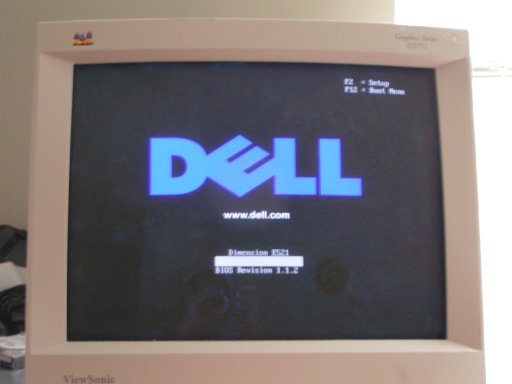
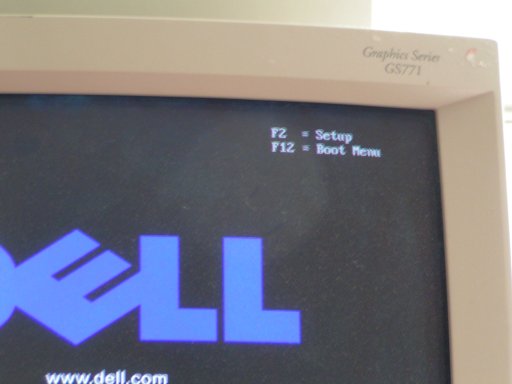
Change the Boot Order
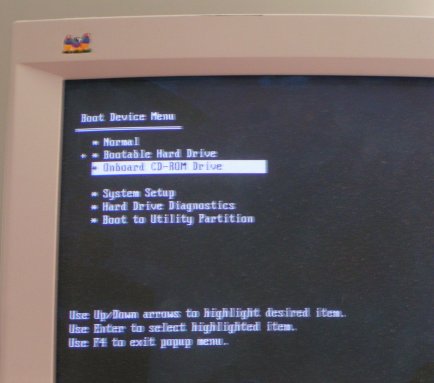
Boot from the Windows Installation CD
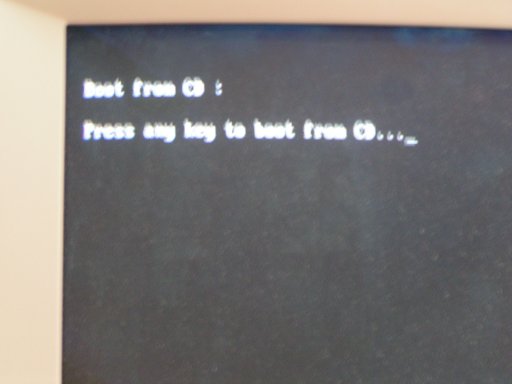
Windows XP Setup begins to load
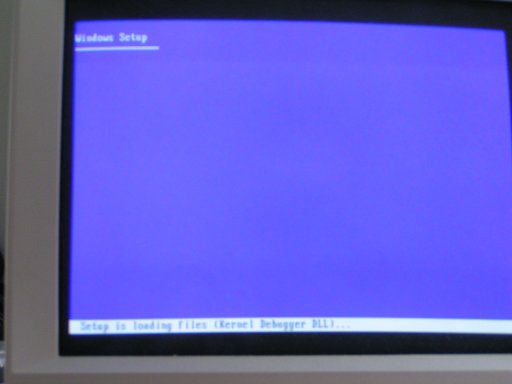
Windows XP Setup Screen
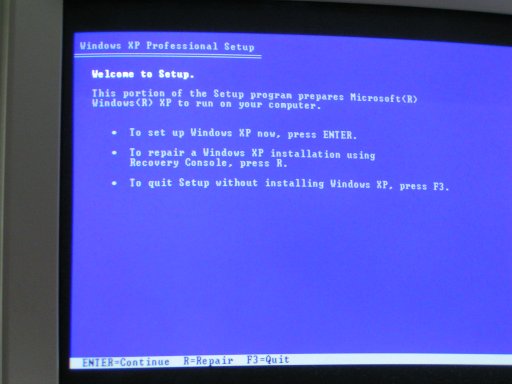
Start the Recovery Console
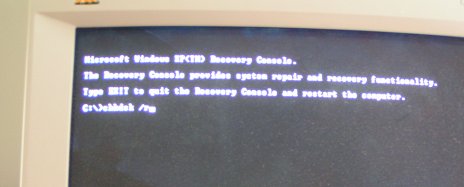
Run the chkdsk command
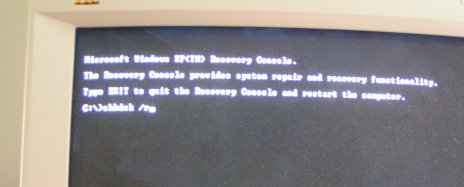
Wait and Wait
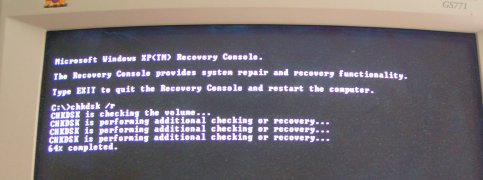
Cross your fingers
When the chkldsk command completes, remove the XP Installation CD from the CD-ROM drive and power off the system. Cross your fingers. Power it up; hopefully it will boot properly.
This one did! After running chkdsk, Windows booted properly and all was well. The Dead Dell was resurrected.