How to Plug In

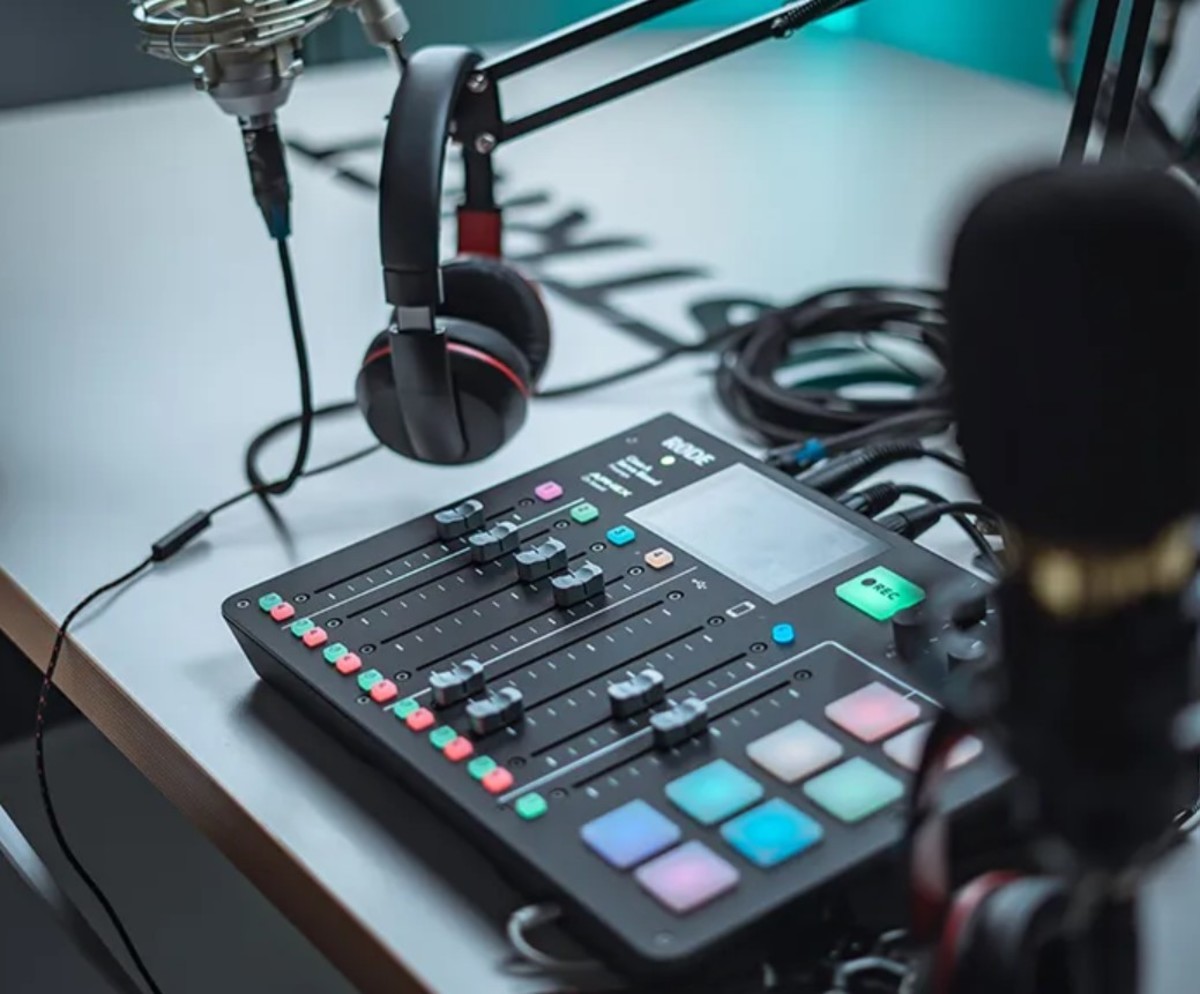
Let's say that someone sent you a microphone for your computer so that you can record a song. You already know all about how to use your XP sound recorder to record for indefinitely long periods of time, despite the sixty second time limitation that microsoft coded into their operating system. The only problem left for you to resolve now is to figure out what to do with the microphone.
Here's a tip: plug it in!
"But how?" you are probably asking yourself. After all, you are not a computer geek. You have never plugged a microphone into a computer before. It probably takes all sorts of expertise to accomplish this.
Relax. It's not all that different from the non-computer related experiences that you have already had with microphones. If you can plug a microphone into a cassette recorder, you can probably plug a microphone into a computer. Just follow these user friendly instructions.
A 3.5 mm jack plug: It looks very familiar!
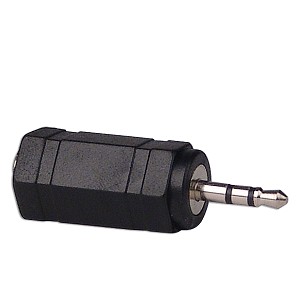
There are two types of plugs commonly used on microphones for personal computers today. The first of these is a trs connector known as 3.5 mm jack plug. It looks very familiar, because this is a design that has been around since 1907. If you ever had a transistor radio, chances are you could plug an earphone with a 3.5 mm plug like this into it. On your standard cassette recorder, you probably plugged in using a 3.5 mm jack plug. It isn't any harder to plug this kind of mike into a computer than it is into other, more outdated equipment. This is really old technology. In fact, it's over a century old.
The second type of mike is one that plugs into a USB port. USB ports are a much more recent invention. They came out in 1996, and so if you have never heard of it, then you are only about thirteen years behind the times. USB stands for "Universal Serial Bus".
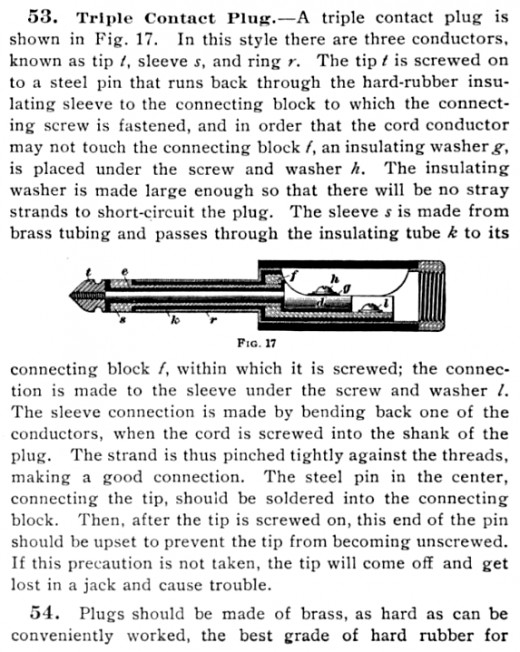
Description of trs connector from 1907
The jack plug is the male connector -- to plug it in, find a corresponding female connector
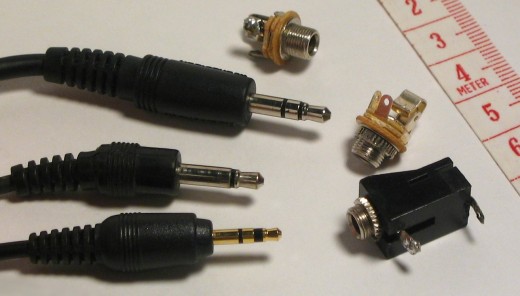
Male and Female He Made Them
In both the case of the 3.5 mm jack plug and the USB port, the male connector is on the mike, and the female connector is a part of the computer. Male and female is a metaphorical extension of a biological concept. If you can recognize the difference between males and females in the animal world, you can probably figure it out as applied to electronic connectors.
The female connector in the case of the 3.5mm jack is usually found on the front of a laptop, but on the back of a desktop. There is a symbol for a microphone printed next to the jack. It is usually located close to another similar jack with a picture of earphones. Sometimes it is color coded in red, but not always.
Even a chimpanzee, when properly motivated, can plug in a 3.5mm jack plug and thereby install a mike. Bow and I made a video just for you, to show how it's done. Bow had no trouble locating the female connector, but he was reluctant to go all the way. He was very gentle with the mike and the connectors, and perhaps he was afraid of damaging the equipment, on account of his superhuman strength.
However, you need have no such fears. You can plug it right in.
A chimpanzee can plug in a mike with a 3.5 mm jack plug
Where to plug in -- circled in red
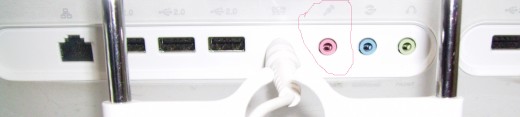
USB Port
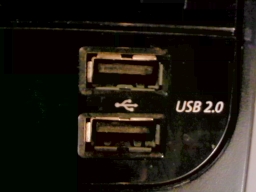
Installing a USB Mike
Installing a mike into a USB port is a little bit harder, and may require the patience of a very small human child. You must first locate the USB port, which can be on the front, sides or back of your computer. On older models of desktops, it will be at the back.
Once you have plugged in the connector into the USB port, you may also need to install a driver, which is a kind of software the computer uses to access the new piece of hardware. Below I have embedded a video made by a small child shown installing the USB driver for a mike.
Even a small child can install a USB driver

Overcoming Your Inhibitions is the First Step
There is nothing all that difficult about installing a mike on your computer. A chimp can do it. A child can do it. And, yes, you can do it, too! The first step is to overcome your inhibitions. It's okay to plug a male connector into a female connector. There is nothing to be embarrassed about!
So give yourself a good pep talk and have at it! Can you do it? Yes, you can!
(c) 2009 Aya Katz