- HubPages»
- Technology»
- Computers & Software»
- Computer Hardware
How To Add More RAM To Your Computer

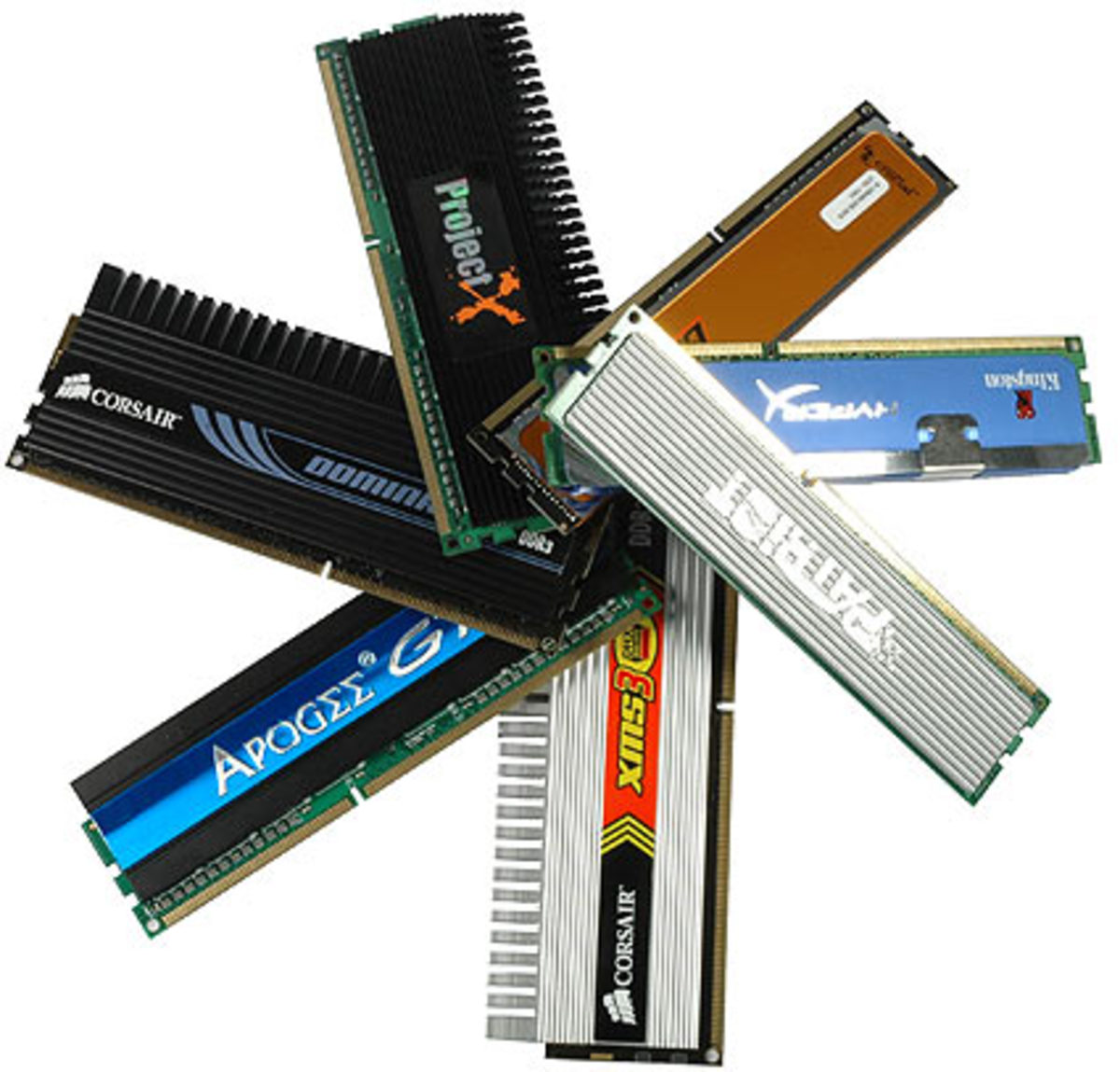
If you want your computer to be FAST, you absolutely must read this. One of the biggest frustrations that computer users have is that their computer is slow or that it is performing more slowly than it did when they first purchased it. There are several factors that contribute to a slow functioning computer. For this article we will focus on how much adding more RAM to your computer can improve both its speed and functionality. This simple addition of computer memory to your computer can make a huge difference. It's hard to believe that as little as a one GB RAM chip can make such a huge difference but it can.
More RAM can turn you slow computer into a well oiled machine. This is because there isn't as much of a strain on the computer's processor when you add extra RAM. Adding RAM can be one the best things that you can do to improve the performance of your computer. You will definitely notice a difference in the way your computer runs after adding more RAM modules to your computer.
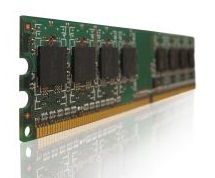
What Is RAM?
All computers require memory in order to function. The memory that a computer uses is called random access memory. It can be somewhat confusing as to what random access memory actually is. Think of this analogy to help you understand how a computer uses memory modules.
When an office worker arrives at work and sits down at his or her desk, one of the first things that he or she does is to remove files from the filing cabinet and put them on the desk so that they can work on them. Think of the filing cabinet as your hard drive and think of the desk as your random access memory. If the office worker takes too many files out of the filing cabinet and clutters up the desk, his or her to efficiency will go way down. The work rate will be much slower because they have put too much stuff on the desk. It becomes hard for the office worker to find the necessary files. In some cases files need to be put back in the filing cabinet, and retrieved several times during the day simply because the desk isn't big enough. This will slow the work rate down tremendously. The only way for the office worker to have enough space for all the work is to get a bigger desk. As I mentioned before, the desk is analogous to the random access memory in your computer.
When you start your computer, the files and programs that your computer needs to use to function are retrieved from the hard drive and opened. As you begin to work and continue to open more files, the amount of RAM that is available to your computer goes down because you have so many things open or the file or program that you are using requires a lot of RAM. It's similar to the office workers desk becoming too cluttered. At this point, your computer will attempt to close certain files, and reopen them later as they are needed. This may happen several times during your computer session. This will slow your computer down tremendously and can often cause your computer to crash. This process is called caching data to the hard drive.
The way too help your computer work more efficiently and faster when you are using too much RAM, is to install more RAM. Here is where adding as little as a 1 GB RAM module can help.
Selecting RAM For You Computer
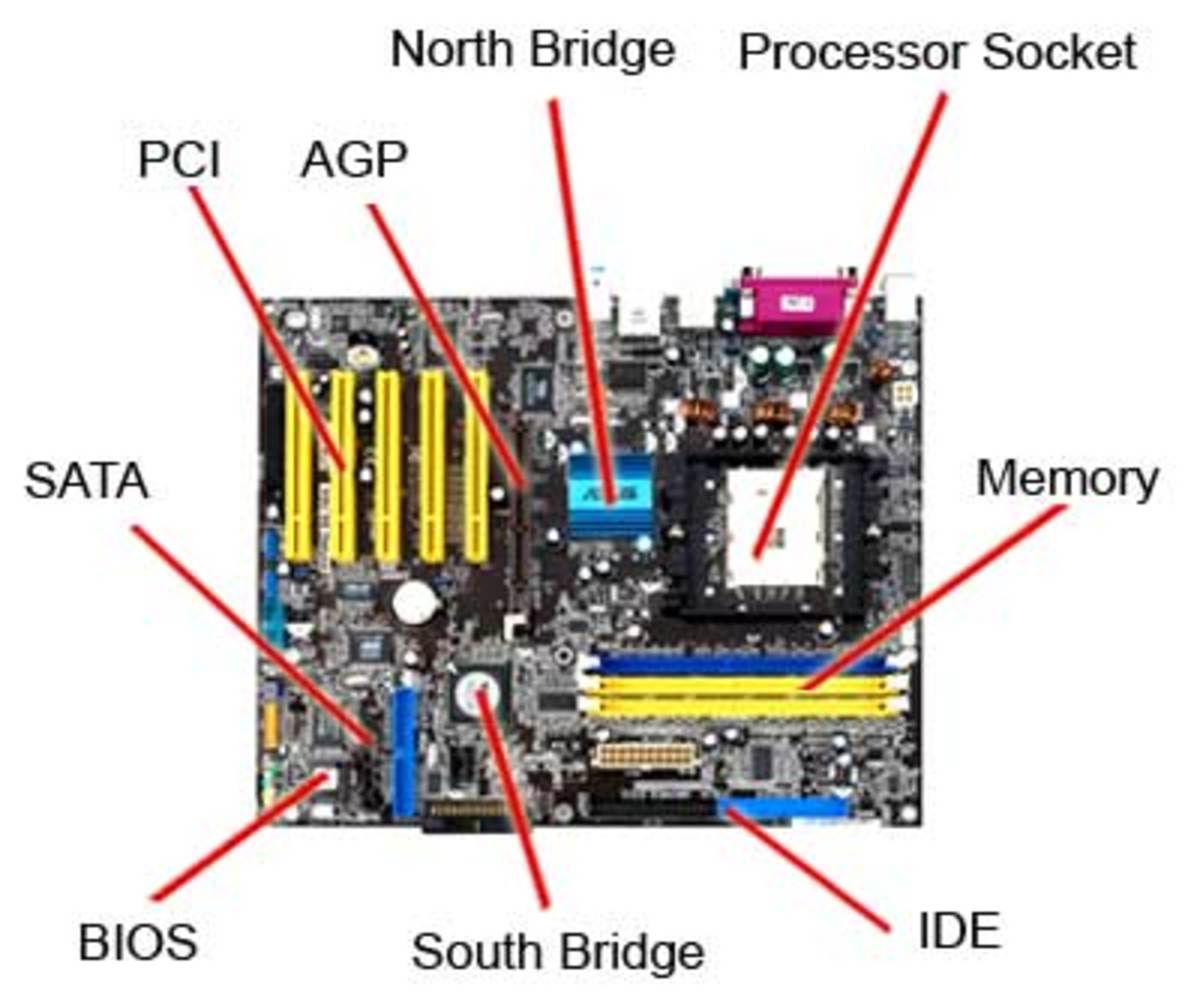
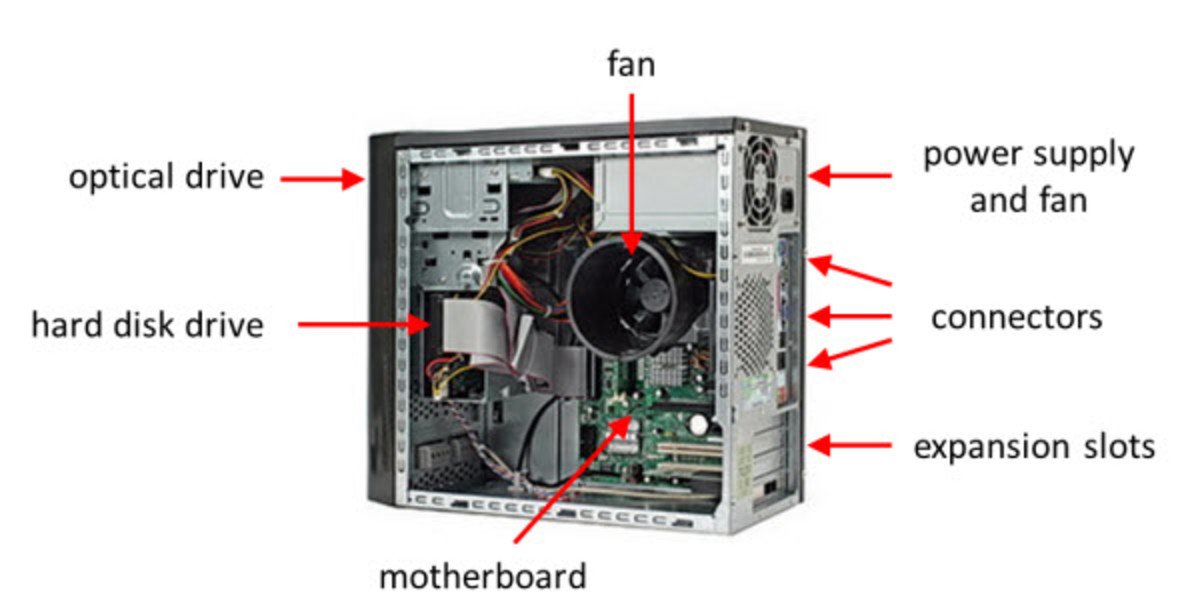
hen you decide that you are ready to add RAM modules to your computer, the first thing you need to do is find out exactly what type of computer memory your computer users. You can often find this information in the owner's manual that came with a computer. The best way to know exactly what you need is to open the computers case and actually look at the ram modules.
Before opening a computer case, make sure that you not only turn the computer off but you physically unplug the computer from the wall.
In most cases there will be a couple of screws that you can remove to gain access to the inside of the computer case. Many times these screws are actually thumbs studs and can be undone with your by hand. Regardless of how yours is setup, you need to remove the screws. They will be in the rear of the computer case.
After removing the screws, you will usually be able to slide the side panel off of the computer case to see inside. Before touching anything inside the computer, you must discharge any static electricity that your body may have stored up. The easiest way to do this is to touch the metal case of the computer before touching anything inside the case. This is an effective way of discharging stored up static electricity. If you neglect this step, and you have static electricity build up in you, you may damage sensitive electronic components in your computer when you touch them.
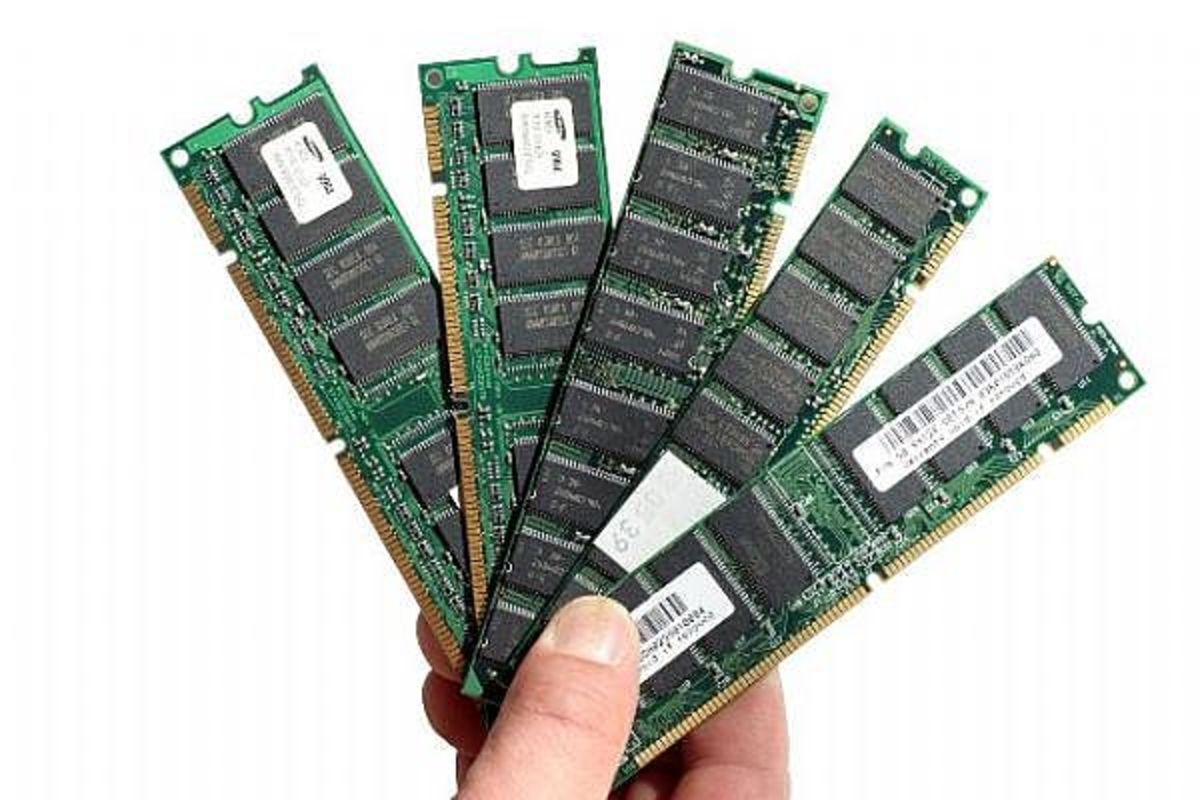
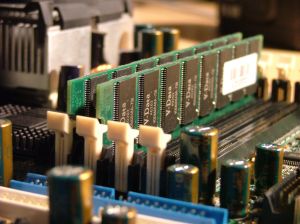
Next, find the RAM memory modules, disengage the retaining clips that are on each end of the module and gently to remove the module from its slot. The ram chip will have its type and size written on it. Use this information when ordering your new 1 GB ram modules.
When you purchase new ram modules, be sure and purchased the exact same type. The brand isn't crucial but the type of ram is. Match this type up and you are good to go.
Installing The New RAM Modules
Now you are ready to install the new additional ram modules into your computer. Before opening the new ram module it's important to remember the static electricity lesson we learned above. Touch the metal on the case of your computer before opening the package to discharge any built up static electricity in your body.
When you have the module package open, remove it from the package and inserted into the computers RAM module slots in the reverse order in which you removed the chip to find out what type you needed to purchase. Use caution to line the chip up properly. It's often necessary to use a little gentle but firm pressure to get the 1 gig ram modules to seat into their slots properly. Be sure and remember to click the white retaining clips into their closed position.
While you have the case open, this is a good time to do some spring cleaning. Purchased a can of compressed air that is specifically designed for use in computers and thoroughly blow out any existing dust in the case.
Next, replace the side cover and reinsert to retain screws. The final step is to power the computer up to make sure that your computer has identified the new RAM properly.
RAM Installation Video
Here is a short video demonstrating the procedures listed above.