- HubPages»
- Arts and Design»
- Graphic Art & Design»
- Design Software
Photoshop Tutorials : 12 Awesome Fire Effects Tutorials(MUST SEE!!)

This is my first hub that i wrote by myself. My hub is focusing on photoshop tutorials. Well, for me personally Learning Photoshop is great fun. Especially if i or you can find cool and free tutorials. The problem is to get an inspiring tutorial is as hard as to find a great teacher. But do not be disappointed once before, in this hub i will give you 12 awesome fire effects tutorials. All of this tutorials aren't created by me. I'm only found it all from many sources and thought it would be worth enough if share them to everyone who learning design graphic, digital art or photoshop. Enough talking !! here you go....
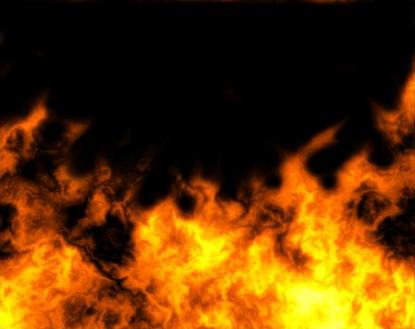
1. Wanna make realistic fire with a few simple steps? You were in the right path!! This first tutorial is the simplest but sufficient quality.
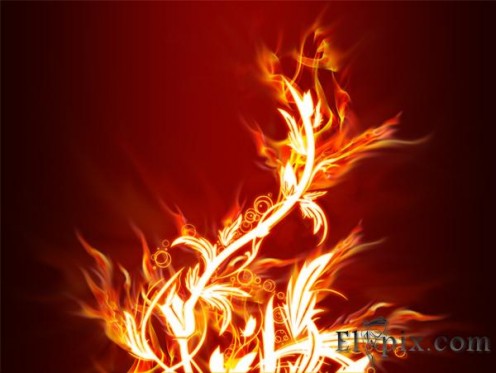
2. This 2nd tutorial is more complicated than the first. You need to use photoshop tools properly. But the end result you get the artistic fire effect.
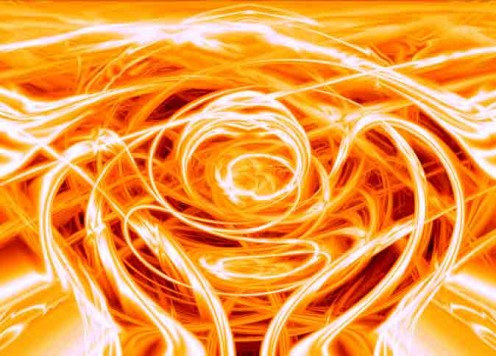
3. This tutorial will give you a different methods in making effect. Not too simple but easy to follow
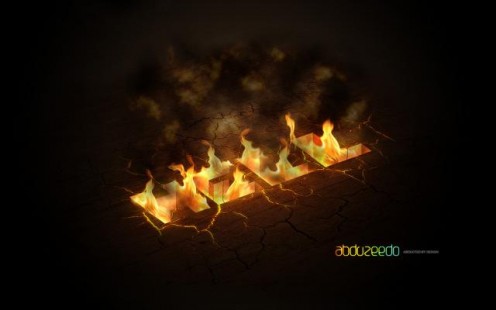
4. You'll learn to create a 3D text with fire coming from the inside of the document like a hole. COOL! Every tricks will be explained very well in this tutorial. HAVE FUN!
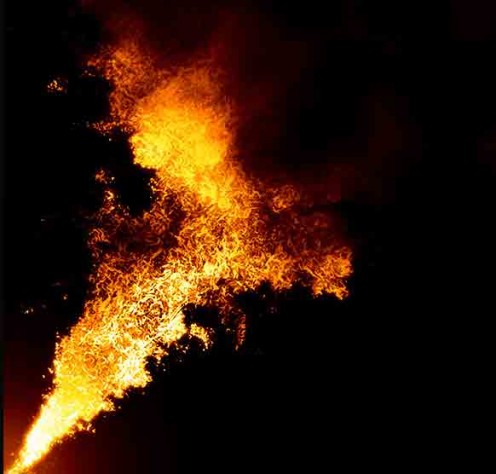
5. This tutorial is a pretty exciting when followed. Although in the end you have to be more creative for a more satisfactory results. After following this tutorial try to combine it with your own methods.
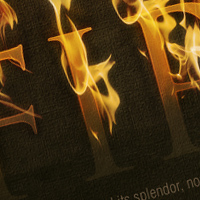
6. In this tutorial you will be taught to create a dramatic fire effect by using the photograph of fire. This tutorial is ROCKS!!
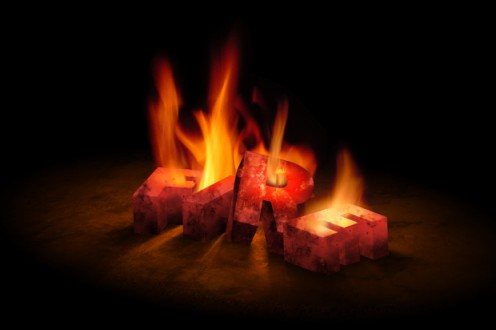
7. Yay! Another 3d burning text. I think this tutorial is not too difficult to follow for the newbie. But you must carefully follow the steps.
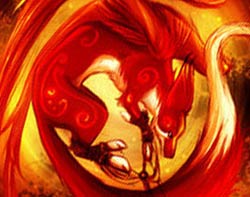
8. It's time to step forward for more complicated thing. You'll understand what I mean when you view this tutorial.

9. To be Honest! This tutorial is hard enough enough to follow. You need more variety in the use of brush tool. But you will not be disappointed with the effect details. Enjoy!

10. Some of you maybe have seen this great tutorial. And until now, this is the best tutorial for me to make a realistic fire effects. Very flexible, cool, and easy!! thx to this great tutorial.

11. Well, tihis one is more complicated than the previous tutorials above, because as you follow it will take a long time. About 12 - 24 hours. OMG!?!! I'm not kidding guys .... So ...i really suggesting you to use graphic tablets for far better result.
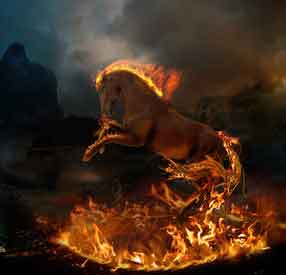
12. This is the hardest tutorial. You need to use your sense when following this tutorial. BTW you will not be able to complete all the steps in this tutorial well, if you do not have graphic tablet (tablet pen). If you not have it, buy it now!! If you confuse when choosing a good graphic pen, You can buy them through my hub. ENJOY!
--------------------------------
- Online CNA Classes - Only Accredited Online Coleeges Listed Inside!
Looking for online CNA classes? Beware of Scams! Make sure you choose the right college that is accredited. We have already done the hard work for you, see the list of accredited online colleges that offer nursing assistant program in this page.