How to Clean Computer Screen

Everyone who owns a computer has a computer screen. For a computer is nothing but an expensive piece of hardware without the monitor to graphically display what you are doing. Yet when you use a monitor you will quickly notice it has a nasty habit of attracting dust like a magnet and accidental smudges. If you're not careful in how you remove them, you can cause permanent damage to the screen, especially LCD screens.
Fortunately, there are many ways to clean a computer screen, whether it be for a desktop or a laptop. The key is knowing which type of computer screen you have for the two types require different cleaning methods and using the wrong cleaning method can be devastating to the long term viability of your screen.
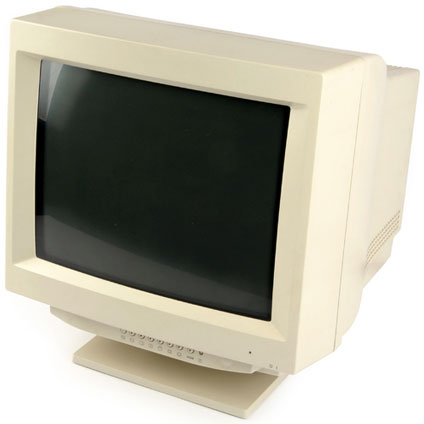
CRT v. LCD
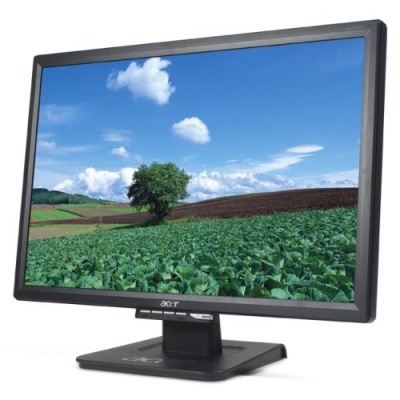
A different cleaning method is required depending on which type of monitor you have. There are two main types: The Cathrode Ray Tube (CRT) and the Liquid Crystal Display (LCD) . The CRT can be recognized by its glass screen and bulgy size and has become less common with the efficiencies of the modern LCD. Called flat panel monitors, an LCD can be recognized by it's skinny size and pixels. They can be bought for desktops and are often used for laptop screens or flat panel TVs. LCDs lack a protective glass covering.
Cleaning an LCD Screen
How to Clean CRT and LCD Monitors
Cleaning a CRT Screen:
- Turn off your monitor
- Dampen a soft cloth or paper towel with water, Windex or a mild cleaner
- Wipe the glass in circular motions
- Never spray a liquid directly onto the monitor
- For another approach, follow the steps for cleaning an LCD monitor
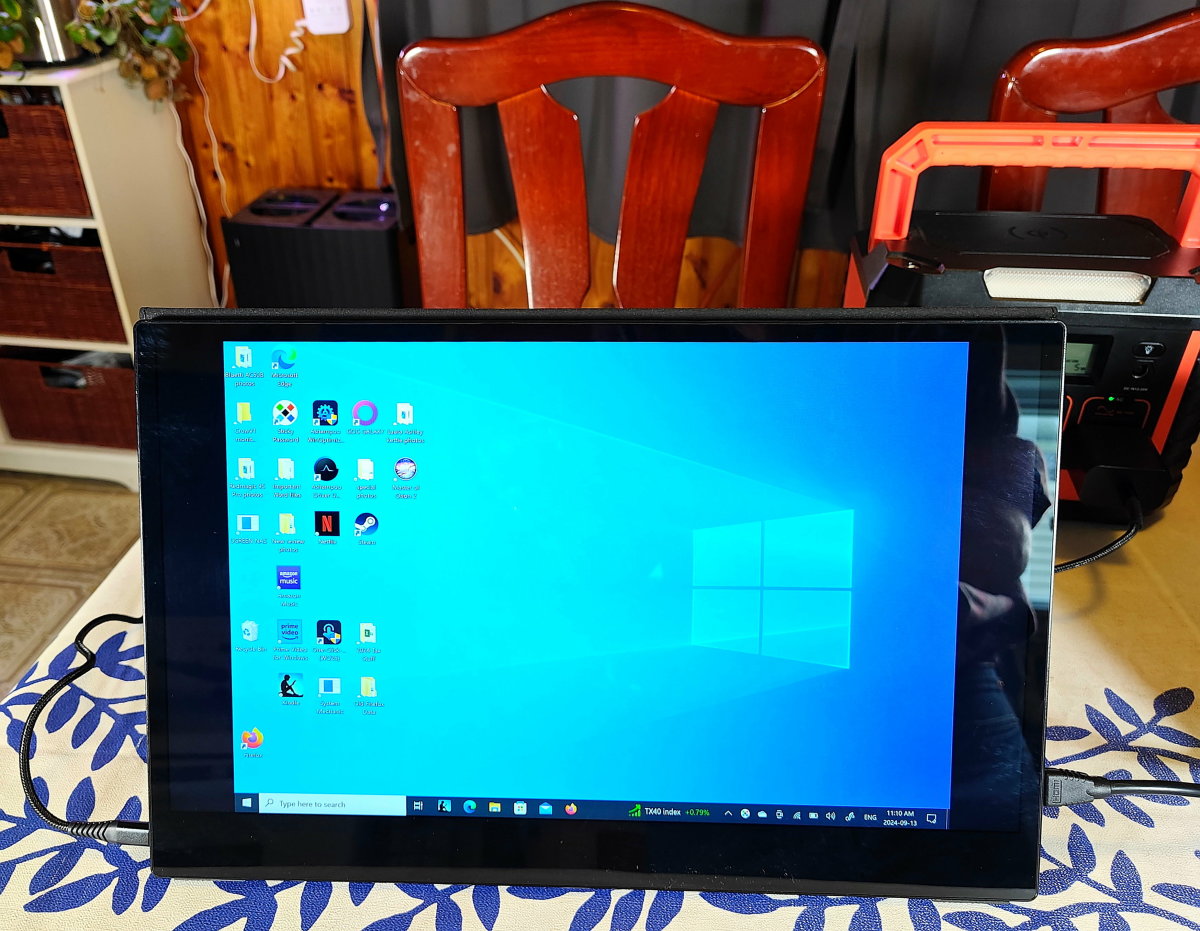
Cleaning a LCD Screen:
- Unplug or turn off the LCD Monitor
- Use a very soft cloth - eyeglass, Microfiber, or lint free cloth
- Wipe the LCD screen very gently to remove dust and other particles
- If dirt remains, dampen cloth with distilled water, an approved LCD cleaning kit product or a 50/50 water and white vinegar or Isopropyl Alcohol mix
- Wipe LCD screen with damp cloth (should not drip or leave water marks) very gently in circular motions
- When in doubt follow manufacturer recommendations for cleaning
- This method works for TV screens as well
For LCD's, Do NOT Use :
- Paper Towels, tissues, used rags or any other abrasive items
- Tap water (minerals in water could stain or leave marks)
- General cleaning products or anything containing ammonia, ethyl alcohol, acetone, toluene, ethyl acid, or methyl chloride.
- Excessive force or pressure against the screen to remove stuck dirt. You could cause permanent damage.