Gimp Computer Art Software

58
rate or flag this page

By Wayne Tully

Gimp Software

Gimp - An art software just like photoshop but free. image copyright Gimp 2009.

Gimp The Free Computer Art Software

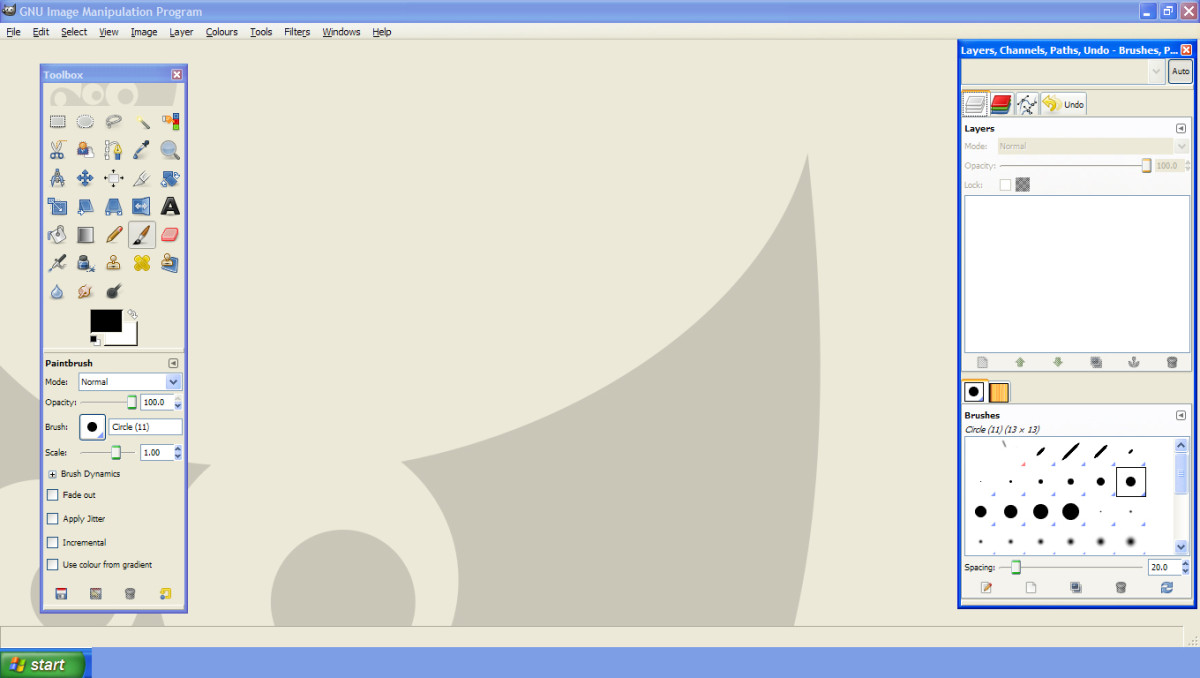
Gimp software is a free to use software program that you can use to draw with, manipulate existing drawing files and colour your drawings, aswell as other effects you can use such as layers and the all important smudge tool.

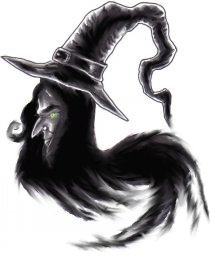
I've had this free program for awhile now, but it's only the last month or so that I have started to use it for re-working some of my older drawings and over using the smudge tool because it is ace, below is a before and after witch drawing from using the smudge tool on Gimp.

I am going to go over all the features of Gimp to do more better drawings and make my uploading online easier with more clearer and sharper drawings.

Before And After Drawing Of A Witches Head
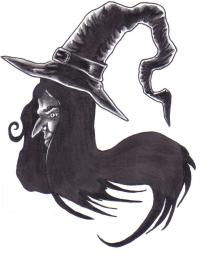
This is the before drawing of the witch and I wanted to make the picture darker and smudge blend the darks a bit.
The after smudging drawing of the witches head and I made it darker and just had a blast using the smudge feature.

Learn How To Use Gimp With These Resources From Amazon

Gimp 2 for Photographers: Image Editing with Open Source Software Gimp 2 for Photographers: Image Editing with Open Source Software
Price: $17.99
List Price: $29.95
GIMP User Manual: GNU Image Manipulation Program : Photo Retouching, Image Composition and Image Authoring GIMP User Manual: GNU Image Manipulation Program : Photo Retouching, Image Composition and Image Authoring
Price: $30.05
List Price: $38.00
Beginning GIMP: From Novice to Professional, Second Edition Beginning GIMP: From Novice to Professional, Second Edition
Price: $27.46
List Price: $49.99
GIMP Bible GIMP Bible
Price: $31.49
List Price: $49.99

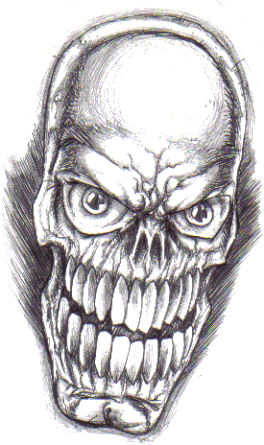
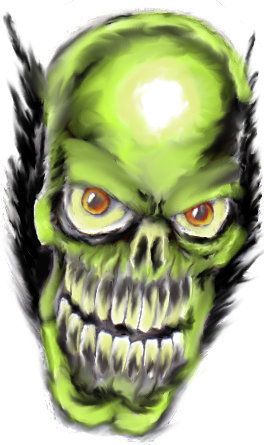
Skull Drawing Before And After

The skull before drawn with a biro pen.Copyright Wayne Tully 2009
Added a little bit more colour here and used the smudge tool heavily throughout.Copyright Wayne Tully 2009

My Fantasy Art Blog Header Graphic Before And After Using Gimp
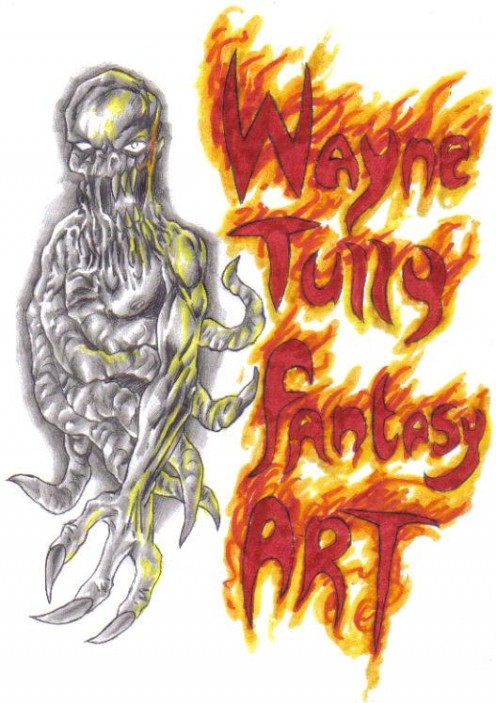
Fantasy art blog header graphic before needing the Gimp touch. Copyright Wayne Tully 2009
The blog header after using Gimp, I like the way you can blend existing colours together more smoothly here. Copyright Wayne Tully 2009

Future Use Of The Art Software Known As Gimp

 In the future I want to really understand Gimp a little bit better and learn all about layers and other tools and features of Gimp that really enhance scanned in artwork, it makes me wish I'd gone through it earlier, oh well no time like the present.

The possibilities are quite endless for using Gimp, and I know that I am going to use it to colour my graphic novels in and add some cool effects to my pages and this is something I am totally looking forward to doing.

Gimp is free to download and is far better than paying all out for Photoshop which some may not be able to afford as of yet with the high price tag, so I recoomend getting Gimp and using it as a trial for when you can afford Photoshop.

Print   —   Rate it:  up  down  flag this hub

Gimp Drawing Software

RSS for comments on this Hub

ethel smith profile image

ethel smith  says:
2 months ago

That's interesting thanks Wayne

Wayne Tully profile image

Wayne Tully  says:
2 months ago

Cheers Ethel!

Also like photoshop you can edit existing photos too which I have done too and the results are just as good as photoshop, not bad for a free to use program!

ripplemaker profile image

ripplemaker  says:
2 months ago

Oooh this sounds exciting and cool! I'd love to create a witchy ripplemaker! LOL Wayne, this hub is a Hubnugget Wannabe! Congratulations! Vote and promote over here: http://hubpages.com/_hubnuggets10/hub/X-Marks-The-

rmcrayne profile image

rmcrayne  says:
2 months ago

COngrats on your HubNuggets nomination. Having good and plentiful graphics really makes a difference in a piece.

Wayne Tully profile image

Wayne Tully  says:
2 months ago

Thanks rmcrayne!

Going to be a master of Gimp one day with my art!

peacefulparadox profile image

peacefulparadox  says:
2 months ago

I normally use Abobe Fireworks on my primary machine. But on my secondary Netbook, I have Gimp because I don't want to have to pay for another license of Fireworks in order to put it on another machine.

But I have yet to figure out how to crop photos in Gimp.

Rubenkings  says:
2 months ago

That's good and interesting thanks for share it Wayne

Wayne Tully profile image

Wayne Tully  says:
2 months ago

Cheers now!

For your comments and I think you can crop photos quite easy with Gimp, but I haven't done it yet!

Josh  says:
6 weeks ago

peacefulparadox,

If you are still looking for a way to crop images take a look at this page.

http://docs.gimp.org/en/gimp-tutorial-quickie-crop

Wayne Tully profile image

Wayne Tully  says:
6 weeks ago

Aha cheers for this, makes my art creation that much easier!

Thanks!

Submit a Comment

Members and Guests

Sign in or sign up and post using a hubpages account.


optional


  • No HTML is allowed in comments, but URLs will be hyperlinked
  • Comments are not for promoting your hubs or other sites

working