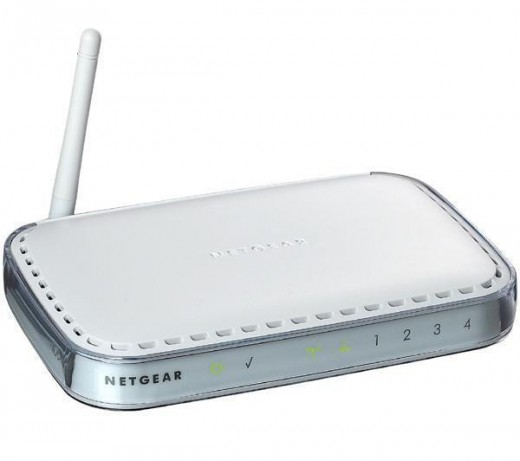
How To Get The Network Key of your Netgear Router

67
rate or flag this page

By curly-live


Where can I get my network key?

This is a very common question or problem that you will encounter if you have a wireless network. So I have decided to make a hub for this. This hub will give you the steps on how to check or get the network key of your Wireless router. The steps here can be applied to old or new versions of Netgear wireless routers, most likely they will have the same or should I say almost the same way on how to check or get the network key. This step is very easy, just follow the steps below. I copied this from the forum where I have posted it.

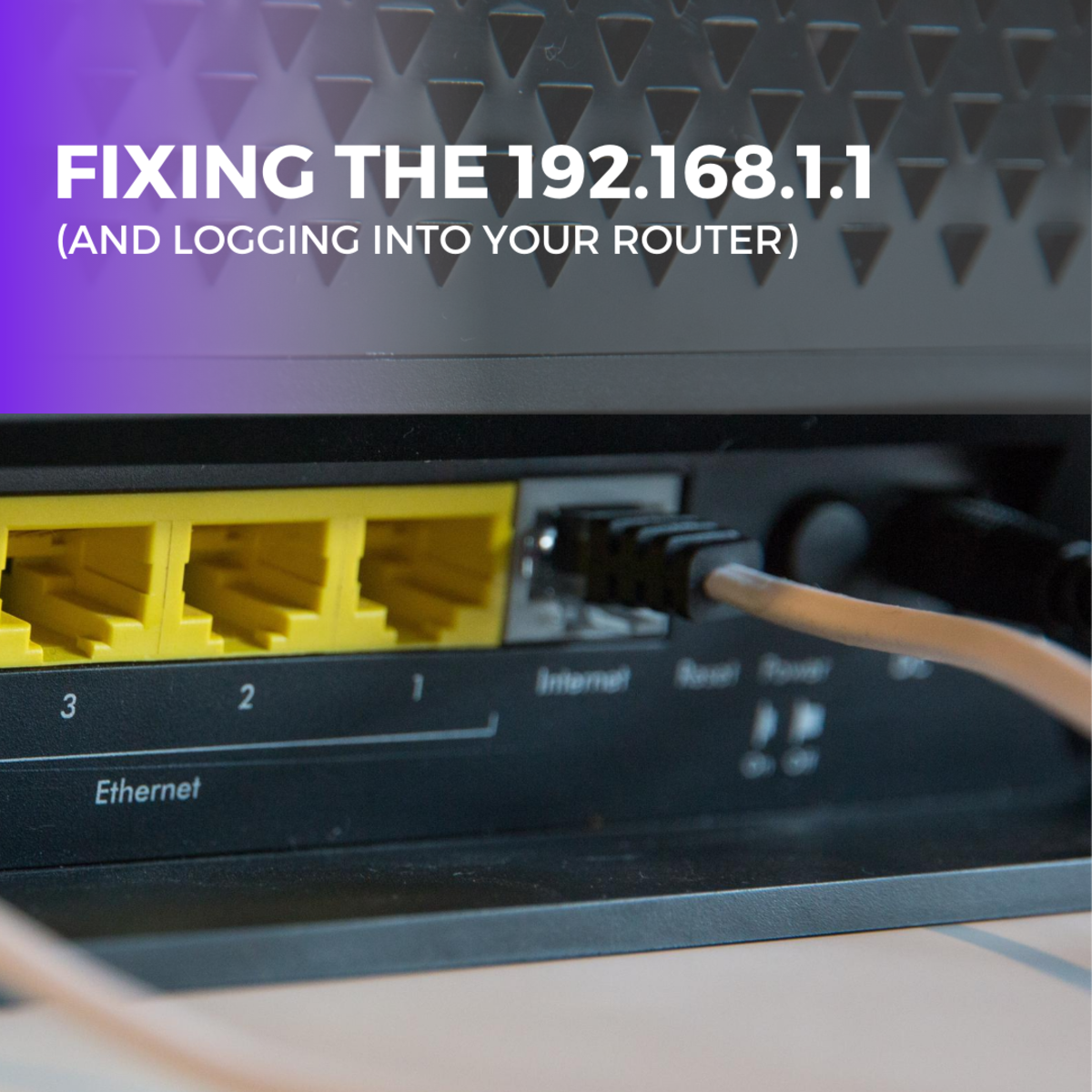
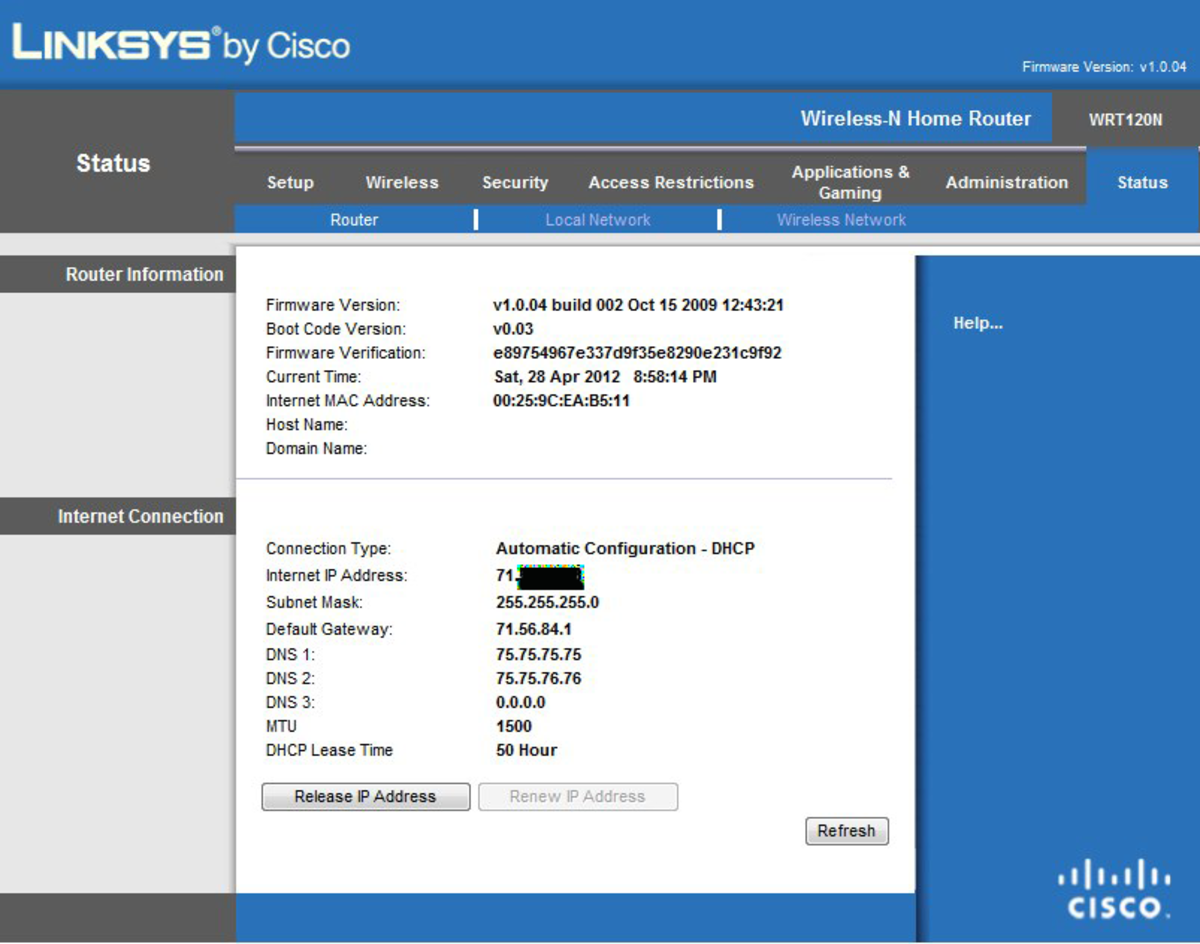
To answer the question "Where can I get my network key?" Your network key is set or saved on the router setup page. To get this, just open your browser (Internet Explorer or Firefox) on the computer that is wired directly to the router. Then type in the address bar http://192.168.1.1/or http://192.168.0.1/ the address will depend on the version of your router, or just try both, it will ask you for a username and password, by default the username is admin and password is password. Once you're on the setup page of your router click on the wireless settings on the left hand panel. Then look for the wireless security settings - if the security is set to WEP - Key1 will be the network key or which ever has a tick. Or if the security is set to WPA the passphrase is your network key. Now that you know the network you can now type it once you are prompted when try to connect to your network.

I hope this has been helpful and informative to all of you.

Thank you for reading and have a nice day!

Print   —   Rate it:  up  down  flag this hub

Comments

RSS for comments on this Hub

sathish  says:
12 months ago

ert members

sansu  says:
11 months ago

thanx for this information.i tried it and it works.thanx again. if you want to know more about netgear ranges please visit

http://www.blueunplugged.com/c.aspx?c=41065

its really good.....

matty boi  says:
10 months ago

worked wicked man well done! i used user ass my pass and password ans the P@ss obviously

thx

curly-live profile image

curly-live  says:
10 months ago

You're Welcome!

ivan  says:
8 months ago

i'm about to try looking up the key the way you said, but i'm afraid it might disconnect other computers that are using the wireless network.my point is, if i change the password, do you think that it will disconnect the computers that are currently using the wireless network?

curly-live profile image

curly-live  says:
8 months ago

As long as you will just check the network key and will NOT change it, no one will get disconnected. The moment to you change the network key and save it, those who are connected with the old network key will get disconnected and will need to reconnect with the new network key you set on your router. If you have more questions feel free to post them here.

becky  says:
6 months ago

Thank you so much for the information. I help me config my old laptop .....

chase  says:
2 months ago

well i typed the passphrase in and it still didnt work

Submit a Comment

Members and Guests

Sign in or sign up and post using a hubpages account.


optional


  • No HTML is allowed in comments, but URLs will be hyperlinked
  • Comments are not for promoting your hubs or other sites

working