How To Make A Christmas Card At The Last Minute: Make Cards With Your Computer

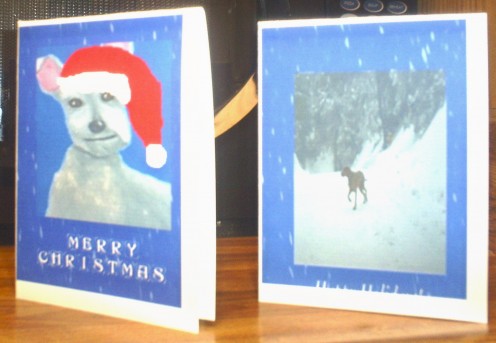
Everything on your Christmas to-do list is complete, but I forgot one important detail. What did I forget to do? Oh no! I forgot to buy a package of Christmas cards at the store when I nearly got hit by that lady's shopping cart. Today I went into a grocery store and was hit three times with shopping carts, so it is best to minimize trips to the store if at all possible. So what do you do if you forgot to buy Christmas cards for family and friends? It is a little late to send cards across the country or world at this point, but procrastinators such as myself can make cards at home. I often wait until the last minute to make Christmas cards, but I would rather make a creative Christmas card at home than buy one at the store. So how do you make a Christmas card at home? With a print shop program, it is possible to make a really cute and simple Christmas card. What if you do not have a photo editing or print shop program on your computer? You can improvise by using Microsoft Word or Microsoft Paint to make a quarter fold card, but cards are easier to make with print shop programs. Most print shop programs are very reasonably priced, but using Microsoft Paint and or Microsoft Word is an option for those with limited budgets.
Step One: Select The Quarter Fold Card Option
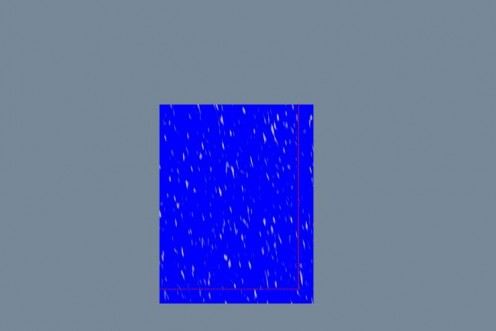
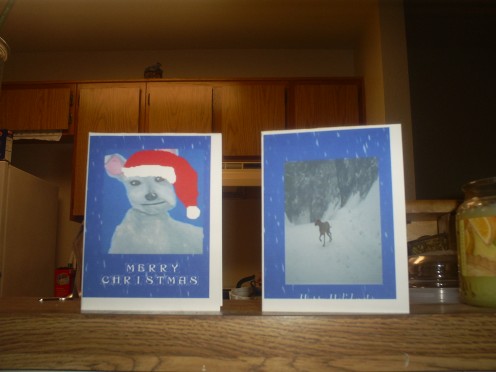
On my print shop program, I selected the quarter fold card template. One thing I love about the print shop program is how it allows you to work with different layers, which means the background can be laid down first. For my background, I selected a plain blue color and then added some white specks for a snowy scene.
Step Two: Add The Focal Piece Of Clipart
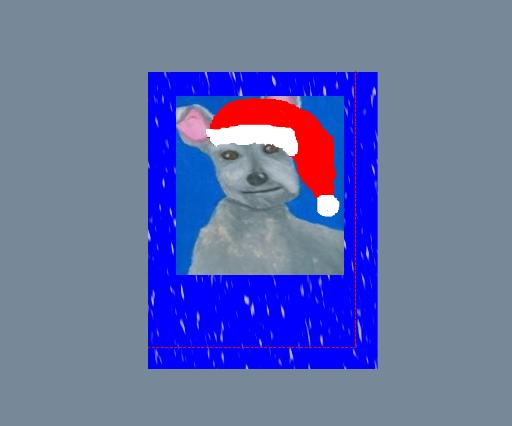
For my focal piece of clip art, I decided to add a picture of my favorite Scotty dog drawing. I created this Scotty dog drawing with pencil and oil pastels back in 1999, and it has been one of my favorite pictures ever since. For the Christmas card, I used print shop drawing tools to add a very cute Christmas hat to my Scotty dog.
Step Three: Use A Fun Font To Add A Message To The Card
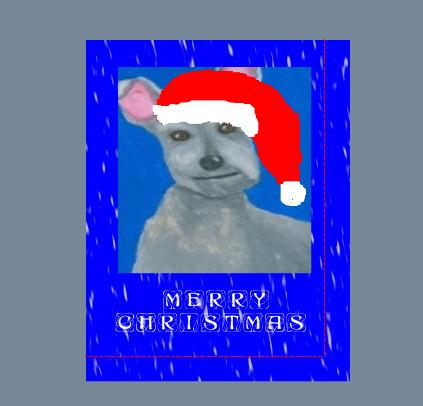
I used what I consider being a fun font to add a Merry Christmas message to the card. Play around with print shop and decide what type of message you would like to add. If you are making a card at the last minute print shop even has pre-made cards with pre-generated messages, but I prefer to use my own pictures for a more personalized touched. This card is very similar to the one I made for my co-workers this year.
Step Four: Print Preview Of The Card
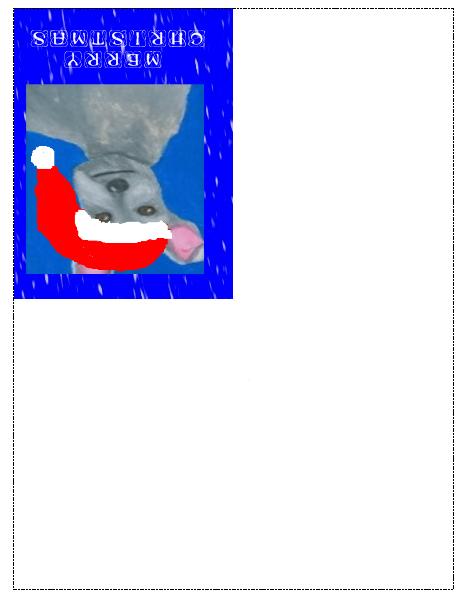
On the toolbar go to file and click on the print preview tab, which will show what the card will look like when printed. Print preview is a very important step because to determine whether editing is needed before the final printing. Do not print a card until satisfied with the print preview because printer ink is not cheap, so use this final step to decide whether the card needs further editing. Only when content with the print preview should you hit the print button.
Step Five: Print Out The Card
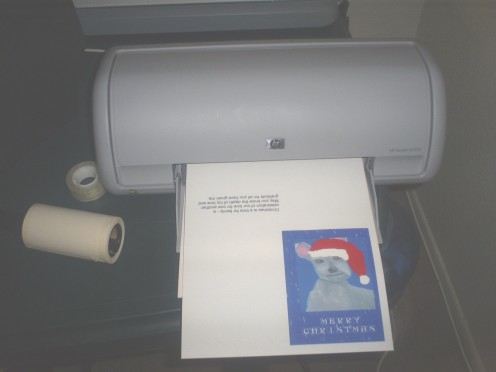
Check the ink level of the print cartridge to make sure there is enough ink for printing the card. Cardstock is very thick, so only feed one page of cardstock to the printer at a time to prevent paper jams.
Step Six: Fold The Cardstock Lengthwise
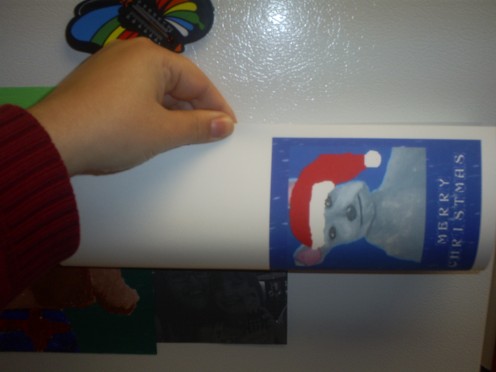
Fold the cardstock in half lengthwise with the picture side facing up. Make sure to fold the card in half evenly.
Step Seven: Fold The Card In Half Again
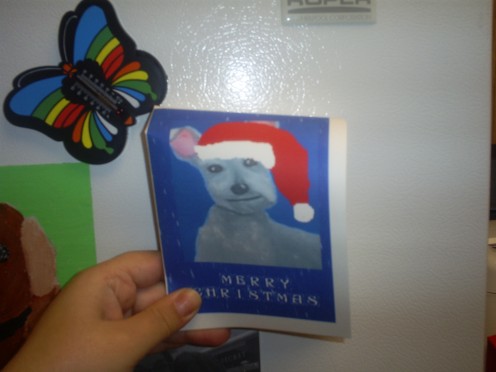
Fold the cardstock in half once more with the picture side facing up. Unfold the cardstock and then refold lengthwise. Once folded lengthwise refold the card in half, but fold in the opposite direction of the original fold. This folding technique will create a very simple and elegant handmade quarter fold card. Write a personalized message on the inside the card if the inside is blank. Personally, I prefer to leave the inside of the card blank so I can personalize each one, but using the pre-generated card messages also works. For this card, I used a pre-generated card message for the inside, but I prefer to write a personalized message when I have more time. Remember, I was making this Christmas card at the last minute! Have fun making Christmas cards at the last minute, but remember this card making technique can be used year around.
The Handmade Christmas Card