Laptop Coolers

Laptop Cooler

Why you need a laptop cooler
Laptops have quickly overtaken desktop computers as the standard home PC. Unfortunately Laptop manufacturers are packing so much in to the small laptop cases that they now suffer from some serious overheating issues. If your laptop overheats a laptop cooler may be an ideal way to cool down your laptop.
Cooling down your laptop or notebook gives some huge benefits, it speeds up your PC, it prevents component degradation, and it can prevent household fires in some situations! Both laptop coolers and notebook coolers have become more popular as today's laptops get increasingly hotter with little improvement in on-board cooling.
The problem with heat within laptops is that they will not only temporarily slow down your computer, but damage your components. This is especially true if your laptop is switched on and off often. When your laptop suffers from huge amounts of heat, all of it's components will expand slightly, when it cools they will shrink, often creating minuscule cracks. These do not generally cause major damage to your laptop all at once, over several months it quickly adds up though.
You can get several different types of laptop cooler, but out of them all we chose the Top Ten Laptop Coolers.
The three main types of laptop coolers are.
Stand Laptop Coolers
Stand Laptop Coolers are the most basic and least efficient. They are usually metal and work by distributing the heat and allowing more air to pass under the laptops base. These are generally very cheap, they also unfortunately offer the minimal amount of cooling.
Fanless Laptop Coolers
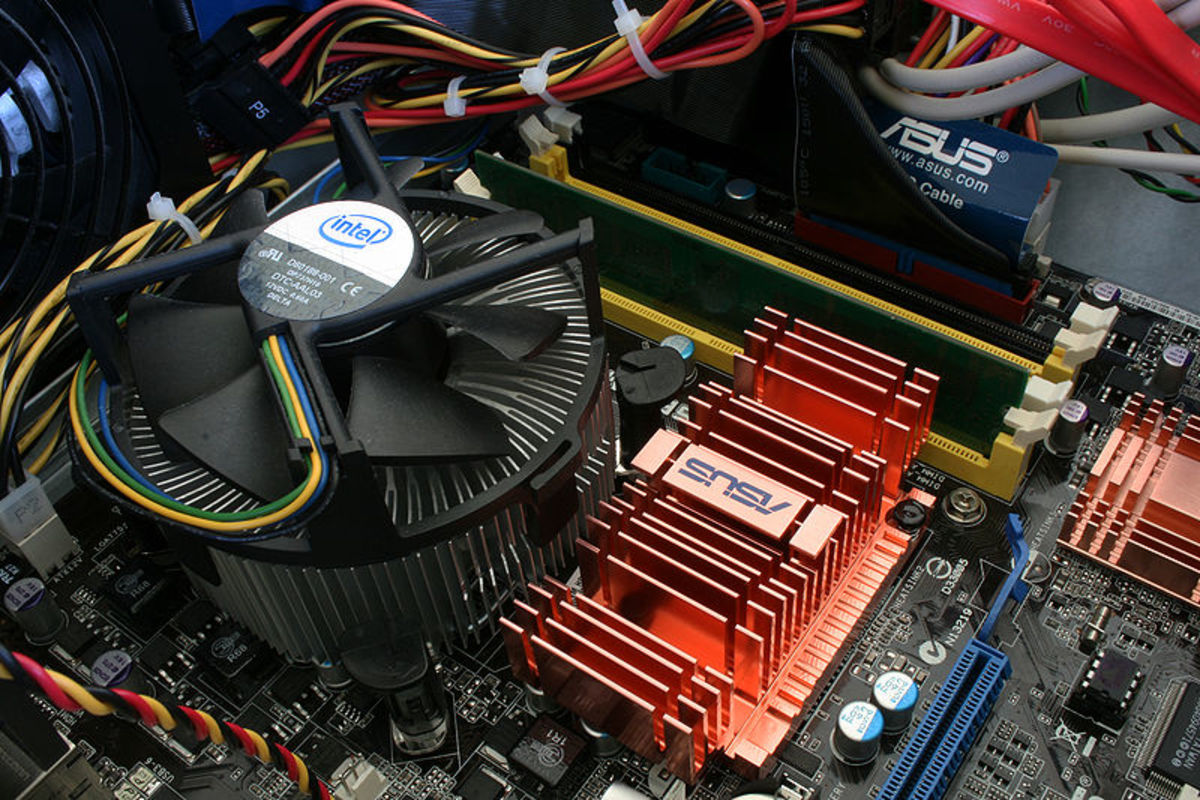
Fanless Laptop Coolers differ from Stand Laptop Coolers because they generally incorporate a heatsink to help cool down the laptop. These tend to be a little more effective and are still relatively cheap.
Fan Cooling Laptop Coolers
Fan based Laptop Coolers vary widely in price and effectiveness. The cheapest can be as little as $10 and simply stand your laptop off the ground while holding two plastic fans underneath. These tend to be noisy and inefficient however. Most people opt for a mid range fan laptop cooler. These cost between $15 to $30 and have a stand for airflow, and several fans to distribute heat. Unfortunately these tend to be a little noisy. High end fan cooling laptop stands however have ergonomic designs, inbuilt quite fans and adjustable fan speeds so you can get the cooling power when you need it!
Your View!
Are Laptop Coolers Worth the Money
Links
- Tech News and Gadget Reviews
e-techblog.com,Digesting Daily Technology & Gadget Related News - Geekywood - Get the daily digest of latest Tech gadgets.
The latest news and reviews on technology, gadgets, internet and Computers. We also write quality tutorials and tips. Visit this site and don't forget to subscribe! - The Latest How To Guide
A Guide on How to Do Everything! - ClearView Writing - Freelance Writing, Website Management and SEO Services - About
My Freelance Writing Services
How to Choose Notebook Coolers and Laptop Coolers
When you buy a notebook or a laptop you may find that both suffer from over-heating. Most Laptop and Notebook coolers are often sold as the same package, you may want to look for some important factors in buying each one though.
Cooler Size
Notebook coolers and laptop coolers are generally made for 15 inch screens. This is all well and good, but finding a 17 inch laptop cooler can be hard and expensive, costing as much as $50. Likewise the 15 inch coolers may simply be too large for notebooks, blowing air straight past your notebook, while draining it's battery life through the USB port.
Number of Fans
Depending on the heat coming from your laptop or notebook you may want to get fewer fans. If your portable computer is only overheating a little, you may want to buy a laptop cooler with one big, slow moving fan, rather than 4 fast noisy fans. Choosing the number of fans and their size should be a choice between quietness and efficiency. I personally use a laptop cooler with three large fans, with speed control. This gives me slight cooling for when I am writing, but supreme cooling when I am playing games!
Adjustable Stand
Not all Laptop coolers come with this, and maybe you don't need it. However if you travel with your laptop of notebook, then you may find a little flexibility goes a long way. Even if the stand is not adjustable it should lift the laptop a little from the surface of the desk, to increase airflow!
Quality
This may seem obvious, but it is all too easy to try and save a few dollars, only to end up spending double in the end, when you need to buy a replacement. If you are buying a fan based laptop cooler, which I recommend, then you should spend a little more to get some quality fans inside, rather than one which will break down after three months.
Stand, Fanless, or Fan based Laptop Cooler?
This all depends on how much cooling needs doing, and how much you require your battery life. Fan based coolers are by far the most effective, but they can be noisy, and they do drain your laptops battery via the USB port. Fanless Laptop Coolers will save your battery life, but they are a little chunky if you work on the move. Laptop stands tend to be light, but will barely cool your laptop at all!