Portable Receipt and Document Scanner


I first heard about this product several years ago and it has been on my wish list ever since. I definitely would not consider myself a hoarder, but I do tend to hold on to some things longer than necessary. That includes receipts.
In one of my desk drawers, I have an old cigar box that my father gave me long ago that holds all of my receipts. Every receipt goes in there. I have a large, red glass paperweight heart that sits on top of it because it often gets so full that I need to hold the lid down so the drawer will close!
My original intent was to hold on to receipts until the end of the month when I receive my bank statement and then balance my checkbook. Yes, I balance my checkbook every single month when the statement comes and if I’m off by even a penny I go nuts until I can figure out why. It’s always human error, of course. So if you haven’t figured it out already, I’m pretty anal about some things. I think it’s a good thing.
Getting back to the box – I figured that once I balanced my checkbook I would go through the receipts and determine which to keep (large purchases or things I may need to return or purchases that were not yet reflected on the recent bank statement) and which to toss or shred.
Getting Started On My Taxes
Well, I haven’t done a very good job keeping up with the receipt box this past year. It was beyond overflowing just recently, but that ended up being a – sort of – godsend. Perhaps godsend it too much, but it did end up being a good thing. Here’s why:
I usually do my own taxes, using Turbo Tax Deluxe so I can itemize deductions. I installed Turbo Tax a few days ago and started going through some of the categories, even though we still haven’t received all necessary documents.
When I got to the deduction section for sales tax, the program asked if I wanted it to automatically estimate my sales tax paid for the year (recommended by the program) or if I wanted to calculate the amount myself if I have receipts (unusual according to the program.) So I went with the recommended estimation and it came back with $262. I looked at that and thought surely I paid more than that in sales tax throughout the year, so I grabbed my cigar box of receipts and flipped through to see how far back they went – about 7 months worth! Yikes, I was behind!
Had I had one of these last year, my taxes would be so much easier to prepare!
Why I need a Neat Receipts Scanner
I was determined to get as much as possible as a deduction, so I painstakingly went through the giant stack, one by one, and calculated the sales tax I paid on each purchase – it came to nearly $1000! – so of course that’s the figure I used on the tax forms. The only problem was that I now couldn’t get rid of the receipts – they have to be saved for at least three years in case of an audit.
Now, had I had a Neat Receipts Desktop Scanner and Digital Filing System, I could have been able to toss that giant stack of receipts and just hold on to the information in a computer file – no clutter!
Now I have a great reason to buy one of these babies – the IRS accepts Neat Receipts scans in lieu of actual receipts!
More uses for Neat Receipts and Neat Desk:
If you use expense reports for work, you know the pain of losing receipts before you’ve had a chance to submit them for reimbursement. With NeatReceipts, you can digitize receipts anywhere – even on an airplane – and keep your expenses safe and secure. The software even extracts key data that can be sent to PDF or Excel, allowing you to finish off a report in minutes, rather than months.
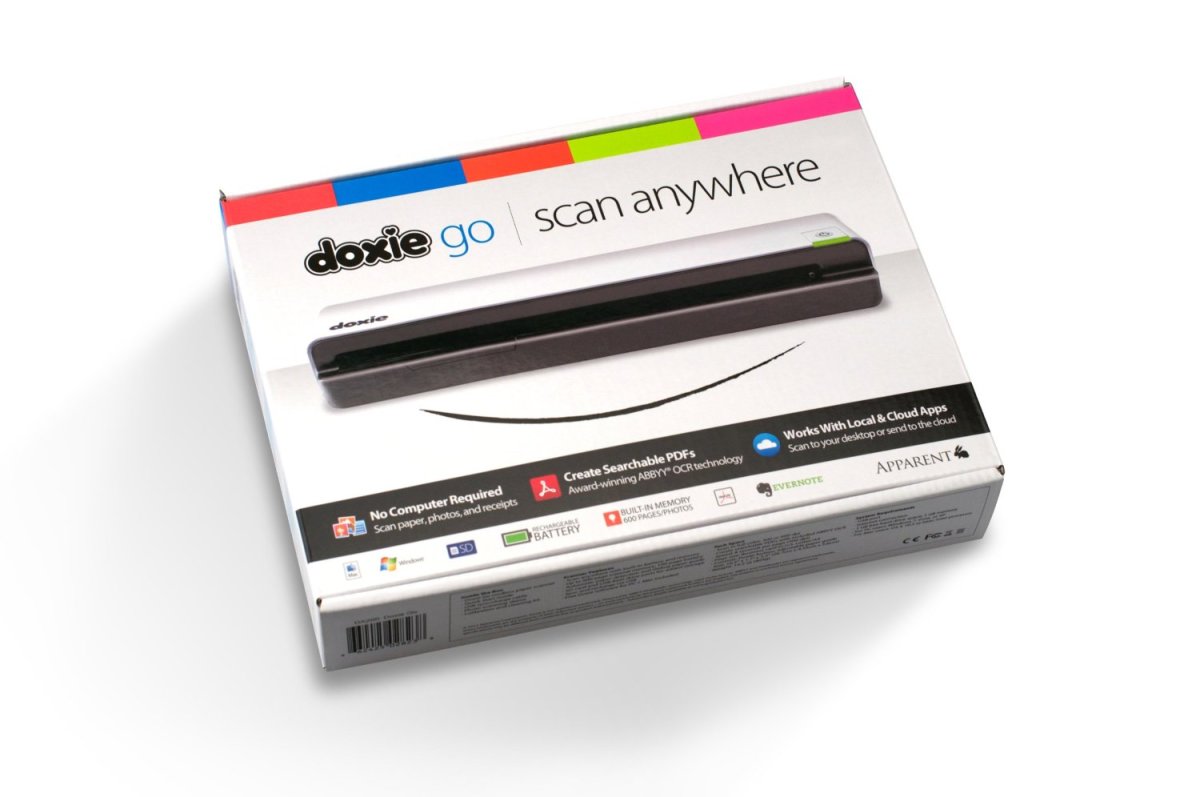
There are two products available, NeatReceipts and NeatDesk. Neat Receipts is a mobile scanner plus digital filing system. It weighs in at less than a pound, is slim and easy to carry, USB powered and can scan pages up to 8.5” wide. This is perfect for keeping track of spending and organizing important paperwork.
Neat Desk is - you guessed it - a desktop scanner plus digital filing system. It’s a high speed automatic document feeder scanner that can function as a “digital inbox” for all the papers that usually clutter your desk. It can scan both sides of receipts, business cards and documents in a single pass. This one is your ultimate office tool for small business owners to help keep papers under control.
Things that Neat Receipts can do for you:
- Save images and digital records
- Create expense reports and track spending
- Export to apps, like PDF, Excel and Quicken
- Scan business cards to digitize images and contact info
- Send contacts to Outlook or your Mac Address Book
- You can also create your own contact management system
- You can scan documents to create PDF files
- Find documents with a simple keyword search
- Organize and store documents in your digital filing system