Free Photo Editing Software
Introducing - GIMP
GIMP stands for GNU Manipulation program. It is free and can be used to complete tasks such as photo retouching, image authoring and composition. It can be used as a simple paint program, an expert photo retouching tool or an image format converter.
GIMP's paint program features a full suite of painting tools including Brush, Pencil, Airbrush, Clone, etc.
GIMP's photo manipulation capabilities include Full alpha channel support. Layers and channels. Multiple Undo/Redo (limited only by diskspace). Editable text layers. Transformation tools including rotate, scale, shear and flip. Selection tools including rectangle, rounded rectangle, ellipse, free, fuzzy. Foreground extraction tool. Advanced path tool doing bezier and polygonal selections.Transformable paths, transformable selections. Quickmask to paint a selection.
GIMP can animate, extend and handle all your favourite file extensions such as bmp, gif, jpeg, mng, pcx, pdf, png, ps, psd, svg, tiff, tga, xpm, and many more.
GIMP operates under Linux (i386, PPC), Microsoft Windows (XP, Vista), Mac OS X, Sun OpenSolaris, FreeBSD.
The GIMP website includes a full set of tutorials to get you started if you are unfamiliar with photo manipulation software or simply want to get to grips with a new piece of software.
- GIMP - The GNU Image Manipulation Program
- Best of GIMP brushes: 35+ brush sets (1400+ brushes)
GIMP is an open-source image editing program, one of the most popular image-editing programs. It is supported by a huge open-source community that is open ... - Gimp-tutorials.net - Gimp , tutorials , brushes , downloads, forum.
Related
Easy Photo Editing - 8 Free Sites and Examples
GIMP Tutorial: Simple Photo Editing for the Complete Idiot
Learn How Nature Images Become Art with Photo Manipulation Techniques
Software Guide for Better Photography and Videography Post Production
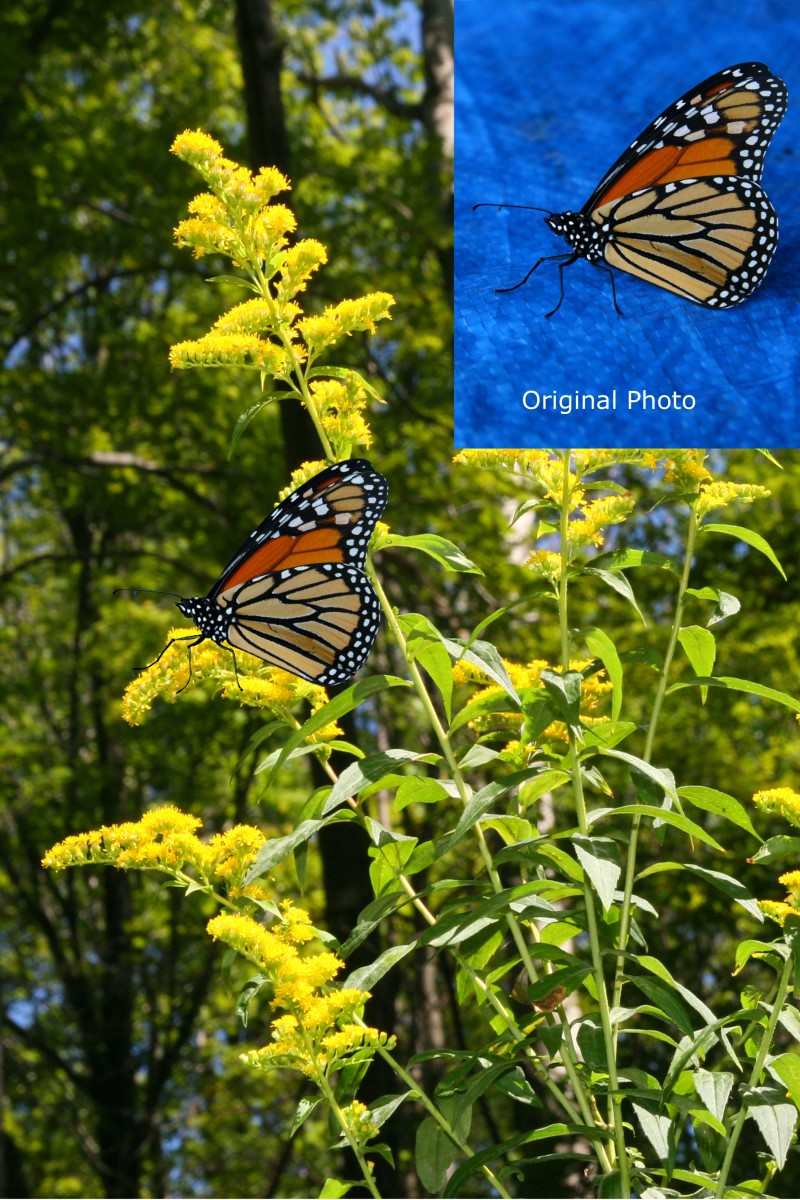
How to Do Chroma Key in Gimp: A Gimp Tutorial on Changing a Photo Background