Photoshop Tutorial 2 More Illustration effects
67
rate or flag this page

By Kenny Wordsmith


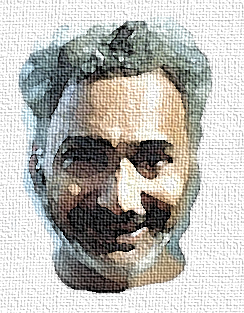
The first effect was done in three steps. No, not the self-portrait. After you are through with this tutorial, figure out how to do that! If you still can't, ask me nicely.

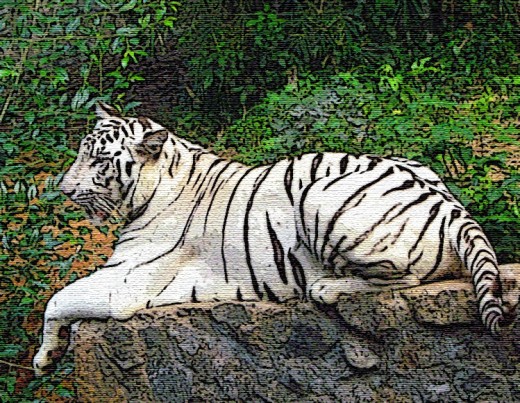
I recently shot a pic of a white tiger who adds beauty to our local zoo. Isn't she a pretty lady? Then did the below clicks.

1. Filter-->Artistic-->Poster Edges

2. Increased the saturation: Image-->Adjustments-->Hue/saturation

3. Applied a canvas texture: Filter-->Texture-->Texturizer

Please fiddle with various parameters to suit your taste.
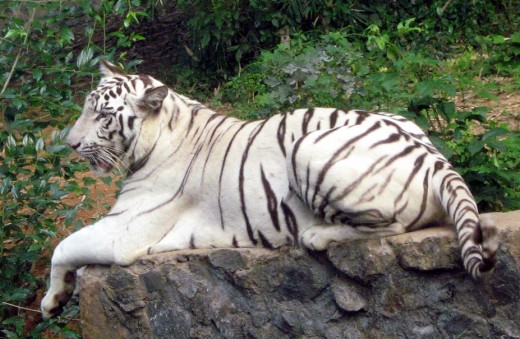
Tne Original Tiger
Tne Original Tiger
Poster Edges Filter
Poster Edges Filter
Palette Knife Filter

Palette Knife

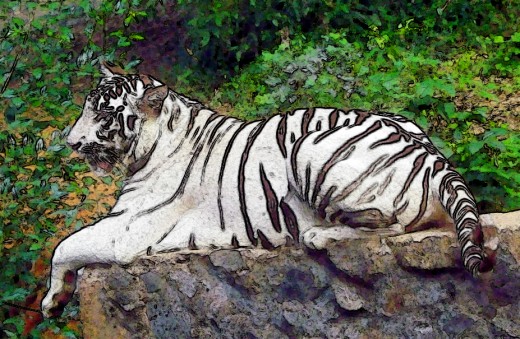
The third tiger was subjected to the treatment in my previous tutorial, except for one thing. I used the Palette Knife filter instead of the Watercolour. Go ahead, try it!
1.
1.
2.
2.
3.
3.
4.
4.
5.
5.

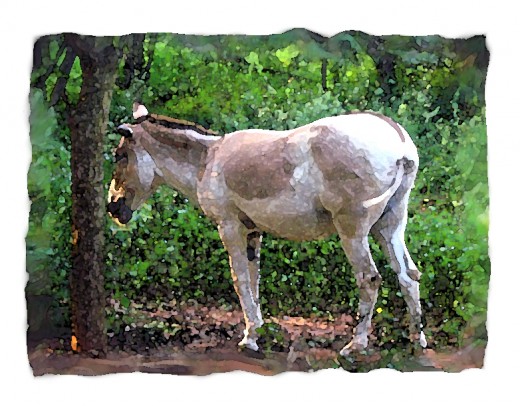
Wild Ass in Watercolor

A bit complex, this one, but simple when you break it down. Please click on the images to the right to view full size.

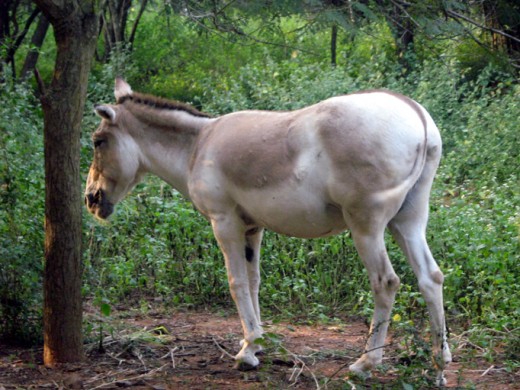
1. Open picture.

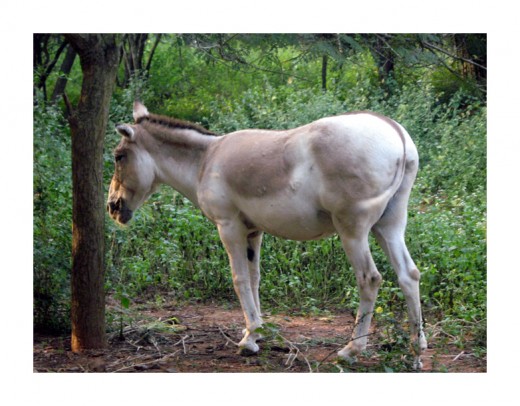
I want to do a watercolory effect, and don't want the edges so straight. So ...

2. Increase Paper Size

This I do by going to: Image-->Canvas Size

Now I have lots of space, so I'll do my worst. My worst is to...

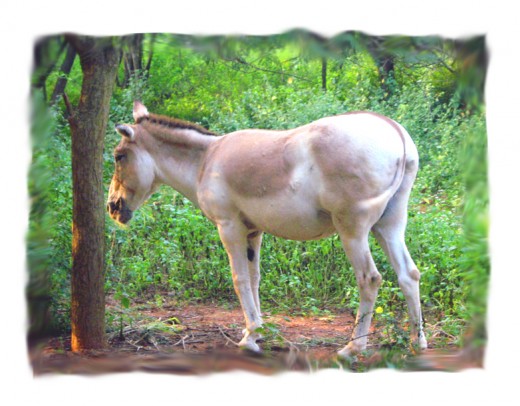
3. Smudge the Edges

I smudge with that tool which has a 'pointed finger' icon. If it was turned the other way, it would be an obscene tool!

I smudge the edges real bad. I also increase the brightness and saturation a notch since I want my watercolor to look brighter and more colorful.

That is, Image-->Adjustments-->Brightness/Contrast and

Image-->Adjustments-->Hue/Saturation

Now I look forward to the...

4. Watercolor Effect

That you know where to go to do:

Filter-->Artistic-->Watercolor

Oops, it's too dark in there! So I solve that ...

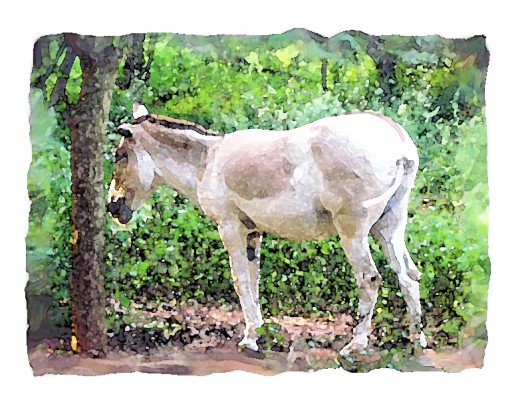
5. Duplicate Layer and Use Screen

Don't know how to do that? Go to the earlier tutorial, you jumpstart, you!

Now to fool all laypersons, who are equal in my eyes, I do this:

6. Apply Texture

I again use the canvas texture. You know how to do this, don't you? No?

Sigh. Go to the top of the page, please.

Have fun!
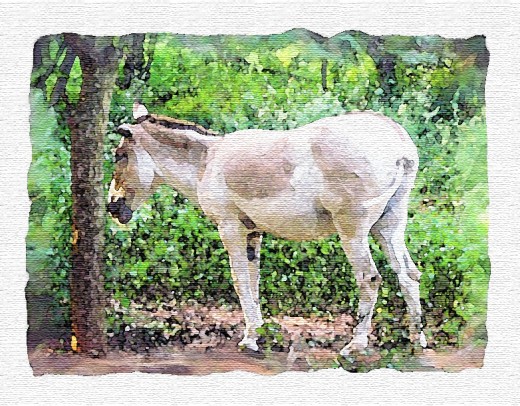
6. Get the final picture!

Comments

RSS for comments on this Hub

MrMarmalade profile image

MrMarmalade  says:
2 years ago

What a great Hub, in about two years more I will be your equal.

Thanks for your great education

Peter M. Lopez profile image

Peter M. Lopez  says:
2 years ago

This is fantastic. I never would have thought to do this. Great stuff Kenny.

Kenny Wordsmith profile image

Kenny Wordsmith  says:
2 years ago

Thank you, Frank and Peter, for making me feel this hub was worthwhile. Delighted!

You'll surpass me in Photoshop, faster, Frank, as I don't use it much nowadays. :)

Eileen Hughes profile image

Eileen Hughes  says:
2 years ago

Great helpful Hub. I want photoshop now.

Kenny Wordsmith profile image

Kenny Wordsmith  says:
2 years ago

Thanks, Eileen, great that you are all inspired!

G-Ma Johnson profile image

G-Ma Johnson  says:
2 years ago

My My Kenny this is superb like it wouldn't be. you are a rare one..Never ever will I get there...but is fun watching you. just having you around suits me fine :O) you inspire me in one way or another everyday. G-Ma :O)

Kenny Wordsmith profile image

Kenny Wordsmith  says:
2 years ago

Now, now, G-Ma, please give it a try! You can stop anytime it stops being fun! Promise?

G-Ma Johnson profile image

G-Ma Johnson  says:
2 years ago

Well sugar I will give it a try soon  promise..but don't have much confindence in this area. tried to catch you earlier on Everything or Nothing poem...wasn't sure how...Have a good day my friend  need to rest my self..God Bless  G-Ma :O)

Kenny Wordsmith profile image

Kenny Wordsmith  says:
2 years ago

Oh, sorry. Will check your answer.

Sleep well, sweet dreams, G-Ma!

JamesRay profile image

JamesRay  says:
2 years ago

Kenny: this is really fascinating, educational stuff. Thatnks for this hub -- very fun and very helpful.

Jim

Kenny Wordsmith profile image

Kenny Wordsmith  says:
2 years ago

Thank you, James. My Pleasure.

StacyP  says:
2 years ago

Beautiful tips, Kenny! I'm going to have fun trying them out on some my old photos.

Kenny Wordsmith profile image

Kenny Wordsmith  says:
2 years ago

Would be delighted if you do that, Stacy! And use them for your hubs!

Jackilyn profile image

Jackilyn  says:
2 years ago

hmmmmmmmmm....... i think i'll try some to. =] cool hub.

Kenny Wordsmith profile image

Kenny Wordsmith  says:
2 years ago

Great, Jackilyn, you can photoshop your bright and beautiful friends!

Encourager profile image

Encourager  says:
2 years ago

Will have to find the time to play around with all my photographs. Blessings.

Kenny Wordsmith profile image

Kenny Wordsmith  says:
2 years ago

God bless you, Encourager, and hope you find the time soon.

Submit a Comment

Members and Guests

Sign in or sign up and post using a hubpages account.


optional


  • No HTML is allowed in comments, but URLs will be hyperlinked
  • Comments are not for promoting your hubs or other sites

working