What is Pixel Art?
Making Pixel Art
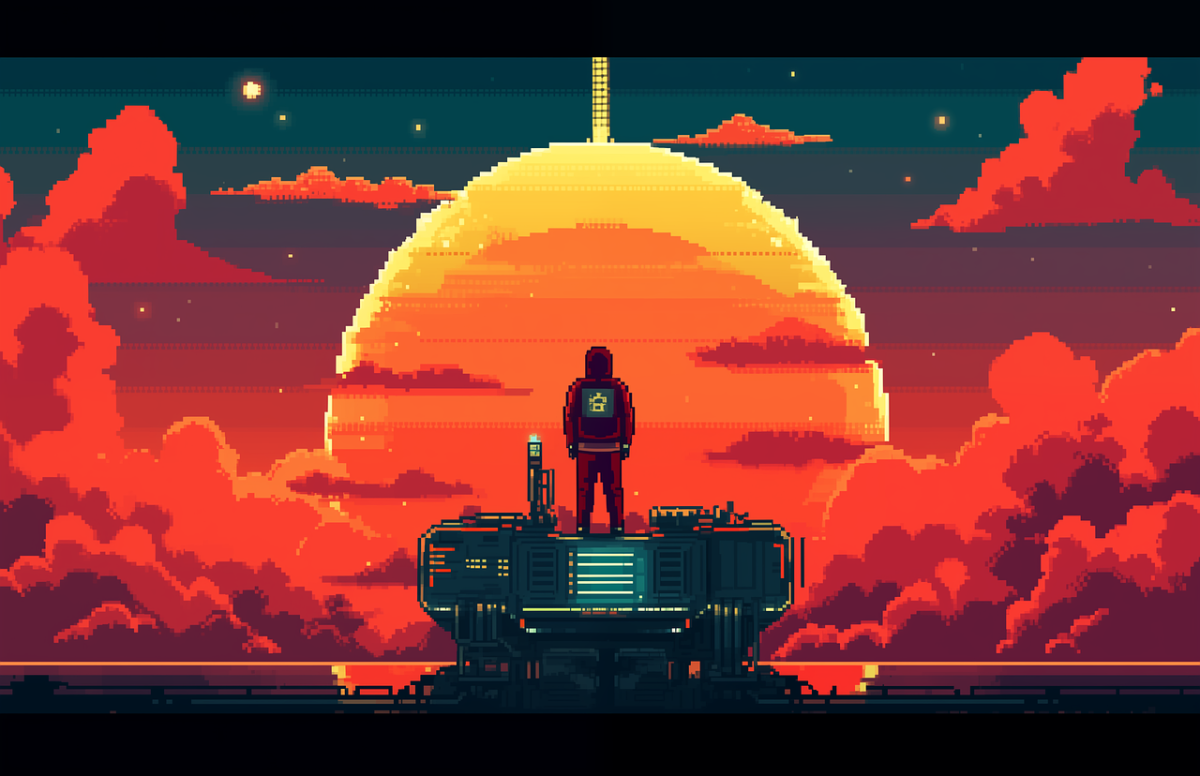
Pixel Art is a form of artwork that is derived by the early days of graphical computing.. It's all done on a computer using the smallest part of an image, a Pixel. Most people would assume that because a work is "pixel art" that means it is old, but people make the active choice nowadays to create signatures, videogames, and other various applications of pixel art. This artstyle allows small images to contain a lot of detail and the illusions of depth can be made very easily with shadows as small as (you guessed it) a pixel.
First let's learn what a pixel is.
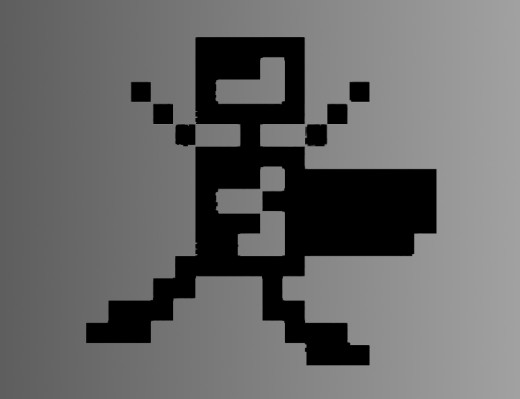
A pixel is the smallest part of an image. The word pixel is based on a contraction of pix (for "pictures") and el (for "element") Pixels are normally arranged in a regular 2-dimensional grid, and are often represented using dots, squares, or rectangles.
Basic Pixel
What is Pixel Art?
Now we know what a pixel is, how is it art?
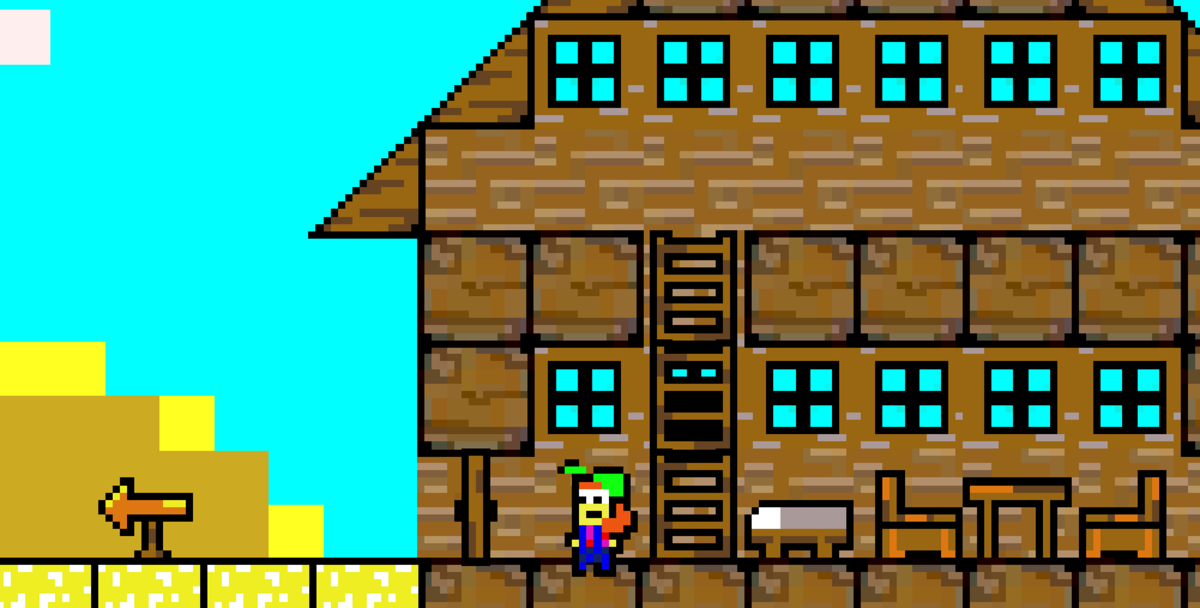
Well, you have probably seen a basic pixel image before. Most of online games are made with pixel art, like Habbo Hotel. The art of pixeling is basically making the eye think a color but blend them together. Ok, OK! I know that wasn't too clear, what I mean is by making each pixel a slight variation of that color, the eye then sees it as one color changing.Pixel Art - How is it generally made?
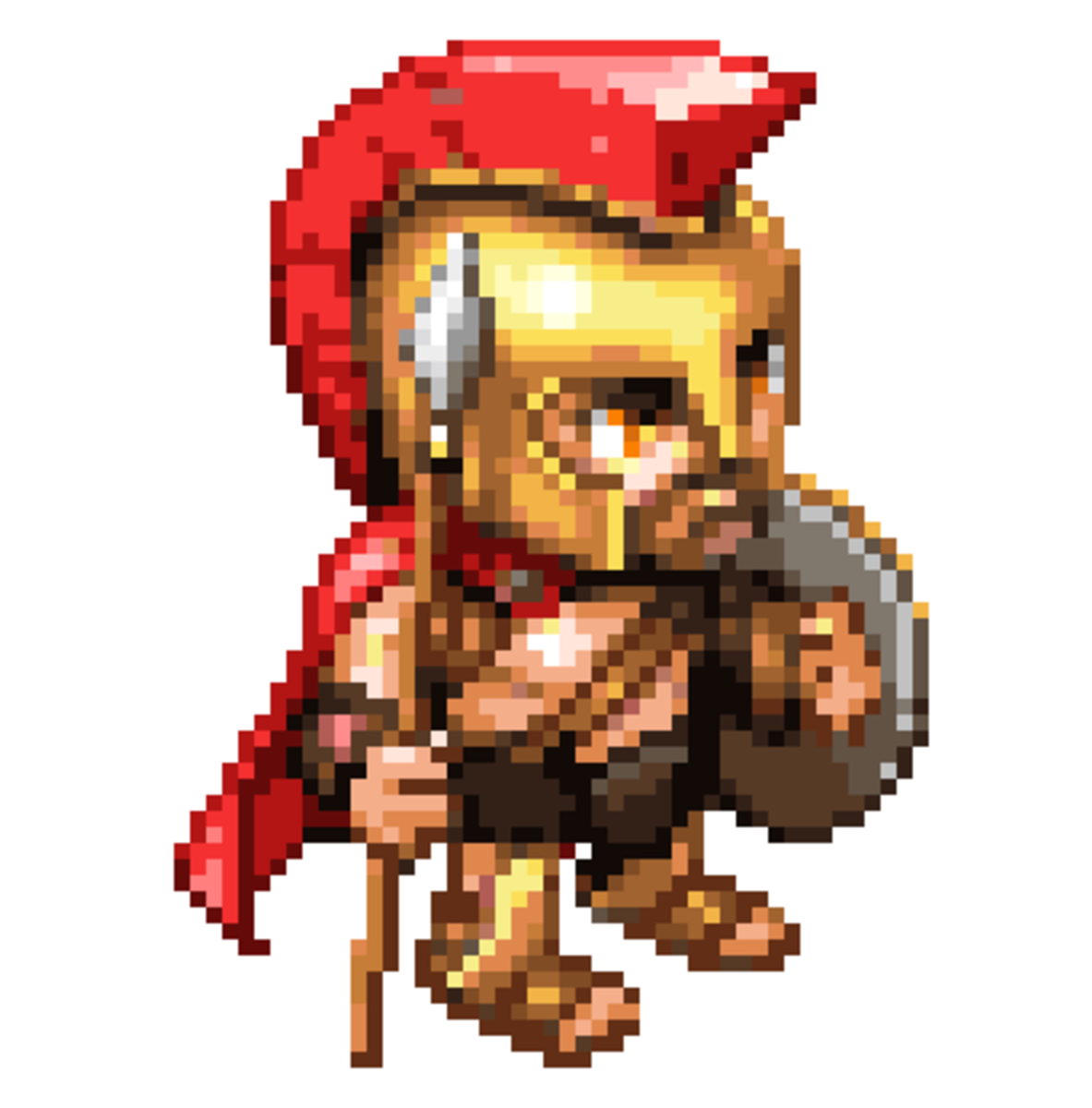
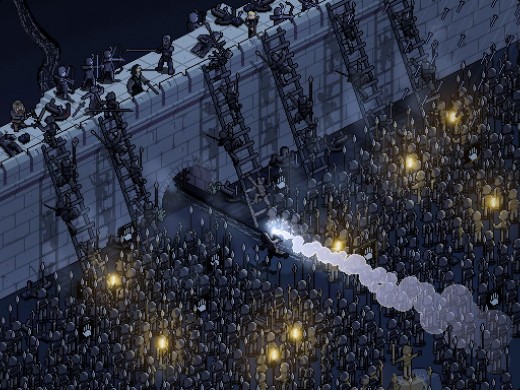
Pixel Art is normally made almost one pixel at a time! (that's why its RARE to see LARGE pixels.) Using a graphic program of choice, you don't use any fancy filters or softening smudges or any of those tools. It seems simple enough, but it really is difficult to master. Here is an example of a complex Pixel:
What are some of the uses of Pixeling Art?
Pixeling Art can be applied almost anywhere computer graphics are used (because there basicly the same thing, but done manually and not with code filters etc). Pixels normally have a more "edgy" look to them, but they are appeling and high in demand!
Pixeling can be used in all of these cases:
- Logos - using pixel art for logos has a vintage, uncommon feel that can help a business stand out. They are perfect for gaming companies, artists, and technology based
- Site Banners - this creates an elegant solution to enhancing websites.
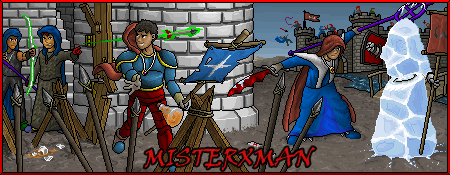
- Signatures - one of the most common applications of the art-style in current times, high grade pixel signatures stand out and show the community someone is a part of that they are very engaged and enjoy the subject so much that they made or had made a pixel artwork to show it.
- Avatars - just like signatures, avatars are another popular use of pixel art. Lots of people wish to be represented by a classic character.
- Word and other print-outs (business cards, flyers, etc) - pixel art helps bring attention to printed out materials in a world of glossy smooth images.
- Computer Games - one of the best applications, old and new games such as 2D side scrollers use pixel artwork to add depth to each frame of gameplay. Another large section of
pixel art is arcade style games that recreate and relive the glory days of games like pac-man.
- Flash movies
- Flash Websites
- and many more!

I want to do Pixel Art! What must I do to start?
So you want to try your hand at pixeling? It is A LOT harder then it looks. But do not fear, practice makes perfect. The best platform for pixeling (and my choice) is Microsoft Paint (if your on a windows computer, you have it!). Another free option you might wish to use (Don't cheat!) is Paint.net.
Paint.Net is a super version of MS Paint, it is hosted for free and can be downloaded at: www.paint.net (the right one, not the left!)
If set correctly all of these other programs will allow you to pixel with them:
- Photoshop (all versions)
- Corel Painter Essentials (all versions)
- Ms Paint (all versions)
- Paint.Net (all versions)
- there are a TON more out there, almost all programs that allow you to create an image you can pixel with.
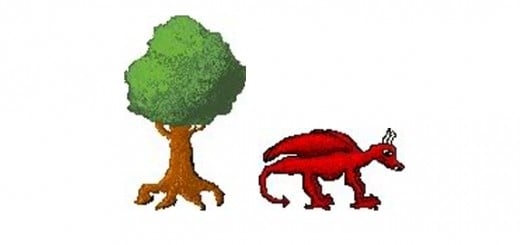
Here is a Video I created about making a quick simple Pixeling Art picture using MS Paint.
Was This Hubpage Helpful to you?
Was this Hubpage helpful? About what Pixeling Art is and how to start etc..?
Helpful Links to help with your Pixeling Art.
- Microsoft Paint Tutorial
This might help, hosted free by the Lakewood Public Library- it teaches what everything basically does. Very helpful if you never seen paint or don't know that the commands do! - A very helpful Ms Paint Tips Site
This will help you with some interesting features Ms Paint has..that you would never know of! I even learned something new about it, so it is a place to check out!