How To Recover Deleted Files

For a major part of my computer literate life, I had no idea that one could recover files that had been deleted from the recycle bin. I knew that one could restore files from the recycle bin, but never knew that one could undelete files deleted permanently from the PC. So, imagine my surprise when I found out a couple of years ago that deleted files can be recovered. Of course, my immediate reaction was one of elation at knowing that in the future I could recover any important files that I'd accidentally deleted. But, after the elation, came the concern. The concern being if such data recovery softwares are available and people know about this, then what would happen if someone had access to my computer? Would they not be able to retrieve my deleted files, some of which could be very private, confidential information? The thought was very disturbing indeed.
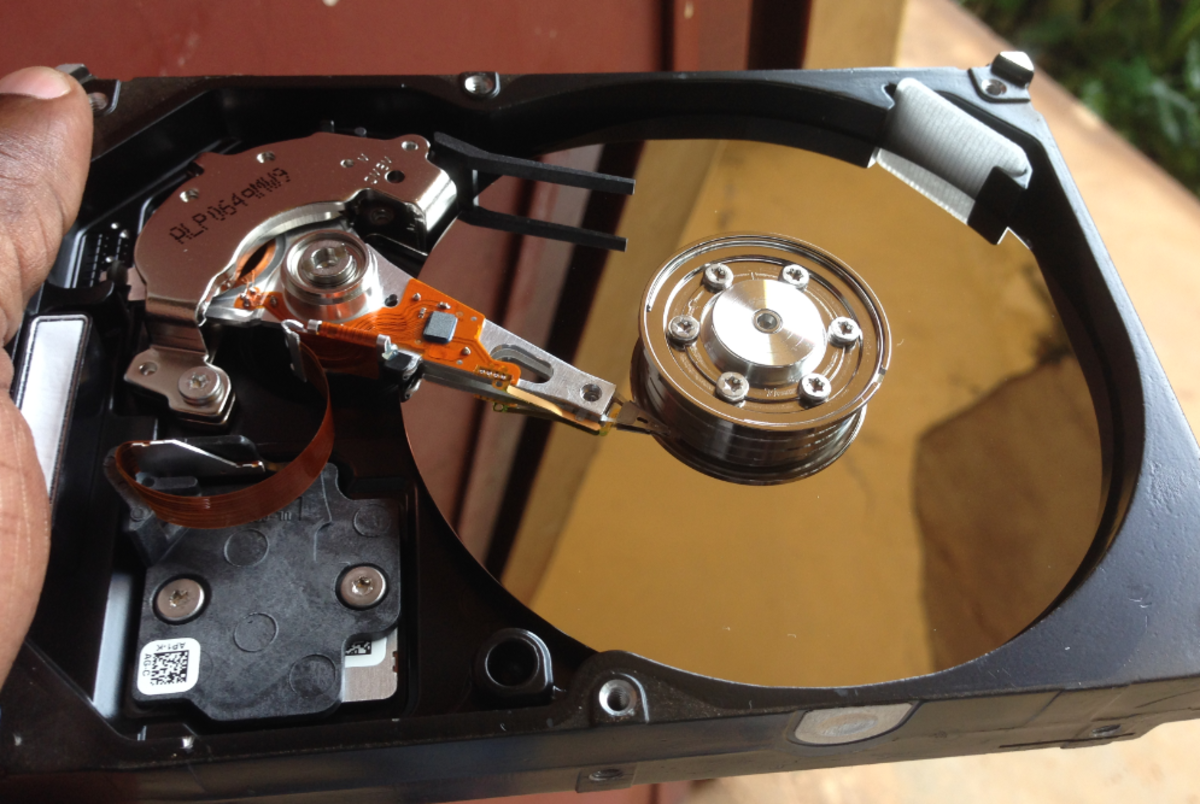
When someone deletes a file from the recycle bin, Windows informs you that the process "permanently removes" the file from your computer. No wonder then that most people assume that the file has gone for good. Turns out that while the file may indeed show up as being deleted in the directories, the image of the deleted file remains on the hard disk. Apparently, even formatting a disk sometimes doesn't make such deleted files irretrievable, until the free space has been overwritten by new files/data. All this was news to me - as I'd imagine it would be to lots of people out there, who erroneously continue to assume that files deleted from the recycle bin are deleted forever.
So, what are the softwares available that can recover your deleted files? Well, frankly there are lots of them out there - both free, trial versions, and ones you can buy. The one I use is called TuneUp Utilities (the version I have is the 2007 one). Apart from recovering deleted files, it has lots of other useful options to maintain your computer.
Undelete Deleted Files And Securely Delete Your Files
How To Undelete Deleted Files Using TuneUp Utilities:
The process is really simple. You just go to the file recovery and destruction tab and choose the Undelete Tab. The next option that shows up are the details of the hard disks on your computer. You can choose the particular hard disk from which the file was deleted and say "Next." The next screen has a search criteria box. Here, you can use wild cards to narrow your search. For example, if you are searching for a jpeg image file, you can put the search criteria as [ *.jpeg ]. Once you've specified the file type, click on "Next." This starts the recovery process and you are shown a list of files that match your criteria. Once you've identified the specific file that you want restored, you just have to click on the "Restore" button and choose the path you want the file to be restored to and voila! you have your file that you'd thought you had deleted permanently. Its so ridiculously simple - also a reason why you should be concerned - especially when you are deleting sensitive confidential data. You wouldn't want someone recovering that data and possibly using it against you in some way. Here is where the Shredder option can be extremely handy and useful.
How To Shred Files Securely Using TuneUp Utilities:
In the TuneUp 2007 version, once installed on your PC, you have a right click option available that shows up the Shredder option. All you have to when you want to securely delete a file is right click on the particular file and choose the "TuneUp Shredder" option. Doing so takes you to a window that shows a couple of options such as the deletion method and the number of repetitions. There are 3 deletion methods available in the TuneUp software, (1) Fast Delete (2) Secure Delete in accordance with DoD and (3) Secure Delete, Gutmann method. You can choose either one of these options depending on the level of secure deletion that you desire. You can also choose the number of repetitions to ensure that the files are overwritten and made irretrievable.
Apart from the TuneUp option that I've described above, there are innumerable undelete and shredder softwares available. I cannot personally testify as to the efficacy of these programs, however TuneUp worked pretty well for me. I don't know about the 2009 version, but I'd think it would be better. There is a trial version that is available. So, one can test it out.
In this day and age where data is valuable and can be misused, one needs to be aware of such valuable software that can help you safeguard your private data.