Set Google as Home Page on Your Google Chrome

Google Chrome is one of the best browser so far I have found. It's best to all the ways. Many people wants to setup "www.google.com" as homepage in Google Chrome. But as it's design is quite different from others, faced problems. In this page, you will learn the home page setting procedure in your Google Chrome. It's very simple and easy. Just play with the steps.
Steps to Make Google as Home Page in Your Gogole Chrome
- At first, right click on the top-right corner Customize and Control Chromium icon.
- From the drop-down menu, select Options.
- Now from the Chromium Options window, select Home Page part and select Open this page option and write down http://www.google.com.
- Select Close of the Chromium Options window.
- Close your browser and restart your browser.
Pictorial Explanation
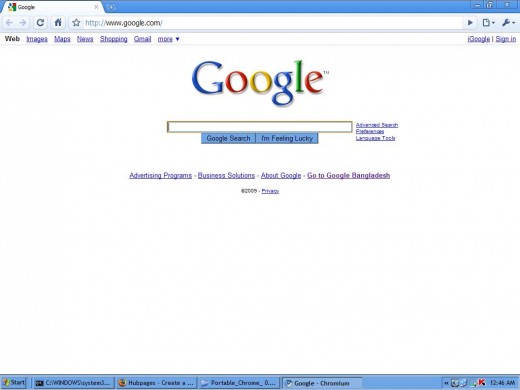
![Google as Home Page in Google Chrome [click to enlarge]](https://usercontent2.hubstatic.com/774095_f520.jpg "Google as Home Page in Google Chrome [click to enlarge]")
Is this page is helpful?
By applying the above steps, you can easily setup Google as your home page in Google Chorme browser. Hope you success....
Smile...