Linksys WRT54G or WRT54GS Wireless Router

Secure a WRT54G wireless router
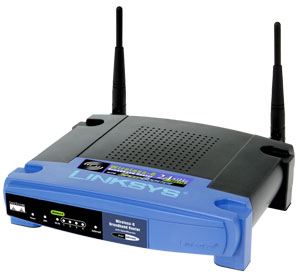
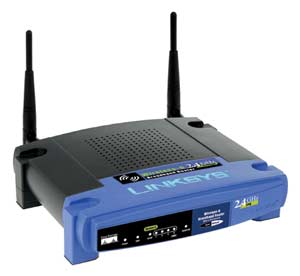
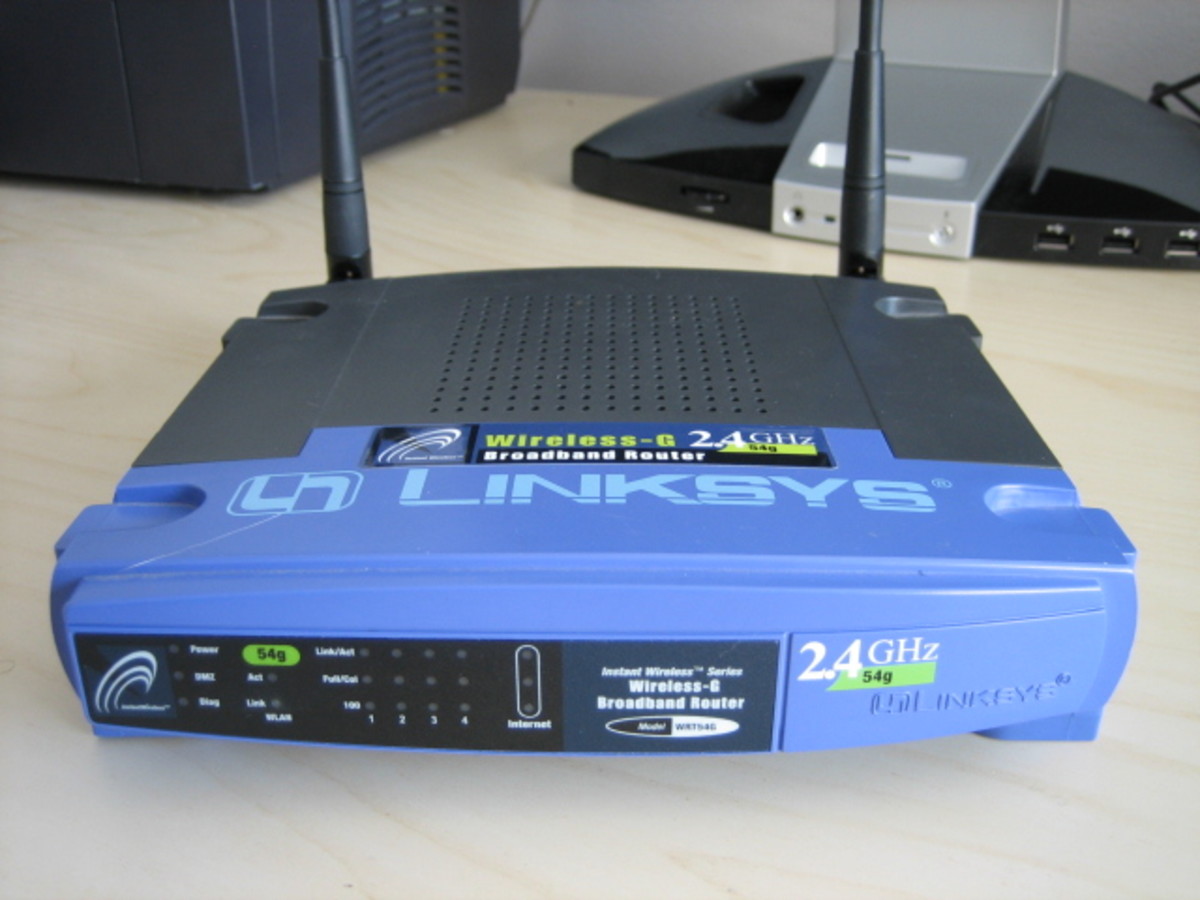
WRT54G or WRT54GS Wireless Router
As easily as WRT54G rolls off your tongue this Linksys router smoothly joins together multiple devices forming a small home network, one connecting an entire office or even a hotspot location. The name may not indicate its ability to work with both wireless B and G technology but it does. Any device added to or that is already part of the network will work albeit may operate slower than a G device. In addition to its abilities as a wireless access point allowing multiple wireless connections there is a four port switch that can directly hardwire up to 4 computers or other Ethernet enabled devices (more can be added with additional hubs) enabling each one to share an internet connection whether Cable or DSL.
Although it is rated a consumer level device the WRT54G provides room for future growth. Anyone setting up a network, no matter the size should be concerned with security which is handled well by this router. WEP (WI-FI Protected Access) 128 bit encryption of wireless transmissions is built in. A strong password, authentication, authorization and NAT technology (network address translation) works together to thwart any online attempts to tap into a secure network from outsiders. The router itself serves as a firewall providing extra protection for your PC from many known internet attackers. This device can be used as a DCHP sever and is flexible enough to allow access for VPN users and port exceptions to allow for online games and particular websites that would otherwise be blocked.
WRT54GS (S denotes SpeedBooster) looks almost just like the WRT54G but it is a speedier version. SpeedBooster is actually an approved add on to the G standard and is rated to be approximately 35% faster than the WRT54G even when supporting a mixed combination of both B & G standard devices on a single network.
There is a button on the WRT54GS that automatically sets up a secure encrypted connection to other SecureEasySetup-enabled wireless devices.
I have owned and set up both the WRT54G and the WRT54GS. It is no chore at all when utilizing Linksys's web based set up tool. I did change my cordless phone from a 2.4 GHZ to a 5.8 GHZ. since these routers also operate on the 2.4 GHZ signal. It is important to remember that any wireless device that operates on the 2.4 GHZ signal can interfer with your wireless connection.