- HubPages»
- Technology»
- Consumer Electronics & Personal Gadgets»
- Portable Electronics
Webcams The Logitech Webcam

Affordable Logitech Webcams
Webcams are becoming cheaper by the year and there are several brands out there that are lowering in dollars or pounds, whatever your currncy, finding a web cam that is going to do the job of what you intend to use it for, you need to have one that is going to provide you with clear streaming video and good sound audio.
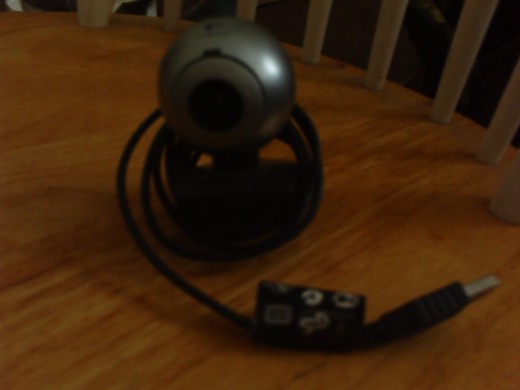
The Logitech webcam is one that I am familiar with because I own one myself and what follows is a review of this webcam, why I think it is a good choice for someone who has never had a webcam before.
Logitech Webcam
Logitech Webcam On Amazon.com
The Logitech Webcam: Why I Like It
As far as webcams go this is easy to use for it's non techy feel and easy to install, so that's one key feature I like about any hardware you can add to your computer, the more user friendly it is to set up and use then the better for me I can sleep at night knowing I am not a complete idiot.
Like many new software additions and hardware installs, you have to upload the cd driver with your webcam and this is fairly straight forward and installed with no problems at all, as Windows xp is my main computer platform, so once this is done you can open up your logitech webcam by clicking on the icon which should appear on your pc desktop.
The ease of using the Logitech webcam is focused highly on the user and whatever the user wants to do with their webcam, it comes with a clip that clips onto the top of a laptop and most other plasma screens, but the only niggle with this is if you don't have a laptop or plasma screen your webcam will have to clipped elsewhere if you can and before I got my laptop I had no where to clip the webcam, so I bought a pack of suction cups and did it that way until my laptop arrived.
The webcam takes pictures too like most other webcams, so you can set a pic up for most online avatars of other sites with a simple pic, so that I like, plus there are small features to create your video for different resolutions and quality aspects which should be taken into account.