- HubPages»
- Technology»
- Consumer Electronics & Personal Gadgets»
- Portable Electronics
Digital Photography - Basics
Basics of Digital Photography
In this Hub, I would like to go through with you how I am now handling all of my photographic work.
Bearing in mind that it is purely a hobby for me so therefore I have to work on a tight budget and I will use a free program even if it is more difficult to use.
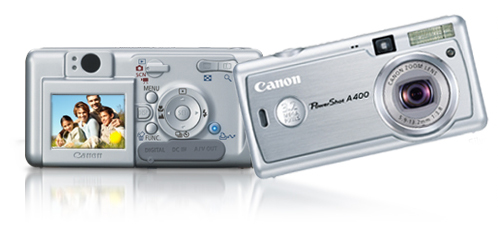
I will touch briefly on my Canon Powershot A400 Camera.
My choices on image manipulation programs are:
- Adobe Photoshop Elements.
- GIMP.
- Paint .net.
How I get around not using Printers at home, Printers such as the Kodak ESP All-in-One are in my opinion a waste of good money for the amateur photographer.
Digital Cameras
Getting started with a Digital Camera.
To be perfectly honest you do not even need a computer to obtain snapshots from your Digital Camera. It can be as simple as this :
- Buy a digital Camera point and shoot, mine is a Canon PowerShot A400 but any 3.1-megapixel camera will work OK.
- Read the instruction manual. Hmm come to think of it, I did not, I just loaded up the batteries and started shooting.
- Take your Photographs with your camera. Go ahead and practice. Delete the shots you don't like, it really is quite simple and immediate.
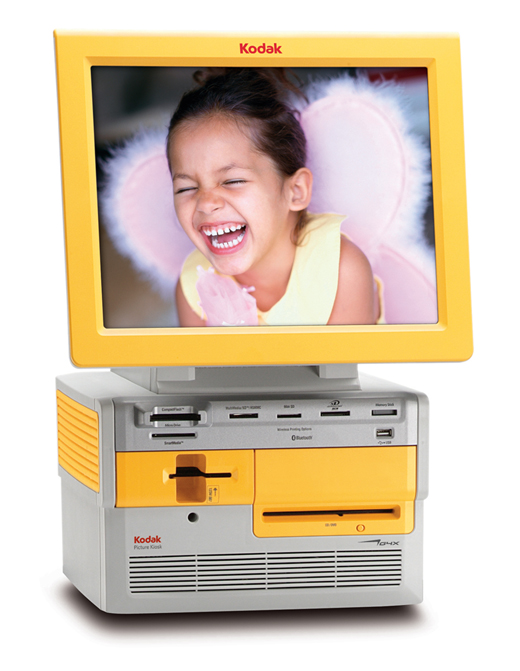
- Then all you do is remove the memory device from your camera, take it down to a photo store.Large stores like KMart and I would presume Walmart have photo processing booths. In Australia, even Chemists and Supermarkets have photo booths for printing snaps.
- Plug your memory device into the Automatic machine, follow the prompts on the machine as far as selecting which images you would like to print, some even have manipulation programs for editing things like color and making collages.
- Press the go button and boom there are your prints.
I must declare, that is not the way I or most serious hobbyists would work. We prefer much more control over our images, so if you bear with me I will run over the way I have set up my little electronic 'darkroom'. There will come a time when future generations will ask "What is a Darkroom"?
Photoshop Elements
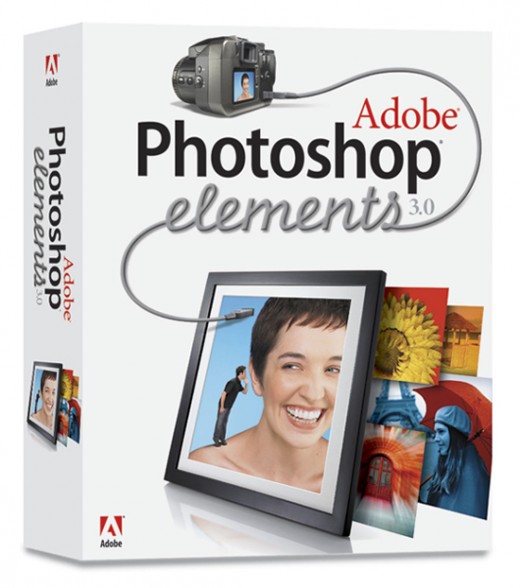
Image Manipulation
Now no need to get frightened about the terminology. Image Manipulation is just a geeky way of saying 'edit'. When you change anything on a photograph you are simply manipulating the pixels.
Ok, let's get serious now. To do justice to your photographs you really do need to have a reasonable Computer and an Image Manipulation program, whether it be a bought one such as Photoshop or a free program.
There are two free programs that I like one is GIMP (Graphic Image Manipulation Program) and the other is Paint .net.
The old saying is 'you get what you pay for'?
In this case, I would dispute this statement because I have used all three programs and I find that they all have a heavy learning curve, but with patience and perseverance they will all accomplish the same result.
Having said that, I still prefer to use Photoshop simply because I cut my teeth on the program and see no reason to change. I must declare that I would not purchase another upgrade of the Photoshop Pro but I would go for the latest version of Photoshop Elements or I would simply move over to a free program, more than likely Paint.net. Anyhow more of that in a later Hub.
To Print or Not Print that is the Question
Now here's a news flash for you!!!!
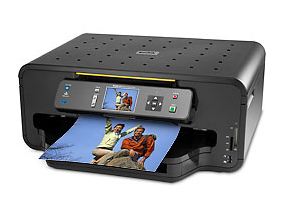
You think I'm going to tell you to go out and spend a squillion dollars on a fancy printer like the Kodak ESP 7 All in One Printer pictured here?
Well, no siree bob.
I've been down that track myself and I'm here to tell you right now that if you want to go through countless hours of printing test photo's and color balancing on your printer and computer, go right ahead and be my guest.
And please, let me be the first one to say " I told you so", and did I mention the cost of Ink. Hmmm no, I don't believe I did!
No folks my suggestion on the printing of photographs is: 'leave it to the experts'
Get your images all composed on your computer using your imaging programs.
Load them onto a Thumb Drive or Disc and take them to the Photo Printing Booth at your Photo processing Store.
Extras for Photographs and Slides
Ok so now that is the basics of what I've got, now for some extras.
When you change over to digital photography you will now be left with hundreds if not thousands of old photographs and Slides (Transparencies) and if you are anything like me plenty of Negatives.
You can at your own expense shell out hard earned money and have these converted to digital professionally.
However, there is a far less expensive and fun way of converting analog to digital images.
If you want to do it yourself you will need to invest in the following pieces of equipment.
Scanner, one that is capable of scanning photographs and slides. Personally, I have opted for a dedicated scanner and a dedicated film and slide scanner. Total outlay for me was less than $200.