external hard drive
67
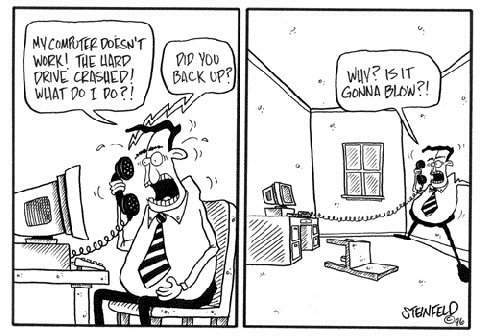
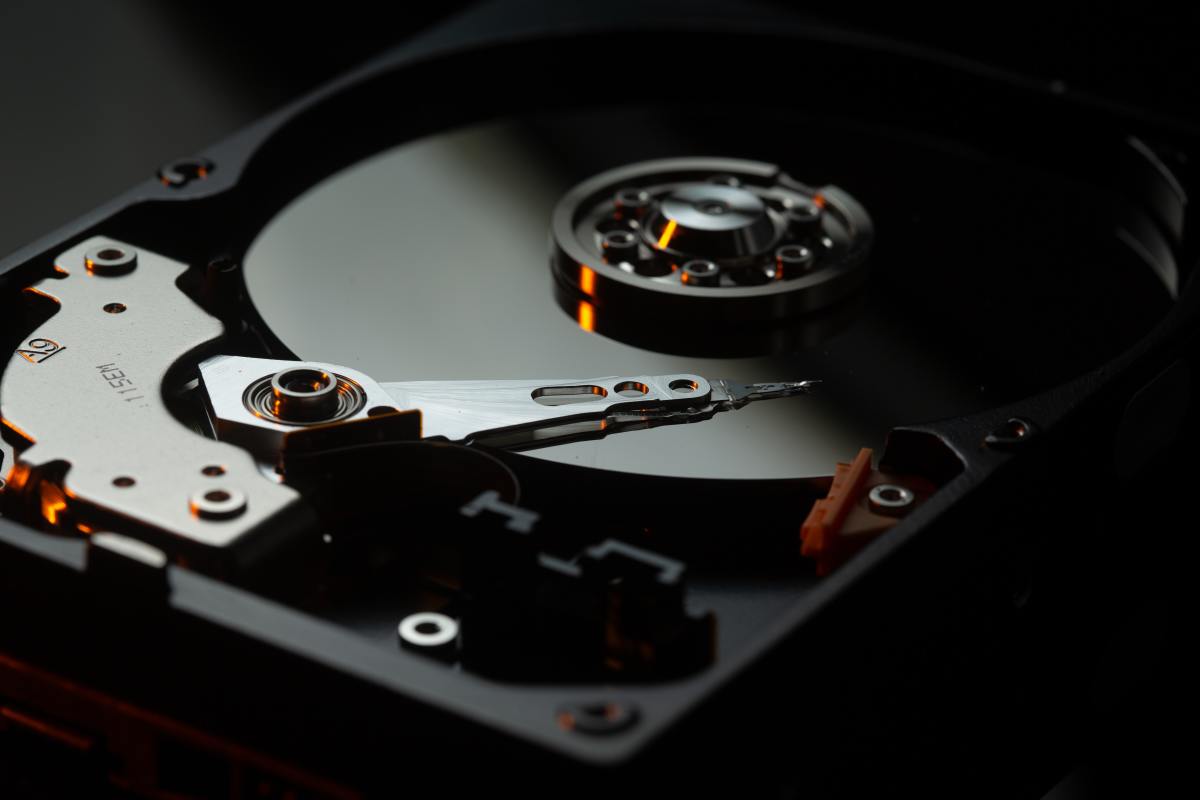
Today so much of our lives are stored on the computer. It is very important to remember to back up anything that is important. It really isn't a question of if your current hard drive will fail, but when it will fail. Their are lots of solutions depending on what your needs are. If you just use your computer to surf the internet and write an occasional paper then you won't need much. You could probably get by with a few recordable CDs or a usb flash drive. However If you you are storing countless, precious family pictures and movies then you should obviously do more. So an external hard drive could be exactly what you need.
Are you prepared if your computer crashes?
Yes, that is exactly what it is for. I would suggest that you actually get an external hard drive and move some of the stuff currently on your computer over to it. You need to keep at least 10% of your computers hard drive free for it to run well. I keep a back up of my computer on my external hard drive. I also move stuff over to it when I don't need it on the main drive. All of my programs are on my internal hard drive. But for editing video and storing large files I put them on the external hard drive.
I think it is safe to assume pretty much everyone reading this has a digital camera. Maybe even some of you have video camera's and store videos on your computer along with your pictures. You also may have important papers or a vast mp3 collection. If you want to make sure you still have these for years to come you need to back them up.
It is fairly common practice for some people to backup their whole computer to external hard drives. And even store the hard drives at different addresses in case of a theft, fire or flood. I have never gone this far but I can see it being very useful. I have lots of pictures, home movies, websites and various important files on my computer. I'm not too picky about backing them up. But I do know how important it is. So I use Lacie's Sliver Keeper to do automatic updates of all of my important folders to an external hard drive. It is pretty simple and pretty worry free. Sometimes if I have an important video I edited I might even back it up to a recordable DVD also.
If your files are very important to you and your hard drive gets corrupted or breaks you could end up paying a fortune for someone to try and restore them.
An external hard drive can be a very worthwhile investment. It can even give you peace of mind knowing that you are not stuck starting over from scratch if something terrible happens to your computer. Some hard drive manufacturers are better than others. I personally have had great luck with Lacie but they are not always rated that well. Personally I really like the triple interface. The Laice drives that can transfer with USB Firewire and Firewire 800 work best for me. I often times work with large video files on my Powerbook. So the Firewire 800 connection is extremely fast. If you don't need speed then I suggest getting a cheaper hard drive with just a USB connection.An external hard drive can also be a great way to increase your computer's capacity. If you are starting to run low on room you can move files to an external drive. But I still highly suggest a back up.
Portable Hard Drive
|
LaCie 160 GB Rugged Hard Drive USB 2.0/FireWire400/FireWire800 8MB Cache
Price: $244.35
|
|
Toshiba 320 GB USB 2.0 Portable External Hard Drive HDDR320E03X
Price: Too low to display
List Price: $129.99 |
|
LaCie 301280 Little Disk 160GB FireWire 400 and USB 2.0 Portable Hard Drive, design by Sam Hecht
Price: $83.99
|
|
Western Digital My Passport Essential 160 GB USB 2.0 Portable Hard Drive (Intense Blue)
Price: $85.50
List Price: $99.99 |
|
Seagate FreeAgent Go 160 GB USB External Hard Drive ST901603FGA1E1-RK
Price: $55.91
List Price: $159.99 |
Desktop External Hard Drive
|
LaCie 301825U d2 Quadra 500 GB eSATA/FireWire800/FireWire400/USB 2.0 External Hard Disk
Price: $159.00
List Price: $162.99 |
|
Seagate ST310005FPA1E3-RK Freeagent Pro 1 TB 3.5-Inch USB 2.0/FireWire 400 External Hard Drive
Price: $165.95
List Price: $299.99 |
|
|
LaCie 301150U Brick 320 GB USB 2.0 Mobile Hard Drive (Blue)
Price: $180.96
|
|
|
G-Tech 913003-01 G-Drive 500GB Quad-Interface External Hard Drive
Price: Too low to display
List Price: $238.57 |
- MWave
MWave often has great deals on Hard Drives. Just click on hard drives in the left hand column
Already have an extra hard drive?
If you have an extra hard drive around from an old computer you can also just buy the hard drive enclosure so you can have a portable backup drive. It is extra work but it can also be a lot cheaper.
External Enclosure to Make Your Own
|
Macally PHR-250CC FireWire 400/USB 2.0 2.5-Inch IDE Hard Drive Enclosure
Price: $29.99
List Price: $46.99 |
|
Acomdata 3.5-Inch USB/Firewire A External Enclosure
Price: $40.28
List Price: $61.49 |
|
Vantec NexStar 3 NST-360SU-BK 3.5-Inch SATA to USB 2.0 and eSATA External Hard Drive Enclosure (Onyx Black)
Price: $34.98
List Price: $51.99 |
|
Aluratek AHDUS350 Hurricane USB 2.0 3.5-Inch External SATA Hard Drive Enclosure
Price: $33.77
List Price: $58.61 |
PrintShare it! — Rate it: up down [flag this hub]
Comments or suggestions?
Jim, you are writing about very important computer reality check, here. It is so important, that we think in advance about such negative events and do everything possible to prevent the lose of important information. We simply cannot afford to lose our date due to our lack of preventive planning. We need to think about every single text, music, video, software, etc. we should have backup-ed in advance. External hard drives are just a perfect solution for these preventive measures.
Thanks for this information and for finding all of these external hard drives for us to choose from. My computer is a 2000 HP Pavillion, and I have been told that getting more memory for it won't do me any good, that I need to just get another computer. I have the possibility of getting a newish computer soon. If I just migrate every thing I need onto it and keep my old computer as back up, will that be just as good?
Hi Suzanne, You certainly can keep the old computer and keep everything stored on it. To be honest if you don't need the old computer for anything other than that. It might be a good idea to see if someone you know can take the internal hard drive out of the old computer. Then you can get an external enclosure for it and use it as an external hard drive. Just like the ones I mention above. There is no reason to keep the old computer if it will just collect dust. If your new computer has a DVD burner and you get your files from the old computer onto the new one you could back up to a few DVDs. DVD's hold 4.7 GBs each. Every once in a while I do this for our family photos just so I have extra backups of them. Good luck.
|
|
NEW 500GB USB External Hard Drive FREE SHIPPING
Current Bid: $61.00
|
|
|
NEW 750GB USB External Portable Hard Disk Drive Seagate
Current Bid: $82.95
|
|
|
NEW 400GB USB Slim External Hard Drive FREE SHIPPING
Current Bid: $43.51
|
|
|
NEW 1TB 1000GB USB External Hard Drive FREE SHIPPING
Current Bid: $91.00
|


emmett denison says:
8 months ago
I have an older PC with windows 98 it is lacking memory, I'm not well versed in the computer world but I would like to know if simply buying an external memory will allow me to down load more as well as have more operating space?