Make and Print Kids Coloring Pages

Make and print kids coloring pages at home for FREE! Free, printable coloring pages are just minutes away! Use any one of thousands of pictures of your child's favorite characters! You can make:
- Dora the Explorer coloring pages
- Disney Princess coloring pages
- Go Diego Go coloring pages
- Simpsons coloring pages
- Blue's Clues coloring pages
- The Backyardigans coloring pages
- Ni Hao Kai Lan coloring pages
- Super Why coloring pages
- Curious George coloring pages
- Arthur coloring pages
- ANY CHARACTER YOU CAN THINK OF!!
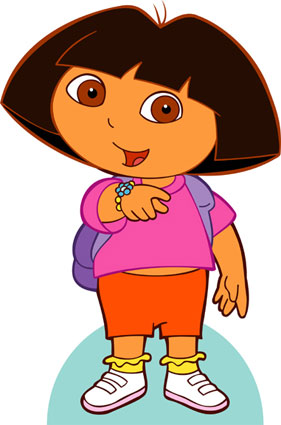
Step One: Get a Picture
This is the easy part. You can do a Google Image Search for whichever character you want. For this example, we will use Dora the Explorer. Download the image on to your PC by right-clicking it and choosing "Save target as..." on a PC or "Download image to ..." on a Mac.
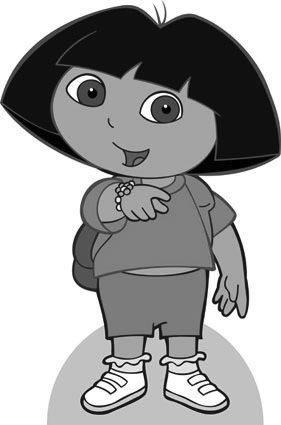
Step Two: Set to Grayscale
Open the image in a photo editing program, such as Adobe Photoshop. On a Mac, the image will open in Preview, and all of these adjustments can be done in that program.
The first thing that you will want to do is to remove the color. This can be done by changing the image to grayscale. On a Mac, you will go to Tools menu and choose "Adjust color...", then slide the bar that says "Saturation" down to the left.
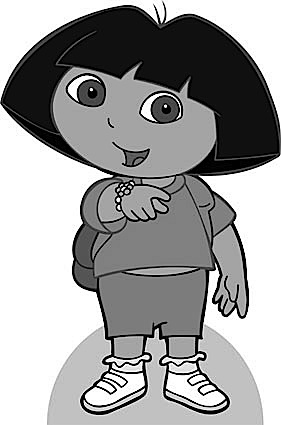
Step Three: Adjust Sharpness
It is at this point when the outside lines are at their darkest that we want to adjust the sharpness all the way up. This works best here, and not as well after we "bleach out" the grays.
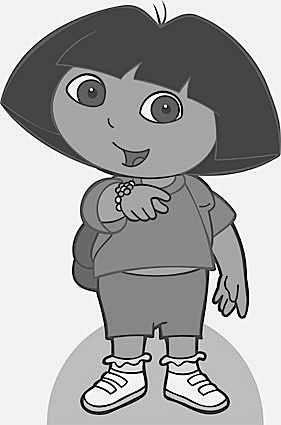
Step Four: Adjust Contrast
At this point you want to adjust the contrast. Counter-intuitively, you will want to adjust the contrast DOWN. This is because if you adjust it up, anything gray becomes closer to black. Since Dora's clothes, Backpack, skin, and eyes are gray at this point, she would just turn into a black blob if contrast went up.
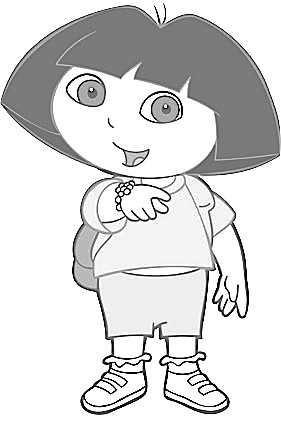
Step Five: Adjust Exposure
This is the final step to making the image something to color. Adjust the exposure up, which will effectively bleach out the remaining interior grays, leaving only the dark, sharpened lines.
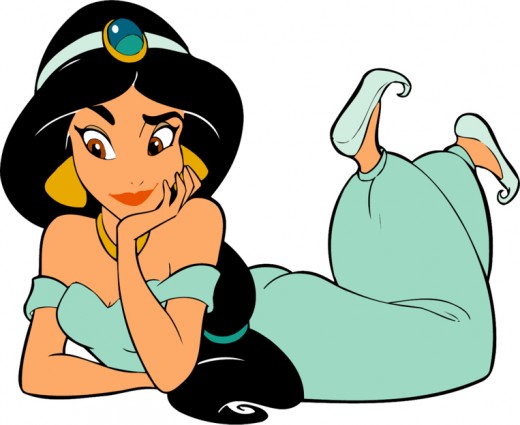
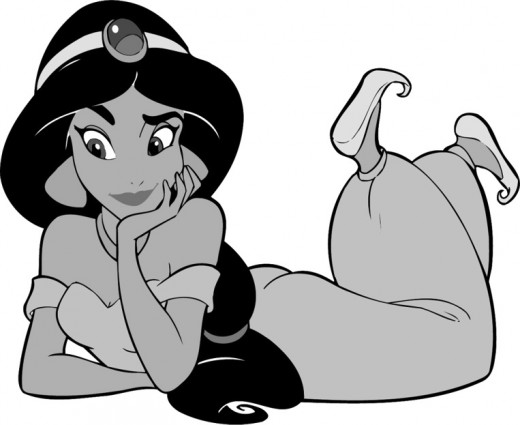
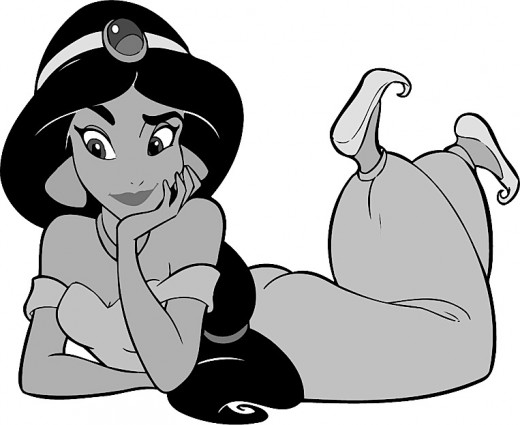
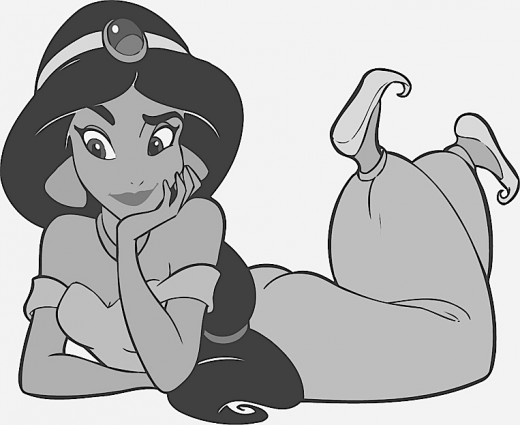
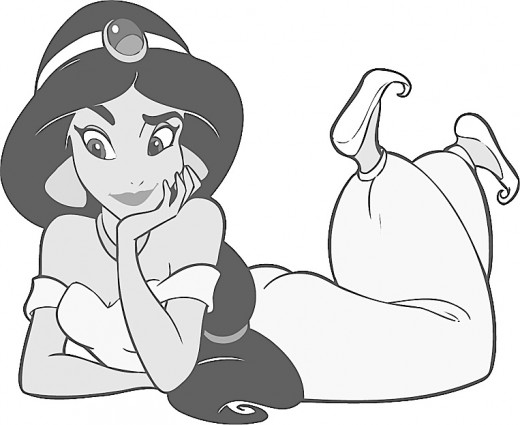
The Same Process with Princess Jasmine
Click thumbnail to view full-size


Tips and tricks
- Try to make sure that the image you select has pre-existing black outline if at all possible.
- Try to avoid characters with yellow as an edge color, as it completely fades out with very little outline.
- The order of the steps is in the way that worked best for me after some experimentation. If you are up to it, feel free to experiment yourself and add your own suggestions in the comments.
Related Links