ArtsAutosBooksBusinessEducationEntertainmentFamilyFashionFoodGamesGenderHealthHolidaysHomeHubPagesPersonal FinancePetsPoliticsReligionSportsTechnologyTravel

How to Replace Mazda CX-7 Cabin Air Filter

Updated on August 7, 2014
Max Dalton profile image

Max holds a B.S. in mass communications from SIU, an M.A. in communications from U of I, and is pursuing an MBA from Webster University.

Introduction

If you feel like the air being pumped into the cab of your Mazda CX-7 isn't as clean as it should be, it may be time to clean your old one out or replace it. A clean or newer air filter filters the air coming into your cab more efficiently, allowing cleaner air to be pushed to your vents faster. A clean or new Mazda CX-7 cabin air filter can also improve your car's gas mileage because you don't have to run the fan at a higher speed to get the air to come out the vents at the speed you want it. Also, replacing your cabin air filter yourself can be done in less than 15 minutes for less than $30; the process costs at least $80 at most car dealers and auto maintenance shops.

Rate Your Mazda CX-7

5 out of 5 stars from 1 rating of Mazda CX-7

How many hours per week do you spend on the road?

See results

Introduction

  1. Open the glove box in your Mazda CX-7 and then remove any contents in the glove box. Locate the thin black plastic on the bottom part on the outside right wall of the glove box.
  2. Push the black plastic piece in toward the glove box until you hear a pop and the piece suddenly becomes easy to move. Don't panic; you didn't break it.
  3. Push the left and right walls of the glove box in to move the nubs holding the glove box in place out of their slots, all the while carefully pulling the glove box toward you. The walls of the glove box are difficult to pull inward, and it may require that you use two hands on each side and do one side at a time. Eventually, the glove box will pop out of place and reveal the area behind it that contains the Mazda CX-7's cabin air filter. The cabin air filter cover is located in the lower-right region of the exposed area and has two arrows pointing down on it.
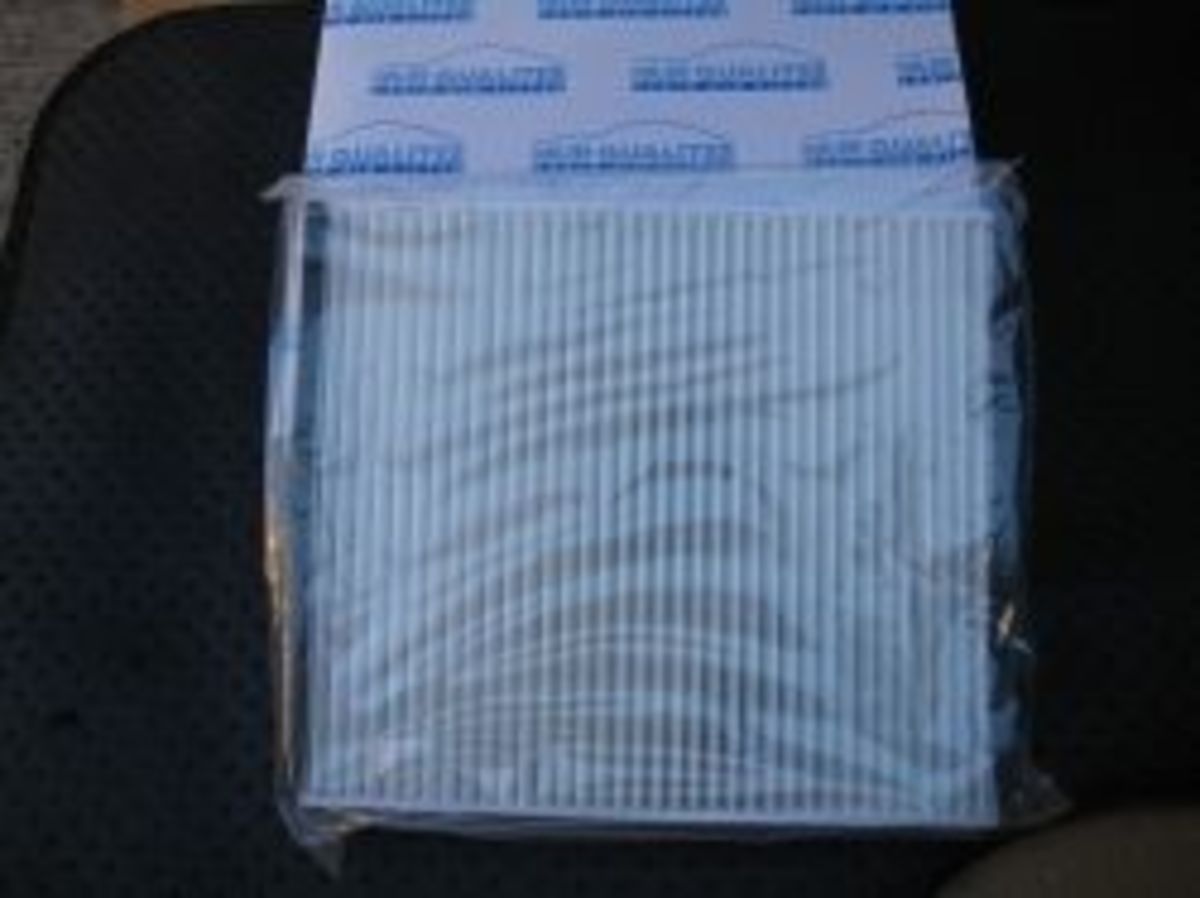
  4. Grab the top part of the cabin air filter cover and pull it toward you to pop it free and then remove it to reveal the cabin air filter, which has a single down-pointing arrow on it.
  5. Grab the cabin air filter and carefully pull it toward you to remove it from its slot. You may have to angle the filter to the left to work it around the bottom of the glove box to remove it.
  6. Hold the new Mazda CX-7 cabin air filter so the front is facing you and make sure the arrow on the front it pointing down.
  7. Carefully slide the new cabin air filter into the slot.
  8. Replace the cabin air filter cover and push it in its slot until it clicks and locks into place.
  9. Lift the glove box up and push it back until the nubs on the back edges of the glove box pop back into place and the glove box can support its own weight.
  10. Grab the black plastic piece extending down just outside the right edge of the glove box and pull it down so it reaches the small piece on the glove box that it connects to. Pull the black piece extending down to the right over the smaller piece on the glove box until it clicks and locks into place.
  11. Replace the contents of the glove box and then close it until it clicks and locks.
working

This website uses cookies

As a user in the EEA, your approval is needed on a few things. To provide a better website experience, hubpages.com uses cookies (and other similar technologies) and may collect, process, and share personal data. Please choose which areas of our service you consent to our doing so.

For more information on managing or withdrawing consents and how we handle data, visit our Privacy Policy at: https://corp.maven.io/privacy-policy

Show Details
Necessary
HubPages Device IDThis is used to identify particular browsers or devices when the access the service, and is used for security reasons.
LoginThis is necessary to sign in to the HubPages Service.
Google RecaptchaThis is used to prevent bots and spam. (Privacy Policy)
AkismetThis is used to detect comment spam. (Privacy Policy)
HubPages Google AnalyticsThis is used to provide data on traffic to our website, all personally identifyable data is anonymized. (Privacy Policy)
HubPages Traffic PixelThis is used to collect data on traffic to articles and other pages on our site. Unless you are signed in to a HubPages account, all personally identifiable information is anonymized.
Amazon Web ServicesThis is a cloud services platform that we used to host our service. (Privacy Policy)
CloudflareThis is a cloud CDN service that we use to efficiently deliver files required for our service to operate such as javascript, cascading style sheets, images, and videos. (Privacy Policy)
Google Hosted LibrariesJavascript software libraries such as jQuery are loaded at endpoints on the googleapis.com or gstatic.com domains, for performance and efficiency reasons. (Privacy Policy)
Features
Google Custom SearchThis is feature allows you to search the site. (Privacy Policy)
Google MapsSome articles have Google Maps embedded in them. (Privacy Policy)
Google ChartsThis is used to display charts and graphs on articles and the author center. (Privacy Policy)
Google AdSense Host APIThis service allows you to sign up for or associate a Google AdSense account with HubPages, so that you can earn money from ads on your articles. No data is shared unless you engage with this feature. (Privacy Policy)
Google YouTubeSome articles have YouTube videos embedded in them. (Privacy Policy)
VimeoSome articles have Vimeo videos embedded in them. (Privacy Policy)
PaypalThis is used for a registered author who enrolls in the HubPages Earnings program and requests to be paid via PayPal. No data is shared with Paypal unless you engage with this feature. (Privacy Policy)
Facebook LoginYou can use this to streamline signing up for, or signing in to your Hubpages account. No data is shared with Facebook unless you engage with this feature. (Privacy Policy)
MavenThis supports the Maven widget and search functionality. (Privacy Policy)
Marketing
Google AdSenseThis is an ad network. (Privacy Policy)
Google DoubleClickGoogle provides ad serving technology and runs an ad network. (Privacy Policy)
Index ExchangeThis is an ad network. (Privacy Policy)
SovrnThis is an ad network. (Privacy Policy)
Facebook AdsThis is an ad network. (Privacy Policy)
Amazon Unified Ad MarketplaceThis is an ad network. (Privacy Policy)
AppNexusThis is an ad network. (Privacy Policy)
OpenxThis is an ad network. (Privacy Policy)
Rubicon ProjectThis is an ad network. (Privacy Policy)
TripleLiftThis is an ad network. (Privacy Policy)
Say MediaWe partner with Say Media to deliver ad campaigns on our sites. (Privacy Policy)
Remarketing PixelsWe may use remarketing pixels from advertising networks such as Google AdWords, Bing Ads, and Facebook in order to advertise the HubPages Service to people that have visited our sites.
Conversion Tracking PixelsWe may use conversion tracking pixels from advertising networks such as Google AdWords, Bing Ads, and Facebook in order to identify when an advertisement has successfully resulted in the desired action, such as signing up for the HubPages Service or publishing an article on the HubPages Service.
Statistics
Author Google AnalyticsThis is used to provide traffic data and reports to the authors of articles on the HubPages Service. (Privacy Policy)
ComscoreComScore is a media measurement and analytics company providing marketing data and analytics to enterprises, media and advertising agencies, and publishers. Non-consent will result in ComScore only processing obfuscated personal data. (Privacy Policy)
Amazon Tracking PixelSome articles display amazon products as part of the Amazon Affiliate program, this pixel provides traffic statistics for those products (Privacy Policy)
ClickscoThis is a data management platform studying reader behavior (Privacy Policy)