- HubPages»
- Technology»
- Computers & Software»
- Computer Software
Excel contiguous print error

Contiguous print error
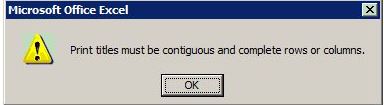
A common problem in excel is the contiguous print error. This error makes it seem impossible to print the excel worksheet you are working on. The error message displayed is as follows:
"Print titles must be contiguous and complete rows or columns "
The fix
The fix for the contiguous print problem is straight forward although not immediately obvious.
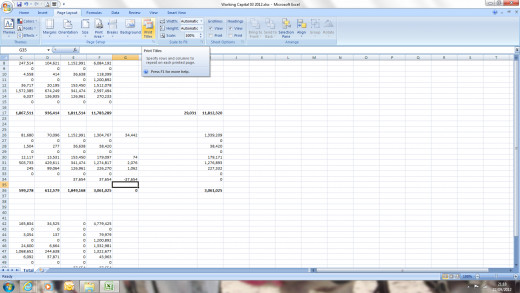
Firstly click on the Page layout tab and click on the Print Tiles button.
Step 2: Fix contiguous print error
To fix the contiguous print error bring up the print tiles menu screen as shown below and find the drop-down menu which says cell errors.
Click on the Cell Errors drop down box and move this from displayed to <Blank>.
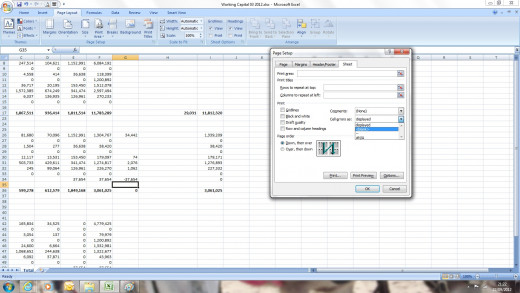
Problem solved
After this you should be able to print the page, or preview the page without the error "Print titles must be contiguous and complete rows or columns "
You will need to repeat this fix for every worksheet that is affected by the contiguous print error.
More common excel problems
- Excel number format problem
This hub looks at troublesome number formats in excel. A common and frustrating problem with many Excel spreadsheets is where numbers are in a format that Excel does not recognise. This hub explains how to fix this problem and put these numbers into - Excel problems - Fix date formats
One of the most frustrating problems in Excel is having a spreadsheet which dates are in a funny format that isn’t recognised by Excel. This hub explains how to fix this problem and put these troublesome dates into a format that Excel will recognise.