How To Open An EPS File

EPS, or encapsulated postscript, is a format for vector graphics based on the Adobe postscript standard. EPS files are often used for figures and illustrations in books, magazines, and articles, although they can be used for pretty much any type of graphics. Depending on what you need to do with your EPS file, you may need different types of software.
Viewing EPS Files
Viewing EPS files is pretty easy. If you have a Windows or Mac computer, you probably already have at least one program that can open EPS files, and there are several other good ones. Here are some:
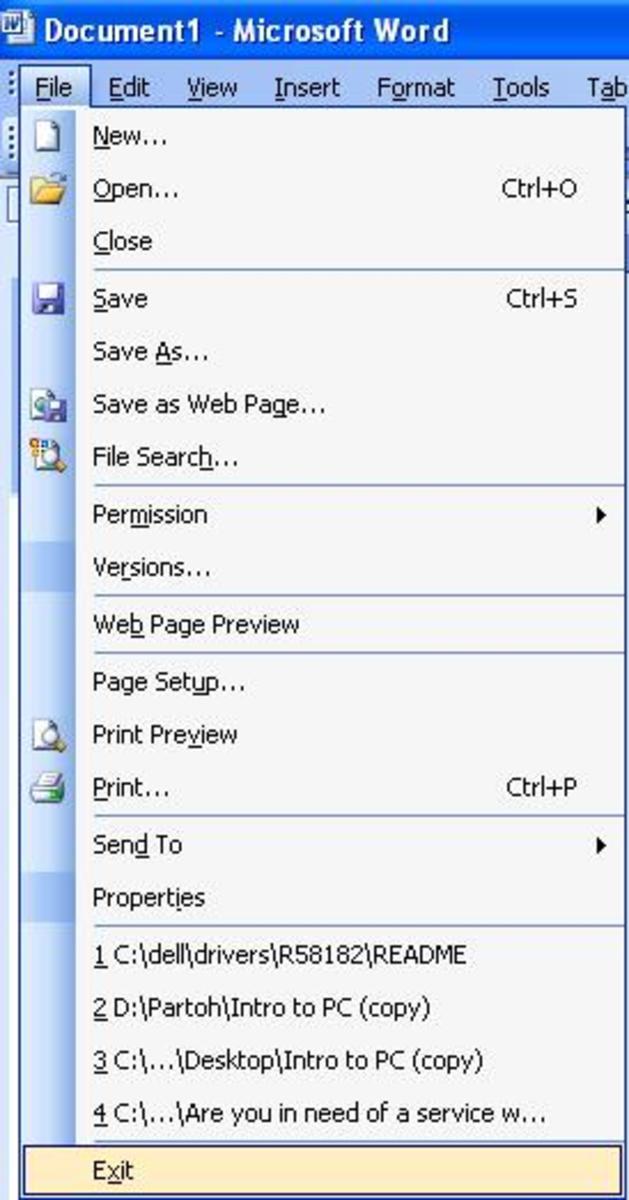
- Microsoft Word can embed eps files in documents, so it can serve as a simple EPS viewer. Just drag and drop the file into a new word document and you'll see the EPS file. To do this in older versions of Office, you might have to use the "insert" menu.
- Apple Preview can open EPS files. This program, only for macs, comes installed on all macs.
- Adobe Acrobat can open EPS files on either platform.
- Fancier programs such as Adobe Illustrator can open EPS files.
- One great free solution is Ghostview, an open source program based on the Ghostscript postscript engine. Ghostview can view postscript, PDF, and EPS files.
Editing EPS Files
If you need to edit your EPS file, you'll need some fancier software that probably costs money. Here are a couple of alternatives.
- Adobe Illustrator
- Adobe Photoshop
- CorelDRAW
Another alternative is to convert the EPS file to another format. The above programs can do that, and you might also check out ImageMagick, which can convert from EPS to a wide variety of different vector and raster image formats. Remember that if you convert an EPS to a raster format, you won't be able to scale the image very well, so make sure you use an appropriate resolution to begin with.
Software To Open EPS Files
- Adobe Acrobat Reader
A free PDF and EPS reader. - Ghostview
A free program to view postscript, PDF, and EPS files. - Adobe Illustrator
A vector graphics editor. - Adobe Photoshop
A raster graphics editor. - ImageMagick
A set of programs for converting and editing many types of graphics files. - How To Open An SVG File
SVG is a vector format similar to EPS.