- HubPages»
- Technology»
- Computers & Software»
- Computer Software»
- Digital Photography & Video
It's easy to learn how to use several free online photo editing programs

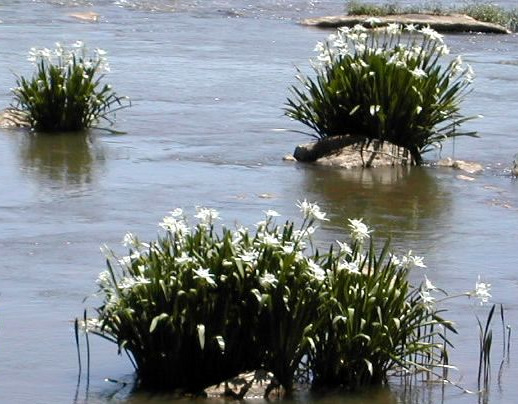
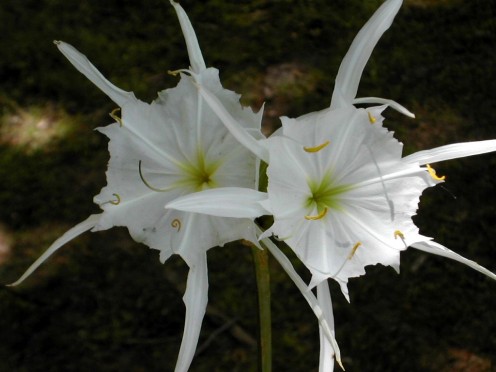
Catawba River Spider Lilies
Online Photo Editing
By DiamondRN
I like to write. I write articles for three or four blogs, several other Internet sites and some professional journals. I like to use photographs to help make them more attractive and informative.
Most of the photographs I use need to be edited for lighting, or cropped to only show what is necessary to get my point across for whatever project I am working on.
There are a lot of good photo editing programs out there. Some are free and some are not so free – some are downright expensive. I have several of them on the three computers that I have at home.
The problem I run into is that they don’t all have the same programs installed on them and it is not always convenient to switch computers, particularly if I have already done a lot of work on an article before I realize that the photos that I intended to use need to be edited for contrast, lighting or cutting purposes, etc.
I have found a couple of photo editing programs online that I can use, no matter where I am, as long as I have broadband access to the Internet.
I am going to include the links here to two of the services that I have used successfully. There are more, but I make do very nicely with these. You may find some that you like better, but at least you now know that they are available to help you out.
You can find Lunapic Online Photo Editor at http://www.lunapic.com/editor/
There you can edit your profile pictures for MySpace and FaceBook. You can also do one-click animations and slide shows. In addition to the slide shows you can also add text to your photos and make posters and create other special effects.
Lunapic can also be accessed from your Facebook, Photobucket, Flickr, Picasa or MySpace accounts.
Another good choice is the PicMonkey online photo editor at http://www.picmonkey.com/
There you can edit photos quickly and easily wherever you or they are, mix all of your photos together to create collages, or turn your photos into a scrapbook, greeting card or other even more sophisticated applications.
PicMonkey can also be accessed from your Flickr, Facebook, Myspace, Photobucket and Picasa web accounts.
Photobucket has made some recent user-friendly improvements and can now be added to the list of sites that are free and that make it easy to edit your photos and albums.
I am not going to try to show you how to do any of this. These sites are easy to use. You will impress yourself with how easy it is to add quality art and pictures to your personal web pages and emails.
Give it a try. You may not have to buy any other photo editing processing programs for your computer again.
Have fun making your material more interesting and attractive.
Bob Diamond
Related
Pixlr-o-Matic for Vintage & Retro Photo Effects - Free Online Photo Editor Review

Easy Photo Editing - 8 Free Sites and Examples

Resize Image with Shrink Pictures, a Free Online Photo Resizer
Software Guide for Better Photography and Videography Post Production
Building a Photo and Video Editing PC on a Budget Q4 2023