PC Backup, a checklist for your computer

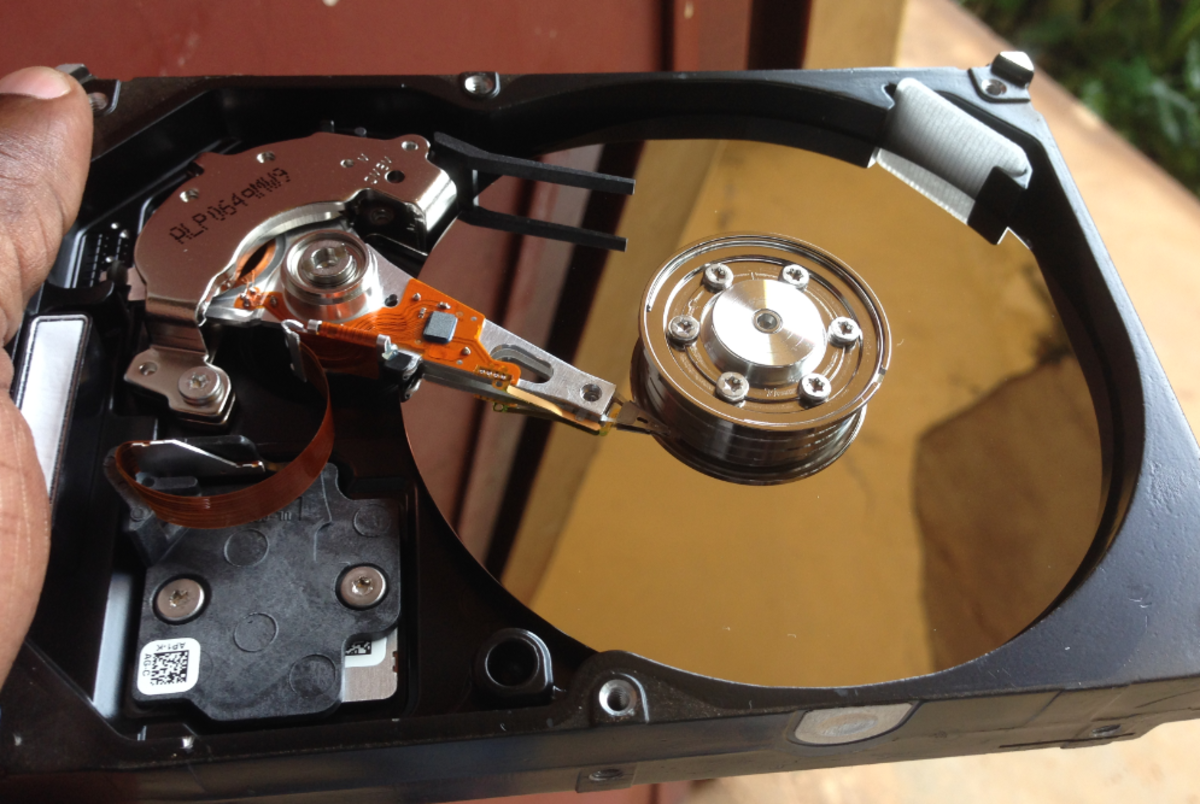
"I've lost my mind and I don't know where to find it!" That's what you'll feel like if your PC hard drive crashes or you realize you deleted something important. Backup is like flossing. We should do it every day, but how many of us do? We don't do these necessary things because there is no daily pain or consequence. The pain comes in the unforeseeable future.
Let's take a look at what might be important to backup, where to find stuff on your PC and some backup strategies that might keep you from losing your mind one day.

PC Backup Checklist
What should you backup? What will you miss most if lost? Not everybody will answer these questions in the same way or with the same priority. Here are a list of candidates:
- Document files - do you create and save important documents?
- Pictures - taking lots of digital pics, and the only copy is on your PC?
- Music - streamed and ripped a lot of irreplaceable songs?
- Video - clips you need to keep?
- Email - do you use your Email as a filing and reminder system? Lose the messages and lose your way?
- Address Book - If your address book dissapeared would it be difficult to recreate?
- Favorites and bookmarks - saved a ton of URL's?
- Desktop - do you park lot's of shortcuts, folders and files on your PC desktop?
- PC setup - would it be a problem to restore your operating system and programs?
Where is my stuff?
It all depends on you. Did you get creative and make folders and setup your own file organization? If so, you are on your own.
Or, did you accept Windows defaults and just start using the PC and let things go to the default locations? Here is where Windows wants to put things:
- Files go in the "My Documents" folder.
- Pictures (jpg, etc.) go in the "My Pictures" folder which is within "My Documents".
- Videos go in the "My Videos" folder which is within "My Documents".
- Music files (mp3) go in the "My Music" folder which is within "My Documents".
Where are my Email files?
If you use a web based Email client, you are relying on that service to backup and protect your files. Gmail is a great online client. Your ISP probably offers online Email as well. If you use the popular desktop clients that come with Windows products, then you have to back them up yourself.
Outlook - there is one file that contains all your Email folders, contacts, calendar, and by default it's named outlook.pst. The location depends on the version of Outlook. You can simply go into Explorer and search for files with a pst extension. Here is a site with specific locations for the latest versions.
Outlook Express- this Email client program has several database file to hold inbox, sent mail, deleted items, etc. Fortunately there are all kept in one folder, but where is that folder? Here is a site that finds the Outlook Express goodies.
Image backup recommendation
- Acronis Backup software for disaster recovery in Windows and Linux
I've used Symantec Ghost and Acronis to make images that have been great time savers in recovering an operating system and progrmam installation. I don't rely on them for daily data backup.
Backup program recommendation.
- Genie-Soft Backup
Genie meets all of my must-have backup qualities and it will find and backup your Email files from a variety of vendors products.
Personal backup strategies
There are many software programs and online services that offer to save you from yourself and backup your precious data.
Online backup - backup your files via the Internet on some vendors server. I would not be comfortable with my backed up files totally out of my reach and control. There is also the issue of the slow speed of recovery in the event of major data loss. I would want to have a local backup alternative.
Image backup - this is the perfect answer to recovering your operating system and your installed programs. The program takes a virtual image snapshot of your PC which can be restored at a later date. The image file can be huge, so storage may be an issue. Be aware that the image restore brings everything, including your data back to the time of the snapshot. The image backup is not as good an alternative for regular data backups. An image backup is a great recovery tool when used in conjunction with a file backup system that can recover your data, after your operating system and programs are restored.
File backup program - this is the answer to protecting your important files. A good backup program will offer several features including: scheduled backups, allow you to select files, verify that the backup is good, compress the files to save space and allow you to keep a rotation of backups (e.g. keep last three backups). Be aware that some compress your data using proprietary formats; I prefer compression in zip format so I can access my data with any zip utility. Some programs will even find your Email files for you.
Here are some sites that expand on backup and disaster recovery concepts
- 6 Key Elements for any Backup Strategy
Covers some inportand considerations: media choices, scheduled rotations, verifying restore. - Disaster recovery - Wikipedia
The big picture, more from a corporate perspective.