- HubPages»
- Technology»
- Consumer Electronics & Personal Gadgets»
- Portable Electronics»
- MP3 Players
ClickFree Transformer for iPods

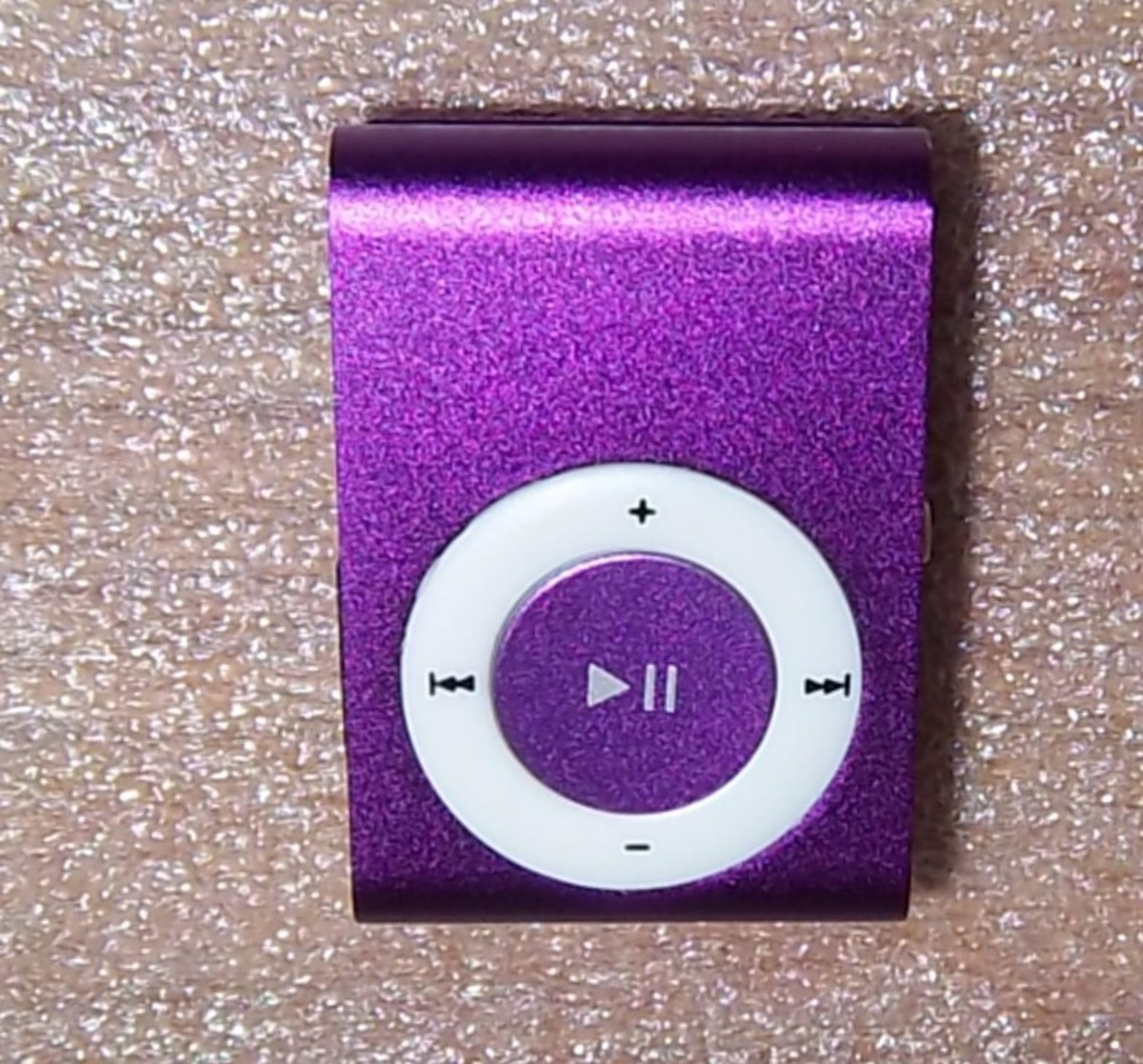
Owning multiple iPods is not unusual. It is also not unusual to use each one on a regular basis. The iPod Nano or the iPod Shuffle is great for exercise. The iPod Classic with its large storage capacities are great for large video files, digital photos and nearly unlimited number of songs. The iPhone and the iPod Touch are very popular as well. Since many of us have multiple iPods (I own a Classic, a Nano and an iPhone 3G), surely there are files on each one that needs to be on the other.
What is a ClickFree Transformer for iPods?
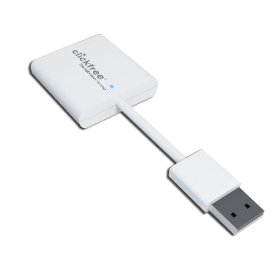
The ClickFree Transformer for iPods is a short cable with a USB connector on one end (plugs into your computer USB port) and an iPod connector on the other. (The iPod cable connects to your iPod and the USB end of the cable plugs into the ClickFree Transformer for iPods) As with other ClickFree devices such as the external hard drives, the Transformer cable for your own external hard drive and the ClickFree Transformer for DVDs the needed software is downloaded automatically. Simply attach the ClickFree device to your computer and within a few seconds the count down screen appears. At the end of the countdown you can choose the files that are to be backed up or you can choose for all files to be backed up.
Will the ClickFree Transformer for iPods work on my Computer?
The ClickFree Transformer for iPods solves this issue. Moving files from one iPod device to the other cannot get much easier or efficient. Plug one end of the ClickFree Transformer for iPods into a PC or a Mac and the other end into the iPod or iPhone. It is just as easy to transfer those files from your iPod to your computer.
The ClickFree Transformer for iPods is compatible with Windows Vista, XP, 2000 and Mac OSX 10.5 Leopard or later (must have Intel Processor).
Can I Transfer Files to my Friend’s iPod?
Technically yes you can transfer files from your iPod to your friend’s iPod. There are legal issues however that should be taken into account. I would suggest that you read and follow the terms of service that you agreed to when you purchased the music, video or podcasts.
It is perfectly OK to transfer your personal digital photos, your personal videos or any other files that you have created and have rights to.