- HubPages»
- Games, Toys, and Hobbies»
- Computer & Video Games»
- Video Game Consoles»
- Microsoft Consoles
Troubleshoot Xbox 360 Problems Reading Game Discs

Introduction
A variety of factors can prevent your Xbox 360 from reading the inserted disc. The problem can stem from a dirty or damaged disc, old system files on your machine, a defective hard drive, connected memory devices or a non-supported region code. Use troubleshooting to pin down your exact problem so you can best determine how to resolve your problem without having to send the console back to Microsoft for repairs.


Clean the Game Disc
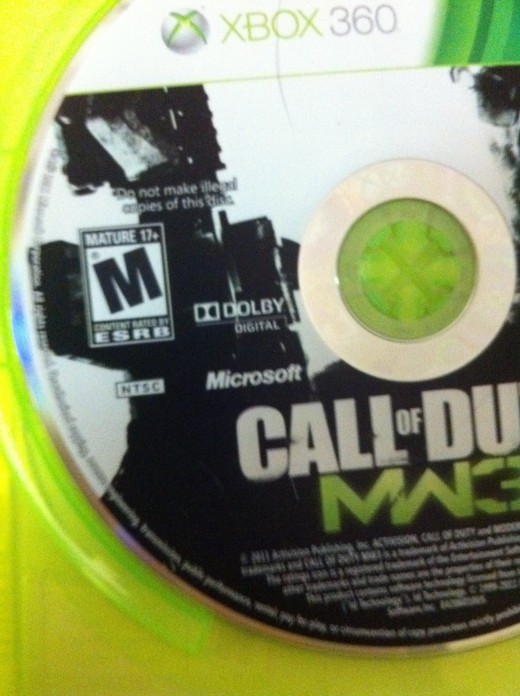
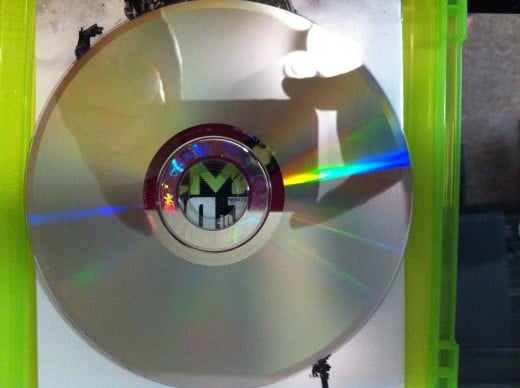
The disc you're attempting to play may be dirty or damaged. You can clean a dirty disc using a soft damp material. Do not try to rub off dirt that is difficult to remove using a rough towel or any type of material that could damage the disc further and also don't use any type of cleaning solution, as the contents of some cleaning solutions can also damage the disc. Instead, work to rub the dirt off using the soft damp cloth. If the disc is physically damaged, such as being cracked or warped by extreme sunlight, there is nothing you can do and the disc will likely never be playable.
Clear Xbox 360 Cache
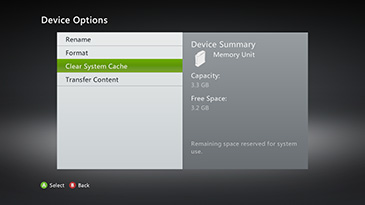
Clearing your Xbox 360 cache gets rid of old system files that may be preventing your system from reading the disc you're currently trying to play. You can clear your cache through the console's system menu by doing the following:
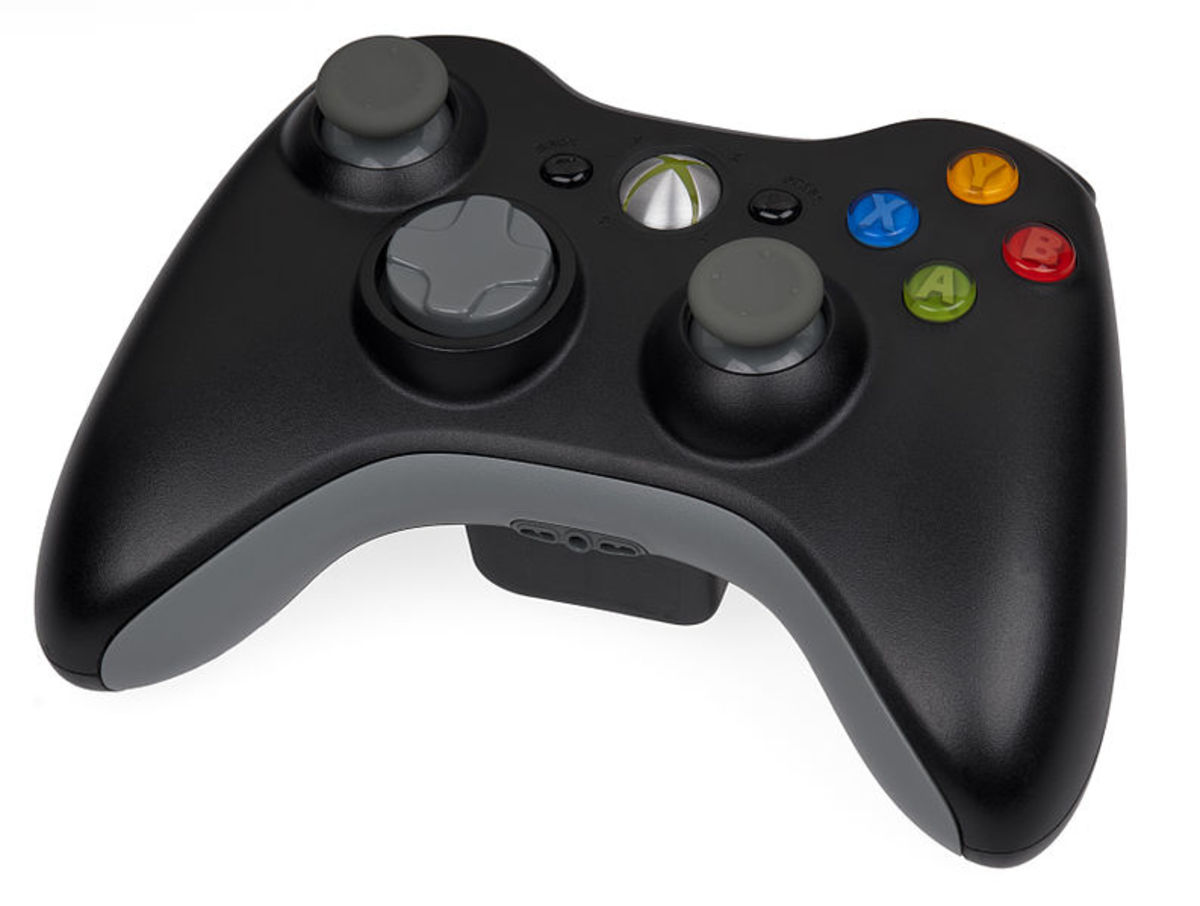
- Press the green and gray "X" button in the center of your Xbox 360 remote control
- Move the right analog stick right to select the "Settings" tab.
- Move the left analog stick down to select "System Settings."
- Select "Storage" and then press "A."
- Press "Y" on any of the storage devices that appear. You can select any storage device because clearing the system cache on one device clears the system cache for the rest of the devices.
- Highlight "Clear System Cache" and then press "A."
- Highlight "Yes" and press "A" again to verify that you want to clear the system cache.
- Re-insert the same disc the console wouldn't recognize before to see if it will read it now.
More Technology Articles!
- How to Make Xbox Live Faster
Before taking a hammer to your Xbox because your Xbox Live connection isn't performing up to par, walk through a variety of troubleshooting techniques that can speed up both wired and wireless connections. - How to Surf the Web Anonymously
Learn how to initiate an anonymous Web surfing session that won't be tracked and people won't have any way of knowing what you were doing or what sites you looked at.
Remove Xbox 360 Hard Drive
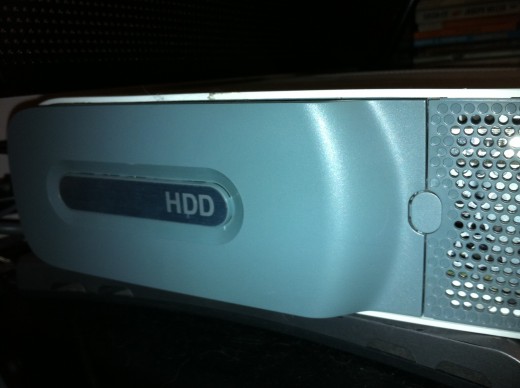
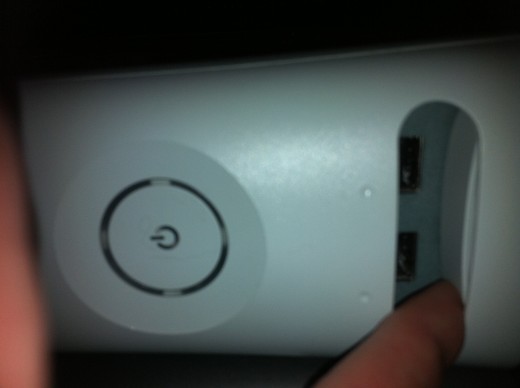
The Xbox 360's issues playing the game disc might be related to the hard drive that is attached to the console -- if you have a hard drive. Briefly detach the hard drive from the console and then try playing your game without the hard drive attached. If the game works, you may want to consider replacing the hard drive. You can remove the hard drive from the Xbox 360 console by doing the following:
- Power down the Xbox 360 console. The hard drive is located along the left edge of your Xbox 360 and protrudes slightly from your console.
- Press the small gray button located between the hard drive and a vent to eject the hard drive from your Xbox 360 console.
- Carefully grab the edges of the hard drive and then lift and remove it from the Xbox 360 console.
- Try playing the game disc you previously couldn't play.
Disconnect Memory and USB Devices
Connected memory and USB devices could be preventing your Xbox 360 from playing a game. Power down your Xbox 360 and disconnect any of those types of devices. Reboot your Xbox 360 and then try playing the game you've had issues playing.
Region Code
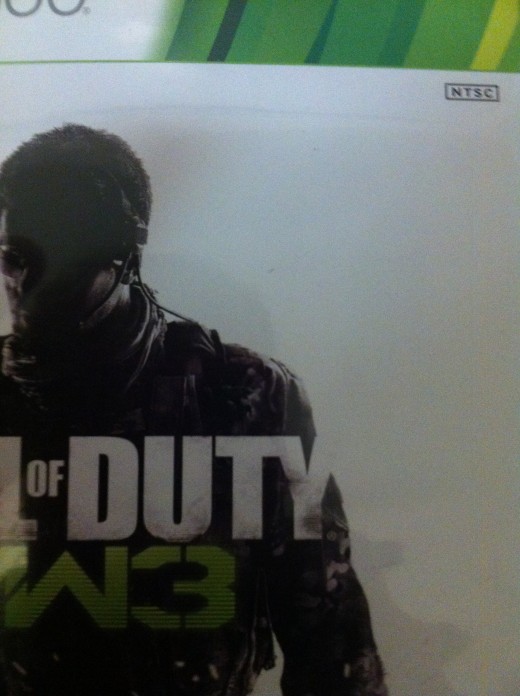
The game you're trying to play may be an Xbox 360 game, but it may not be compatible with the region code associated with where your Xbox 360 game console was purchased. For example, Xbox 360 game consoles purchased in the United States can play National Television System Committee (NTSC) marked games. If you try playing an Xbox 360 game that's not approved for play in the United States, your console won't be able to play that specific game.