- HubPages»
- Games, Toys, and Hobbies»
- Computer & Video Games»
- Video Game Consoles»
- Microsoft Consoles
Troubleshoot Frozen Xbox 360 Screen

Introduction
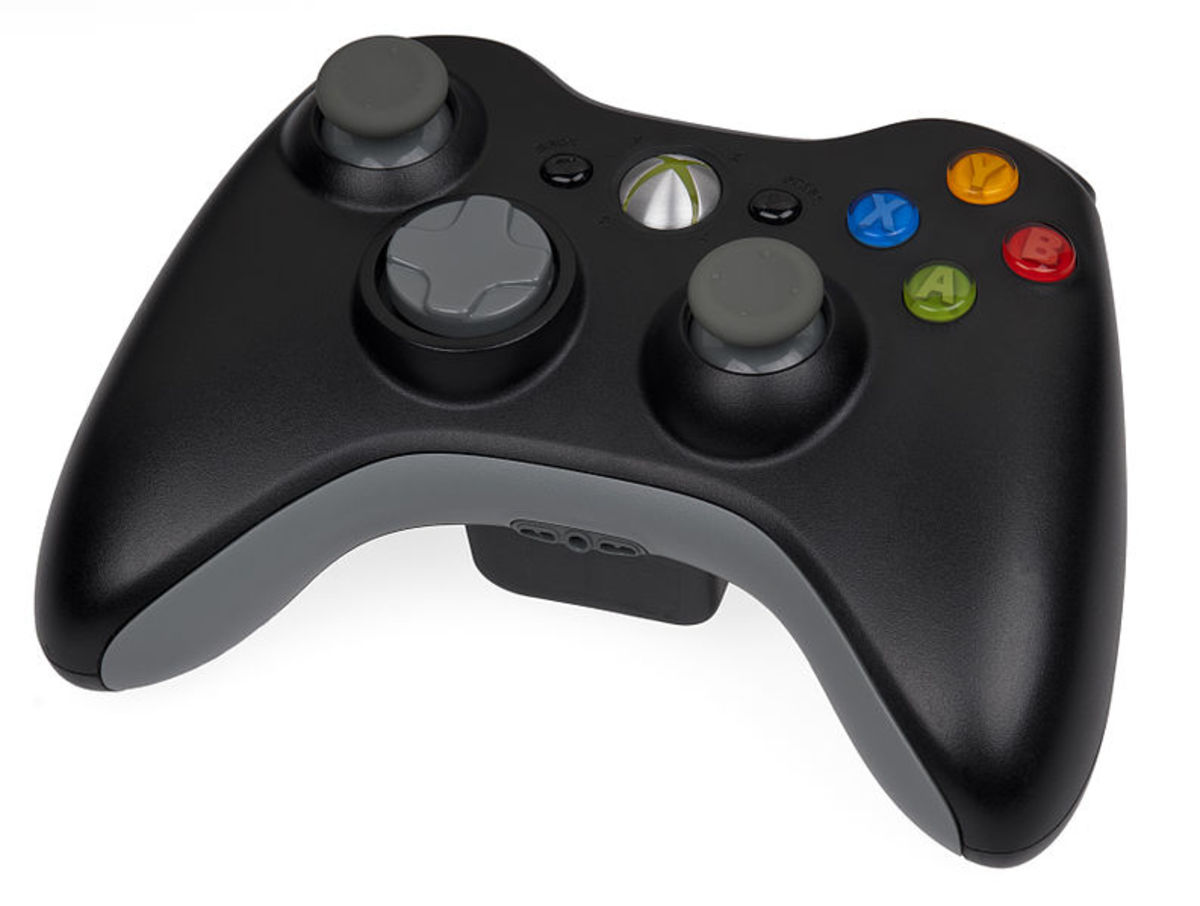
A frozen Xbox 360 can ruin your gaming experience. The problem can be with the game you're trying to play or a larger problem with the Xbox 360 console itself. To begin troubleshooting the problem, you have to first press the "Xbox" button in the center of the wireless remote control. If the Xbox dashboard doesn't appear, use the first section to troubleshoot your problem; if you press the "Xbox" button and the dashboard appears, use the second section to troubleshoot your problem. Most of the time the problem can be resolved, but in the worst of cases, your Xbox 360 may be beyond repair.
Clear Xbox 360 Cache Illustration
Click thumbnail to view full-size


More Technology Articles!
- How to Use Google Voice for Free Texting on iPhone
Learn how to use Google Voice to send and receive free text messages on your iPhone. You can set your iPhone up to function exactly like the default Messages app on your iPhone. - How to Remove Disc Stuck in Xbox 360 Disc Tray
Learn how to troubleshoot a stuck Xbox 360 / 360 S disc tray so you can try fixing your console on your own and potentially spare yourself the headache of taking it to a repair person or sending it back to Microsoft.
If You Can't Press the Xbox button and Open the Dashboard
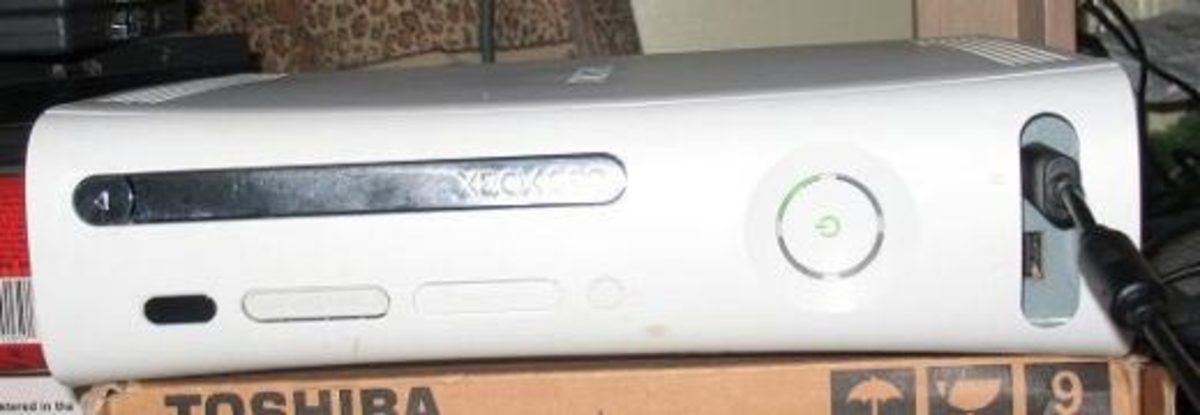
- The Xbox 360 may be frozen as a result of overheating. This is especially common in older models of the Xbox 360; each newer model of the Xbox 360 that's been released has a more efficient built-in cooling system to protect against overheating. Make sure the Xbox 360 has at least four inches of space on each side and isn't surrounded by other devices. Try connecting a USB cooling fan to the Xbox 360 to help protect against overheating. Also, to help make sure the Xbox 360 can breathe properly, make sure it's located on a hard flat surface. If you place the device on a surface that is soft, the Xbox may sink into the surface and the vents on the bottom of the Xbox 360 may not be able to circulate through the device, restricting its ability to cool properly.
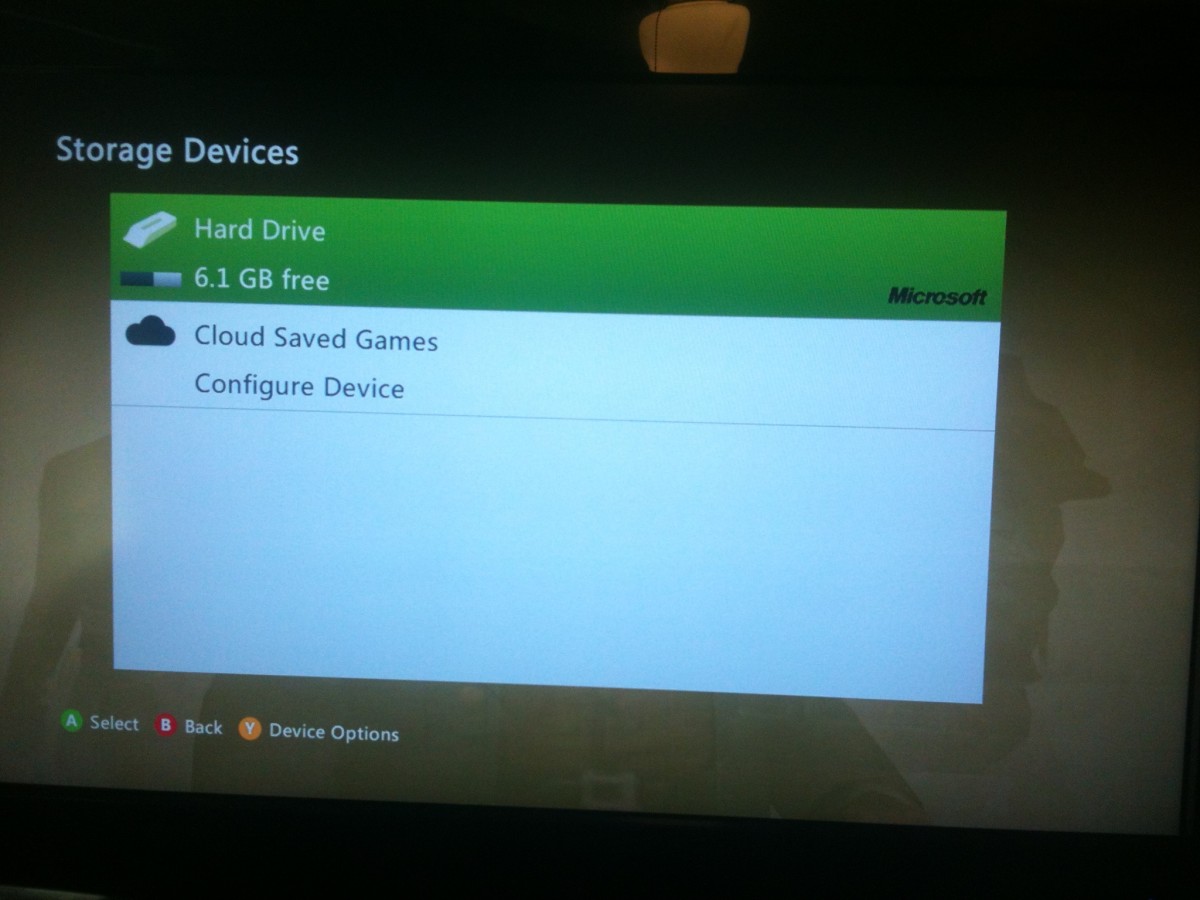
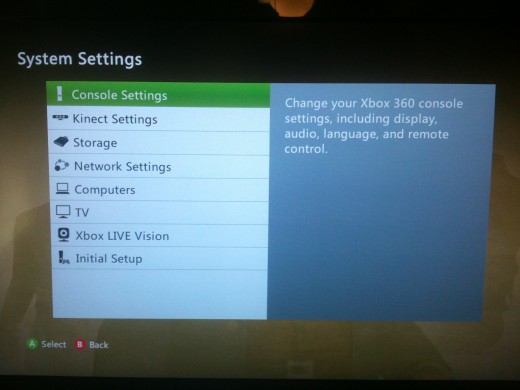
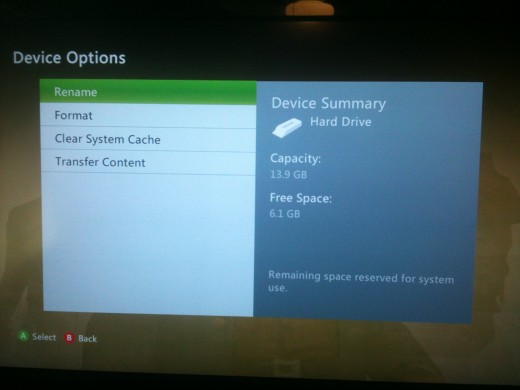
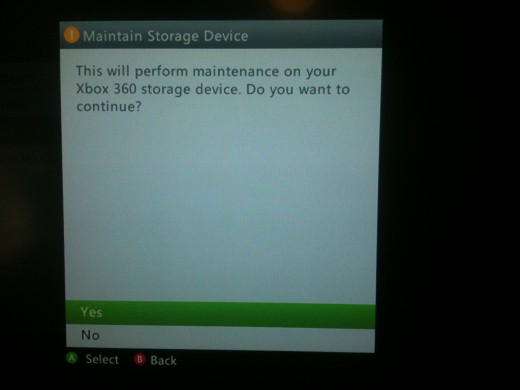
- Old system files in your Xbox 360's cache may be causing your device to lock up. You can clear the device's cache by doing the following:
- Press the "Xbox" button in the center of the Xbox 360's wireless remote controller.
- Move your analog stick to the right to highlight the Settings tab.
- Highlight "System Settings" with the right analog stick and then press "A."
- Highlight "Storage" and then press "A."
- Highlight "Hard Drive" and then press "Y."
- Highlight "Yes" and then press "A" to clear your Xbox 360's cache.
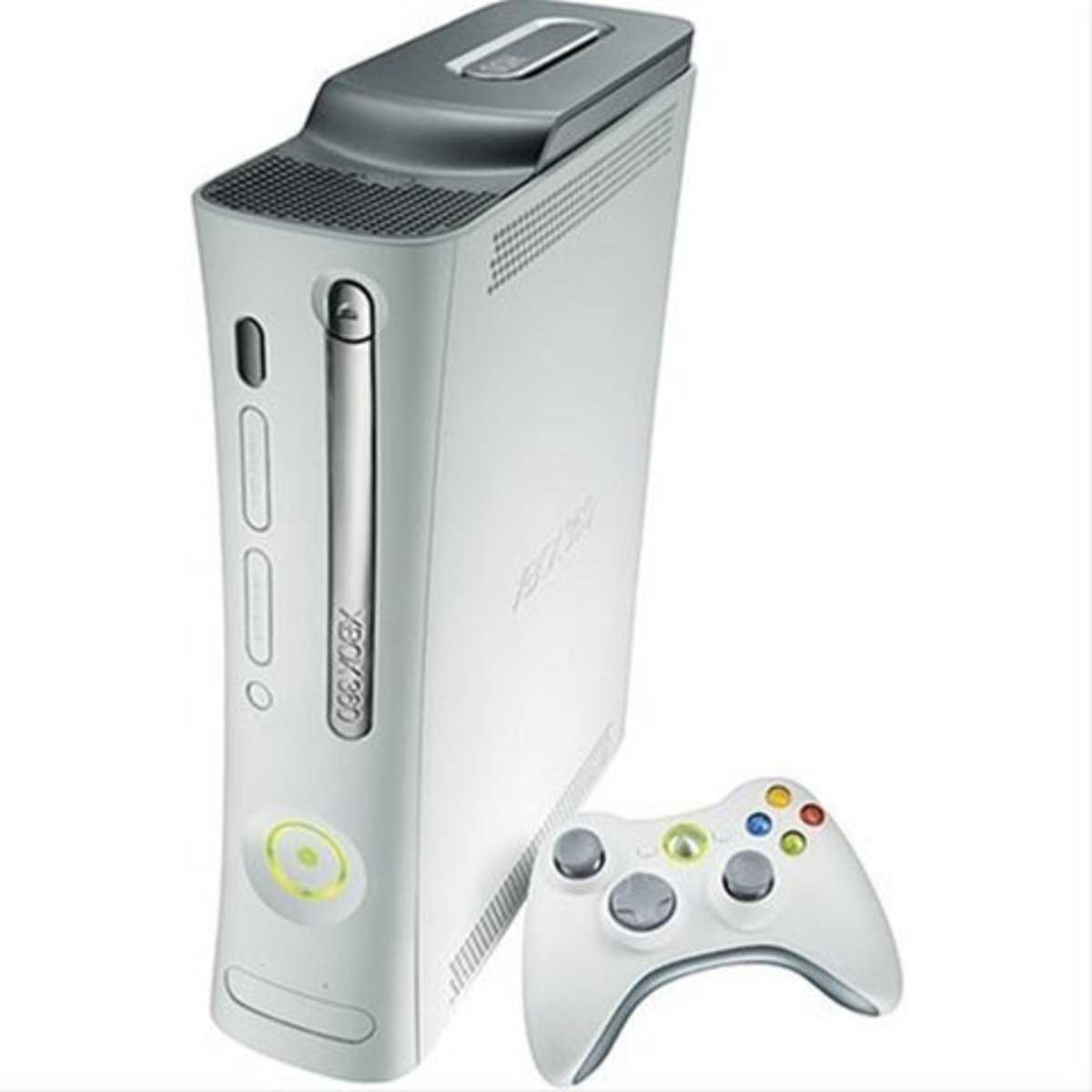
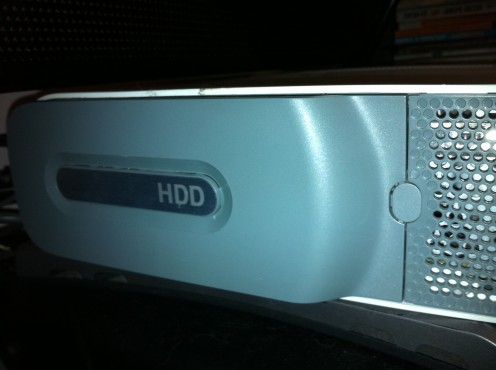
- If your Xbox 360 has a hard drive attached to it, that hard drive may be what's causing your Xbox 360 to lock up. You can remove your old model Xbox 360's hard drive by pressing the small circle button toward the front of the hard drive on the left side of the Xbox 360 console to eject the hard drive from the device and then remove the hard drive from the Xbox 360. You can remove the hard drive from the Xbox 360 S by pushing the release button on the rear right side of the device to open a small door exposing the hard drive. Grab the tab exposed by opening the hard drive door, grab the tab that is exposed inside of the hard drive cover and pull the tab out of the Xbox 360 S. The tab is attached to the device's hard drive, and the hard will come out of the device with the tab. Try doing whatever you were doing when the Xbox 360 locked up to see if you're still experiencing the problem.
More Technology Articles!
- How to Improve Your Wireless Signal
Is your wireless signal constantly weak and doesn't reach as far as you feel like it should? Read this article to find out several things you can do to improve your wireless signal. - How to Take a Screenshot on iPhone, iPad or iPod Touch
Learn how to take a screenshot of your iPhone, iPad or iPod touch screen so you can better illustrate what you're seeing to other people for help with your device, to help other people, brag about a high score and more.
If Pressing the Xbox Button Opens the Dashboard
- Remove the game disc that freezes up from your Xbox 360 and insert a different game to see if you experience the problems with other games or just with one game in particular. If the problem is just with one game, proceed to the next section. However, if the problem occurs with any other game you put in the device, the Xbox 360's internal components may be damaged as a result of regular overheating. If your Xbox 360 is still under warranty, contact Microsoft about your problem. However, if your Xbox 360 is no longer under warranty, the device may not be capable of being repaired without diagnosing and replacing major system components, and you're most likely better off getting a new console.
- The problem may be the result of the disc that's in the Xbox 360 console. Eject the disc from the console and check it for dirt or damage. Wipe the disc off using a soft damp cloth to remove any dirt from the disc. However, if the disc is physically damaged, such as being cracked or warped, there is nothing you can do to restore the disc back to a usable form and you'll either need to purchase another copy of the disc or live without it. For more information about the Xbox 360 having difficulties reading a disc, see the following article: How to Troubleshoot Xbox 360 Problems Reading a Game Disc.
- If the Xbox 360 froze while you were playing a game on Xbox Live, your Xbox 360's Internet connection may be weak. Check out the following article for tips about how to make your Xbox Live connection faster: How to Make Xbox Live Faster.