Google Analytics - Maximize Your HubPages Earnings

79Google Analytics is a free, user-friendly website traffic reporting and analysis tool provided by Google. It generates detailed information about visitors to the website, their traffic sources, referring search engine or website, google adsense earnings, and a lot more. If used in conjunction with the Google Adsense Reports, it is a powerful tool that you can use to optimize your earnings from your existing websites and blogsites, especially HubPages.
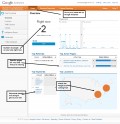
The reports Google Analytics generates are highly customizable. You may choose how the information is presented or displayed. You may also customize what information to include and exclude from the different reports. If properly set up and used with HubPages, it can tell you which of your hubs are getting frequent visitors, how often ads are being clicked, and most importanly, how much you are getting for each click: an invaluable information if you want to maximize your HubPages earnings.
Tweaking your Hubs

Google Adsense Books
|
Make Money With Google Adsense - Chapter 1
Price: $0.89
|
|
Make Money With Google Adsense - Chapter 1
Price: $0.89
|
|
Make Money With Google Adsense - Chapter 3
Price: $0.89
|
|
Make Money With Google Adsense - Chapter 3
Price: $0.89
|
Google Analytics Books
|
Advanced Web Metrics with Google Analytics
Price: $20.86
List Price: $39.99 |
|
Google Analytics 2.0
Price: $9.62
List Price: $29.99 |
|
Web Analytics: An Hour a Day
Price: $14.97
List Price: $29.99 |
|
Google Business Solutions All-in-One For Dummies
Price: $18.76
List Price: $34.99 |
If you know which of your hubs are getting constant ad clicks and which ones are getting high cost per click (CPC), you can adjust your strategy in earning more money with HubPages. You may write more hubs with a similar topic to the high earning hubs. You may take note of what advertisements are showing on those high-earning hubs and target those advertisements on another new hub. Or you may want to edit and modify your non-performing hubs to possibly increase their earnings. Experiment on new or additional tags. You may also experiment with geo-targetting since information is available on what part of the world the visitors to your hubs are coming from. The possibilities are endless and limited only by your own creativity.
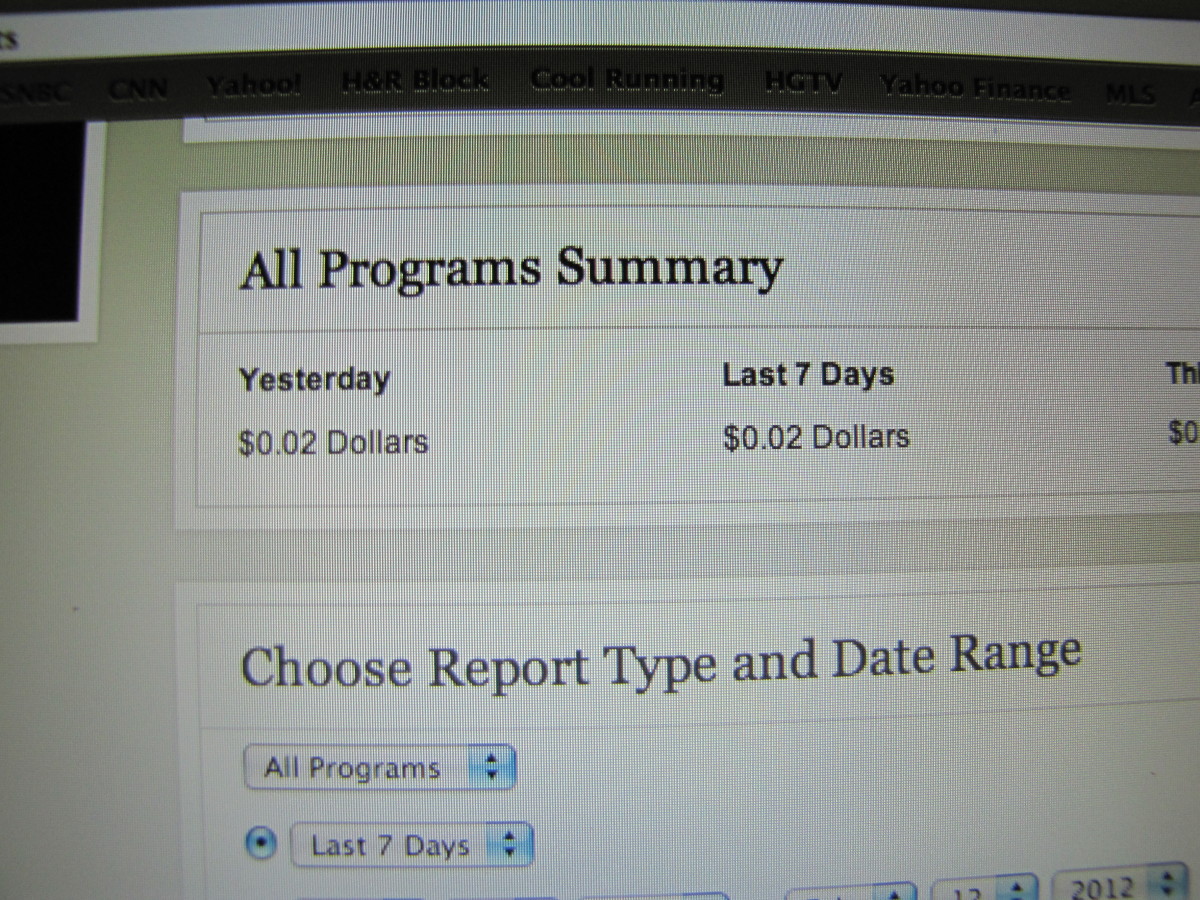
But Google Analytics has to be set up properly before it becomes truly useful and provide you with the invaluable information that you need. Improper setup will make it useless. You will find that no report will come in from your hubs. This actually happened to me and I would like to share the experience so you may not make the same mistake that I did. I noticed on my Google Adsense Reports that I was getting three dollars ($3.00) on a single click and I wanted to know where the money was coming from. I went to my Google Analytics account and there was no report of it whatsoever - I made a mistake in creating the profile.
I would therefore like to show you how to properly setup Google Analytics for use with HubPages. It is very simple and only needs a few steps.
1. Sign up for a Google Analytics account - http://www.google.com/analytics.
2. Log in to your Google Analytics account and create a profile.
3. Track the website http://hubpages.com. You do not need to create independent profiles for each of your hubs. This is the most important - when you create a Google Analytics profile, enter the URL http://hubpages.com. You do not need to enter the URLs of your different hubs. Google Analytics will be able to track and report on all your existing hubs and any additional hubs that you write and publish with just this single URL information and a single profile.
4. Take note of the profile's UA-code. It is an ID of the form "UA-XXXXXXXX-X", where X stands for a number. It could look like this: UA-80083212-2. Go back to HubPages and go to the Affiliate Settings. Fill in required UA-code for Google Analytics.
5. It may take some time, maybe several hours before reports from your hubs come in.
Related Articles
- Make Money With HubPages - Getting Started Real Quick
- Make Money Online Writing Articles With HubPages
- Make Money Online - HubPages Versus Your Own Website
- How to Increase Traffic to your Websites or Hubs
- Google Adsense - How to Get Instant Approval as a Publisher
- Google Adsense and HubPages - Make Money Blogging
- Google Analytics - Maximize Your HubPages Earnings
- Google PageRank - How to Find Out a Website's PageRank

PrintShare it! — Rate it: up down flag this hub
Comments
i will try to do this.... hopeless i am but i want to try to make some cash then maybe i can be a full time writer, and not get sooooo distracted with all the fun on here.... we will see what happens
I use google analytics a lot.
LVM, it's great to hear that from you.
Thanks for the information angel. Helpful :)
Thank you for the comment. I use GA but not for hub pages.
Ghillie, thanks for taking the time to drop by.
Thank you for showing me how to set up Google Analytics properly.
Manila Girl, you're welcome. I hope you drop by once in a while and check out my hubs. Thank you too.
thanks for checking out my hub, I am also interested in traffic stats and have quite a few web 2.0 sites up. I did not post in my analytics code to HP until I read your post here, so thanks for the tip Angel.
quickestway, you are welcome. I'm glad you are now using it to your advantage.
This is what I needed most, thank you for the info.
Bless You Angel.....I am going to give this a try and I hope and pray your days are truly blessed.
Kindest Regards,
SP
Pinoys and divinemercylover1, thanks for the visit. Happy hubbing and using Google Analytics.
Excellent content Angel, I was aware of this but it was an informative read nonetheless.
thooghun, thanks for your wonderful comment. It will encourage me write more hubs.
Excellent step-by-step guideline. Thanks for the hub - I am jumping over to Google Analytics now to get set up.
Thanks for the info you were very helpful!
Wendy Graham, you are very welcome.
Thank you for putting this info out there. Found you hub and it was very helpful :-) Rock on :-)
pddm67, I'm glad to know you found the hub useful.
really handy for me thanks.
Rebecca E, thank you too for reading my hub and taking time to leave a comment.
very nice information. thanks for share your experience using Google-Analytics. I hope it run well for me. getting $3 in single click is nice income. I believe it will increasing in the future.
Useful for me.
Thanks.
Thanks for the great info on the importance of Google Analytics...it helped me understand it better!
Really Good info thank you.
good friend
really useful friend ,... i tried out and suceeded
More exceptionally useful information thank you! I know I'm going to be coming back to your hubs again and again!
Google Analytics - Maximize Your HubPages Earnings in the News
- In hard times, consumers find ways to save money onlineLexington Clipper-Herald36 hours ago
(ARA) - In the midst of a recession, times are hard for many people. Money is tight, and many consumers are in need of ways to save money on their everyday expenses. Brands and manufacturers are increasing online coupon and free sample offers to gain the attention of consumers in need of savings.
- Eight tips for safe online shoppingWashington Post2 days ago
Shopping online is a great way to save time and money, but those efficiencies quickly vanish for people who lack basic online shopping smarts. Take a few minutes to review these safe shopping tips: They may just save you a world of headache and financial pain. 1. Shop with a credit card, not a debit...
- Online may be retail's Christmas star for '09MalaysiaNews.net2 days ago
Free shipping is an online shopping lure. “Consumers expect free shipping,” said Andrew Lipsman, comScore director of industry analysis. “So it becomes the cost of making an online sale.”


kirstenblog says:
4 months ago
Thanks for the info, I bet it will come in handy for new comers! I had problems setting up my analytics account too, got a click and wondered where it came from, am still wondering lol as I wasn't set up properly! Annoying and I hope that new folks here will find this hub page and maybe avoid making the same mistakes. Cheers!